8-9Lasair® Pro Aerosol Particle Counter Operations Manual
Chapter 8 : Locations
Buttons
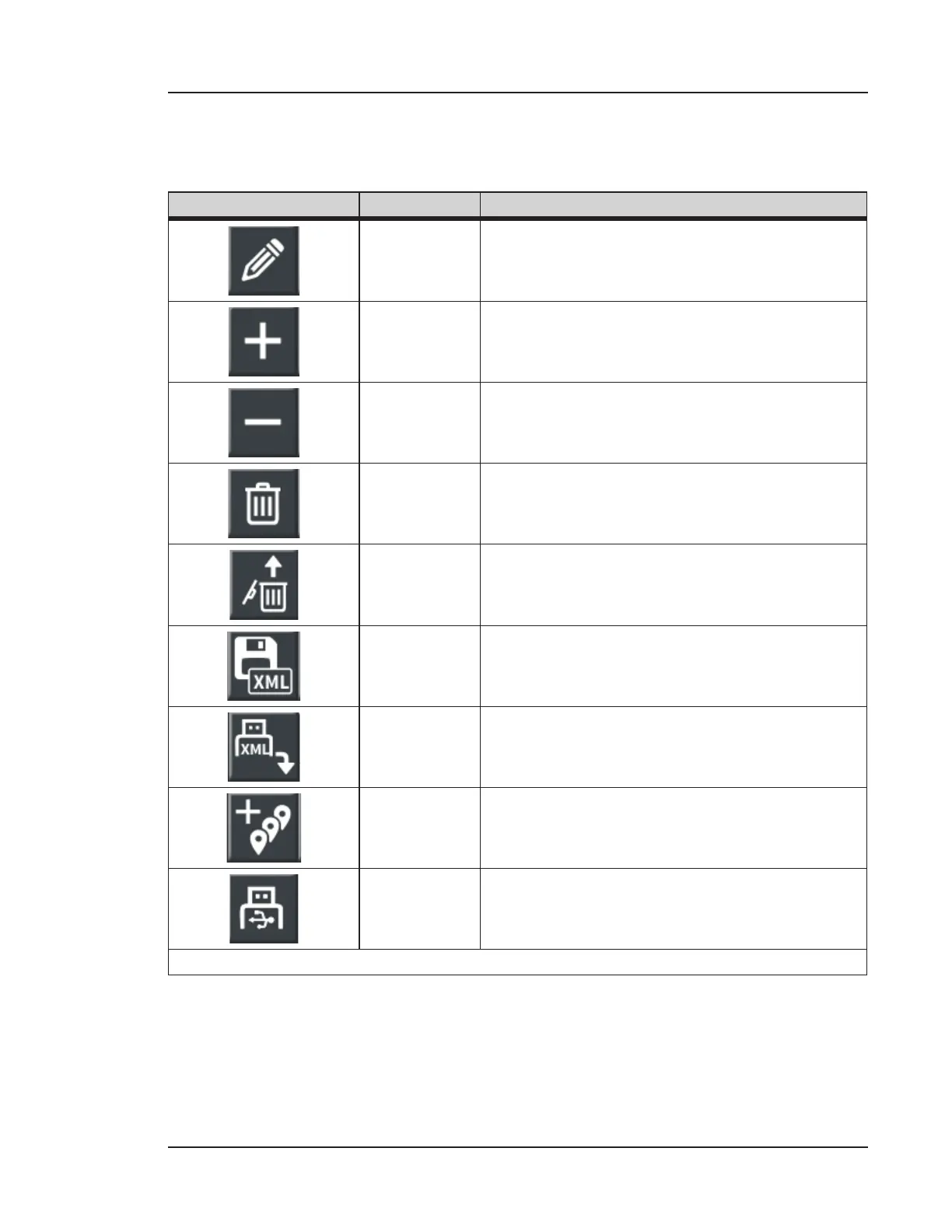
The following table lists the buttons of the LOCATIONS screen.
Image Name Description
Edit Item Allows the modification of the selected entry.
Add Item
Enables the entry of a new area, room, or
location.
Remove
Selected
Removes selected area, room or location data. A
confirmation window appears.
Delete All
Facilities
Deletes all saved area, room, location, and
hierarchy data. A confirmation window appears
aer pressing.
Recover
Location
Data
Only appears aer pressing the Delete All
Location Data button and confirming. Allows
the user to revert the change aer confirmation.
Export
Facilities
Saves all area, room, location, and hierarchy
data in an XML file. This button is only activated
when a USB key is inserted.
Import
Facilities
Loads location settings from a USB. This button
is only activated when a USB key is inserted.
Auto Fill
Automatically numbers new locations from 1 to
N, where N is selected by the user and may be
up to 100.
Save to USB
Saves the Location Hierarchy Report to the USB
as a PDF file. This button is only activated when
a USB key is inserted.
Table 8-1. Buttons of the LOCATIONS screen



 To Next Page