4-21Lasair® Pro Aerosol Particle Counter Operations Manual
Chapter 4 : Connections
In Particle Measuring Systems instruments the MAC address is set during production. The
value is permanently stored in non-volatile memory on the main processor circuit board.
(The MAC address will change if the main circuit board is replaced.) The MAC address may
be displayed via the HyperTerminal (i.e., USB Micro B service interface) by using the status
command.
Routers and switches keep track of which MAC address is attached where. For that reason,
it is important for the instrument to tell a router or switch who is attached. For all Particle
Measuring Systems instruments, this is done at least once when the instrument boots.
In some newer instruments, the MAC address is announced to the switch or router every
time a network connection is detected. Without this mechanism, it would be possible for
routers to operate for an extended period of time without recognizing which MAC address
is mapped to which IP address.
Saving Network Settings
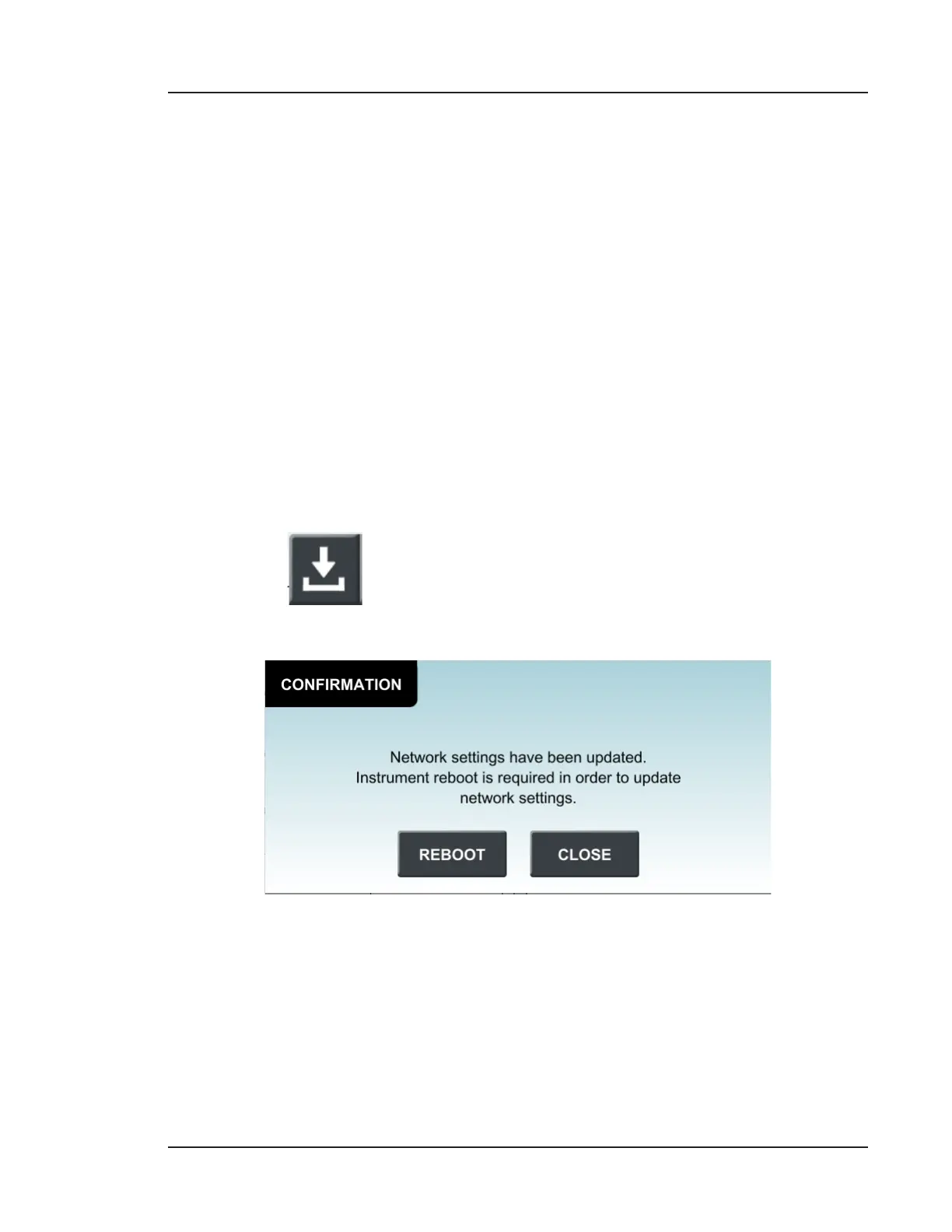
Aer making changes to the IP Address, Network Mask, Gateway Address or Multicast
Address, press to save settings. The Lasair Pro will reboot with the new settings
aer confirmation.
Figure 4-10. Confirm network settings



 To Next Page