C-1Lasair® Pro Aerosol Particle Counter Operations Manual
Connectivity
These steps may be used to check communications to an Ethernet device.
1. Check for light on LEDs of the Ethernet connector. There should be at least one
steady light to indicate a connection. If not, there is hardware connection problem.
a. Is the cable bad?
i. Try a dierent cable.
ii. If there is a direct laptop to instrument connection, a cross-over cable
may be required. Cross-over cables are specially marked as such.
PMS cross-over cable: P/N 1000011477
b. Is the other end of the cable alive?
Does a known good device work when connected instead?
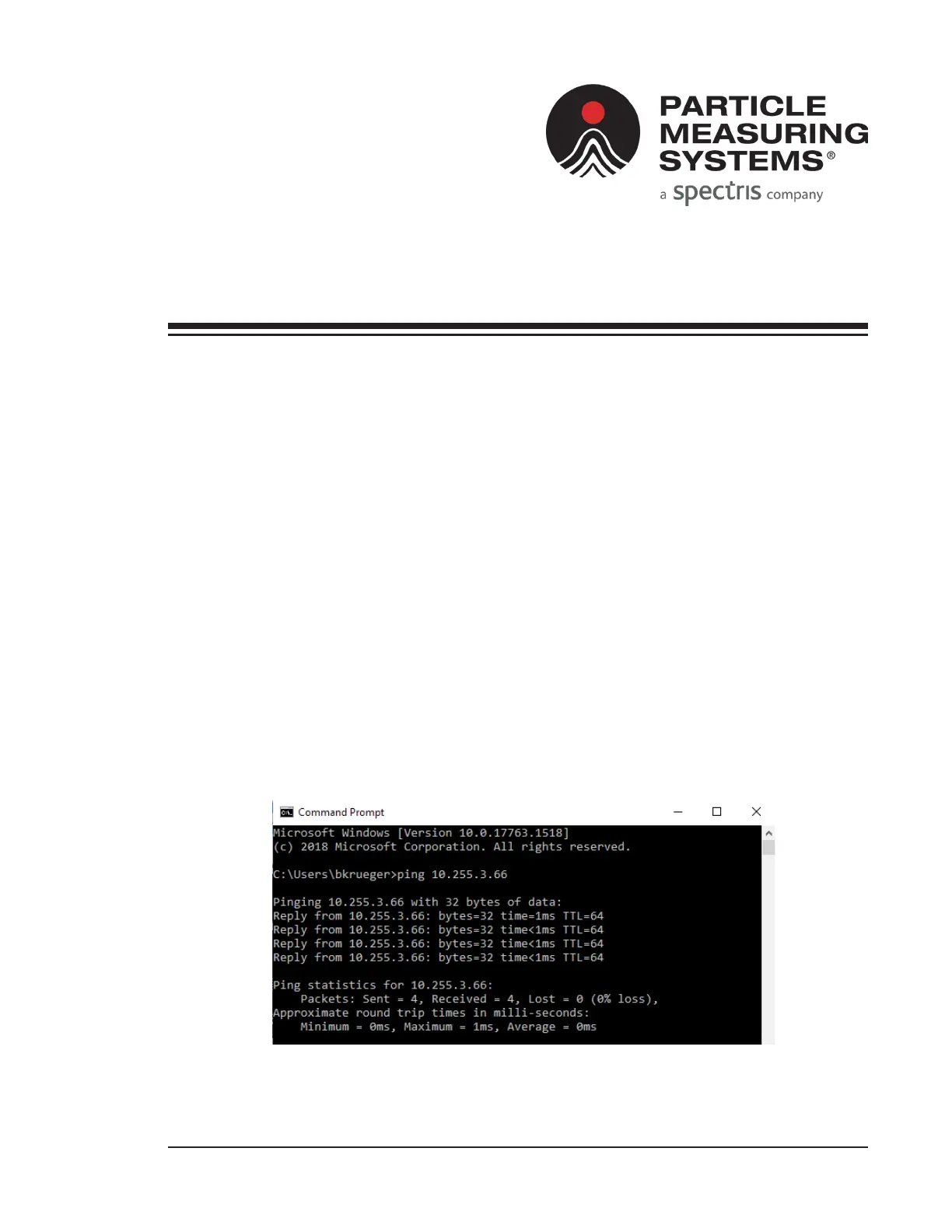
2. Verify the device can talk using ping.
a. Open a command prompt on a PC, and type ping aaa.bbb.ccc.ddd where
aaa.bbb.ccc.ddd is the address of the device.
If there is no response, there is an addressing problem.
Figure C-1. Example for ping test
Appendix C
Troubleshooting Ethernet



 To Next Page