Chapter 6 : Security
6-14 Lasair® Pro Aerosol Particle Counter Operations Manual
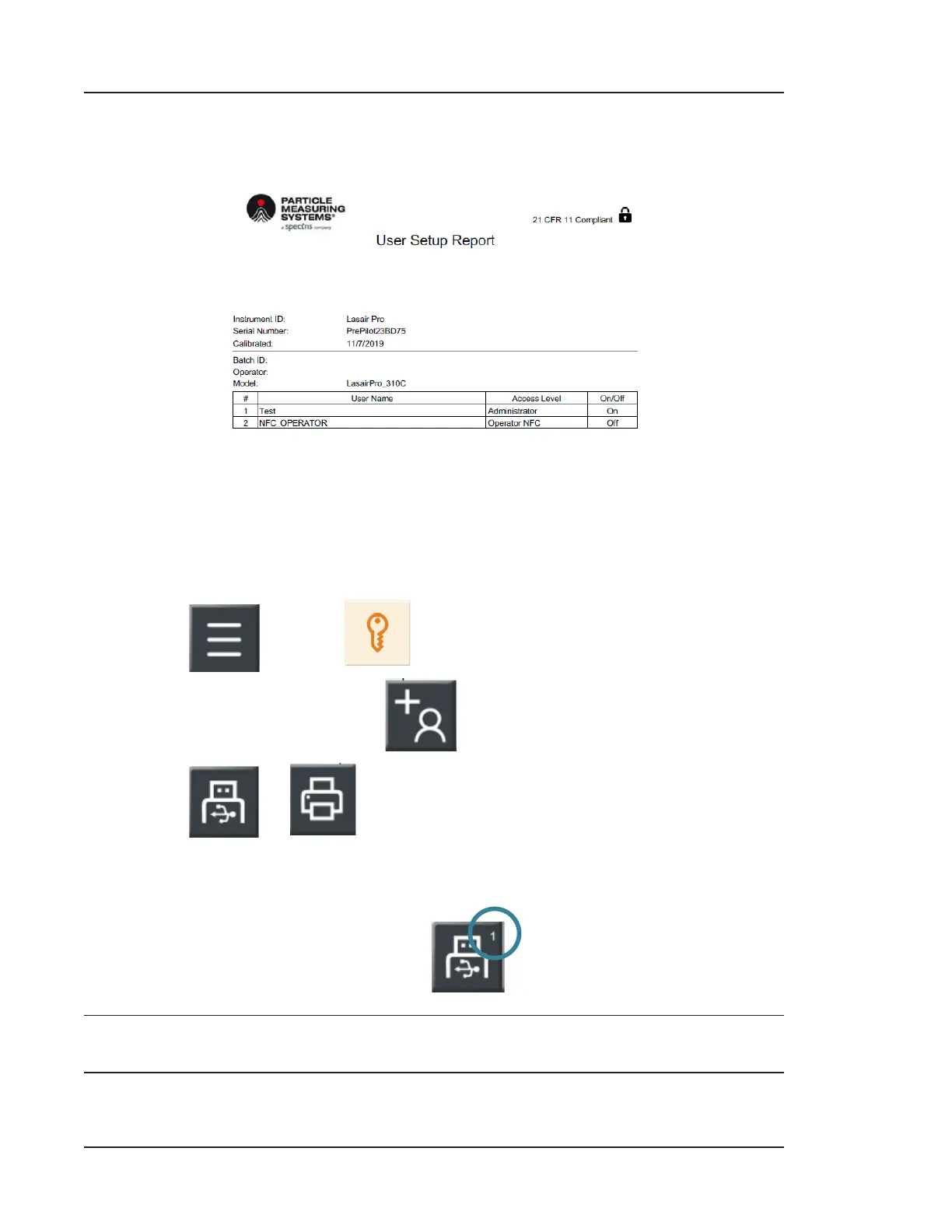
Example User Setup Report
Figure 6-9. Example User Setup Report
To generate your User Setup Report:
The report will list all current users. If no users are created, the report will generate an
empty table.
1. Press
and then (SECURITY).
2. Go to the USERS tab and press
.
3. Press or , depending on where you want the report to print.
4. When you see a small number in the top-right corner of the print icon chosen, the
report is queuing. Do not remove the USB key at this time.
Example:
NOTE: Security does not need to be enabled to generate a report.


 To Next Page