6-13Lasair® Pro Aerosol Particle Counter Operations Manual
Chapter 6 : Security
Image Name Description
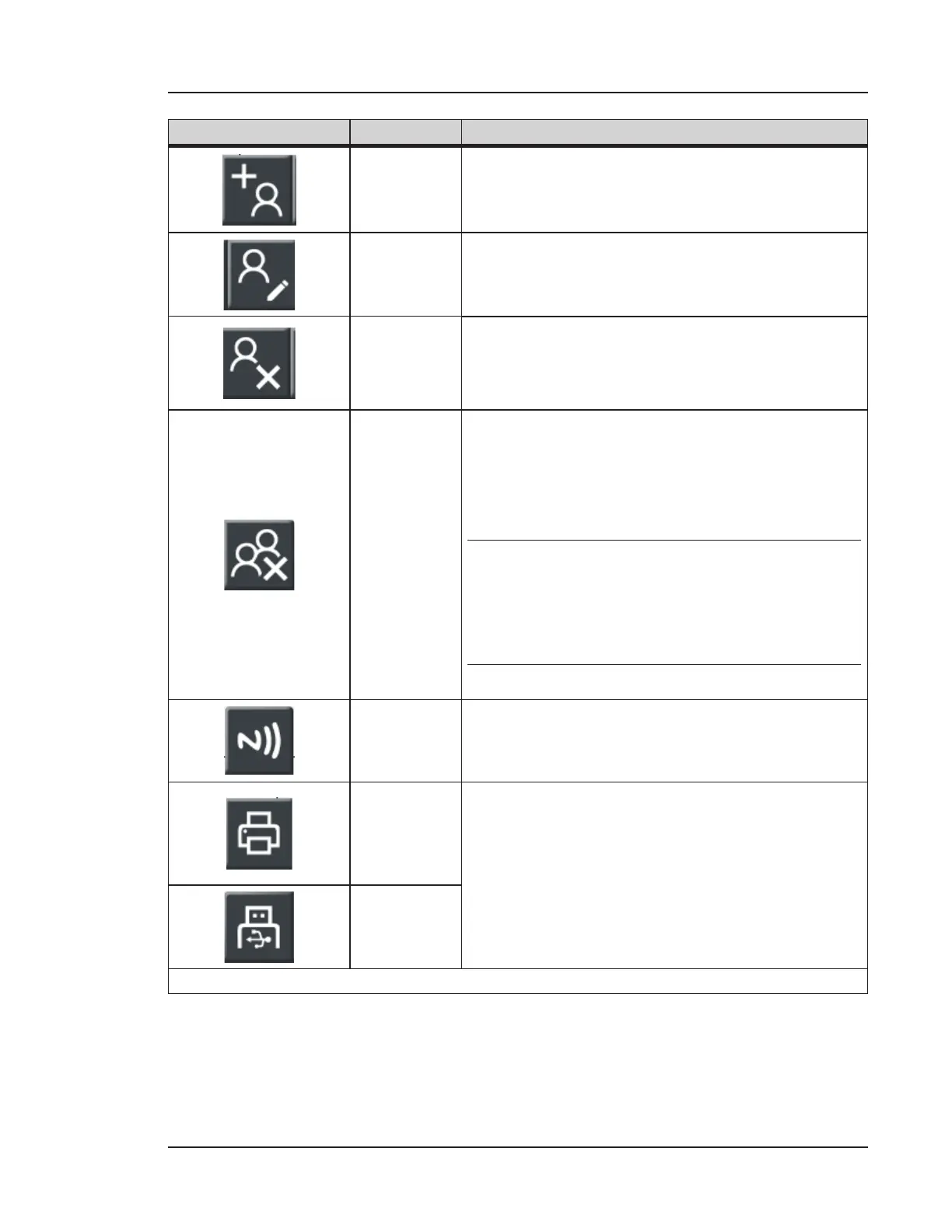
Add
Allows for the entry of a new user.
The Administrator user can add up to 100 users to
be saved on the Lasair Pro.
Modify
The user name, password, and access level can be
modified aer user creation. Aer selecting a user
from the list, press this button to edit.
Delete
Users can be deleted at any time by an
administrator, or by the current user if security
is not enabled. Select the user to be deleted and
press this button to delete.
Delete All
Allows for the deletion of a user.
To delete a specific user, first press anywhere
inside the specific row and press the “delete”
button.
NOTE: When security is enabled, the
instrument prevents the removal of
the Administrator account currently
logged into the instrument.
Write to
NFC Card
Opens the Create NFC User Card window. Only
active when an NFC user has been created.
Print
The print buttons allow the Administrator to print
the User Setup Report to either thermal printer
or the USB key. The Print to USB button is only
activated when a USB key is inserted.
The report lists usernames with their access level
and enable status.
Print to
USB
Table 6-4. USERS tab, SECURITY


 To Next Page