Chapter 5 : Sampling Options
5-4 Lasair® Pro Aerosol Particle Counter Operations Manual
Buttons
Image Name Description
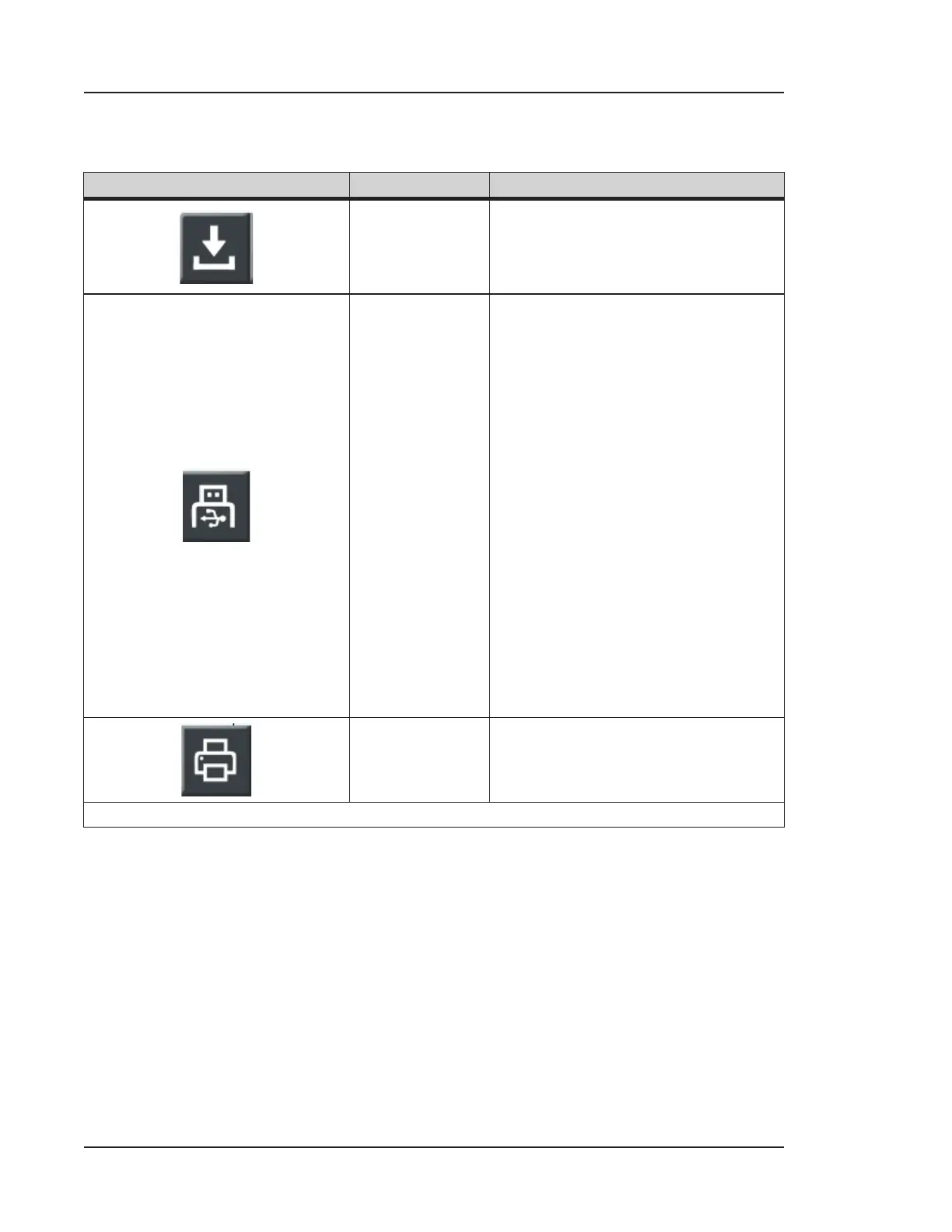
Save as Recipe
Opens the keyboard to name the
recipe configuration. For more
information on recipes, see Chapter
9.
Save to USB
Saves the Sampling Setup Report
as a PDF to the USB key. This button
is only activated when a USB key
is inserted. Saved information
includes:
• Sampling Plan Data (Sample
Time or Volume, Number
of Samples, Units, Delays,
Group Report Mode,
Continuous Pump, Beep,
Autoprint, USB Report)
• Global Alarm Settings
(Master, Beep, Autoprint)
• Particle Alarm Settings
• Environmental Alarm
Settings
• Trend Alarm Settings
Print
Prints the Monitoring Setup Report
to the thermal printer.
Table 5-1. SETTINGS tab, SAMPLE



 To Next Page