10-21Lasair® Pro Aerosol Particle Counter Operations Manual
Chapter 10 : Display, Data and Reports
Options
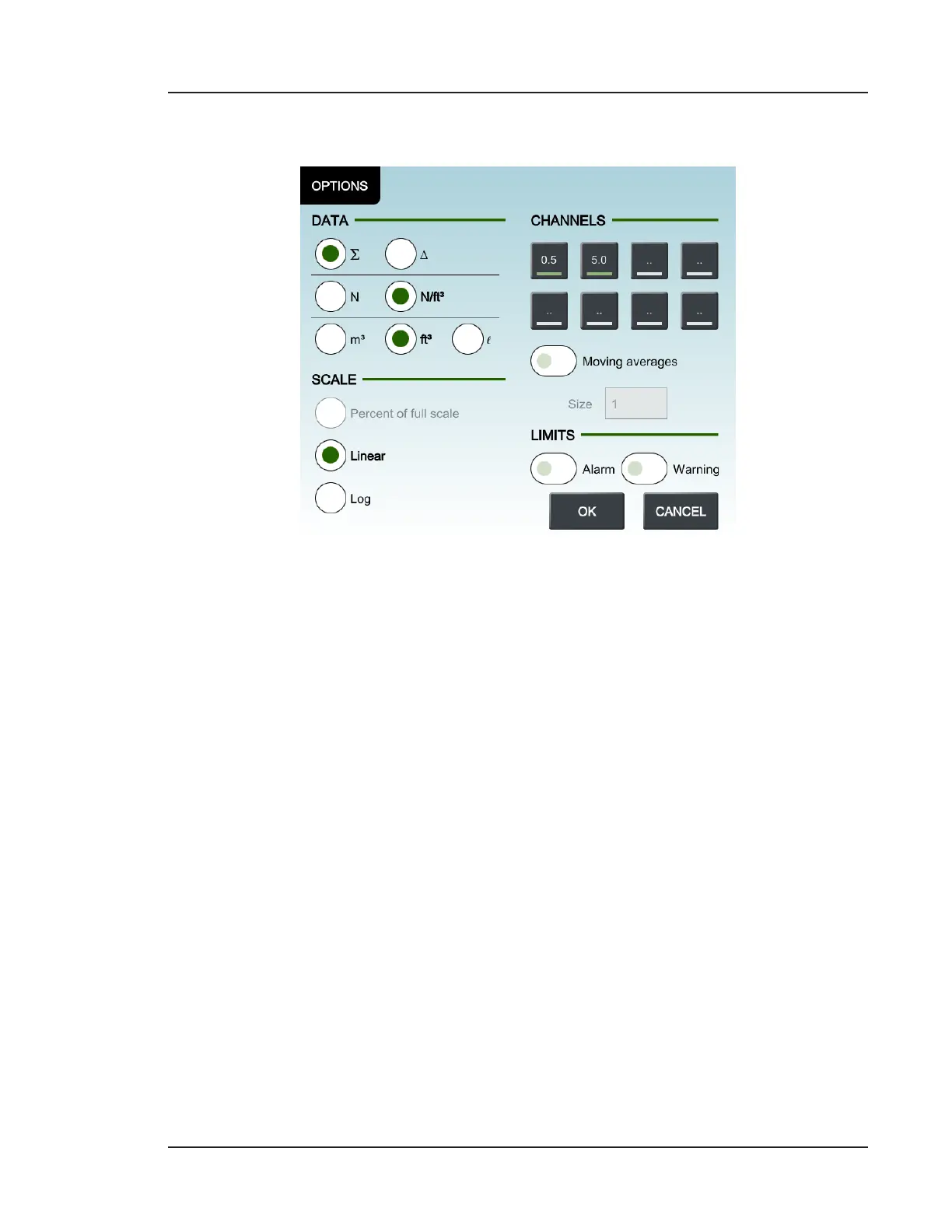
Figure 10-10. Options dialog
Data
Allows the user to configure the units of their sampling data.
• Cumulative(∑): Sets the data display to cumulative counts only.
• Dierential(): Sets the data display to dierential counts only.
• Raw(N): Sets the data display as raw particle counts
• N/volume: Sets the data display as normalized. Volume units are set below this
option.
• Volume units: Defined as either m
3
,
3
, or l.
Scale
• Percent of full scale: Displays the size channel’s value as a percentage of the
current maximum value.
• Linear: Displays the size channel’s value as a comparison to the linear maximum
y-axis value. The value is located above each bar.
• Log: Displays the size channel’s value as a comparison to the logarithmic
maximum y-axis value. The value is located above each bar.


 To Next Page