8-7Lasair® Pro Aerosol Particle Counter Operations Manual
Chapter 8 : Locations
Assigning a Location to a New Sample
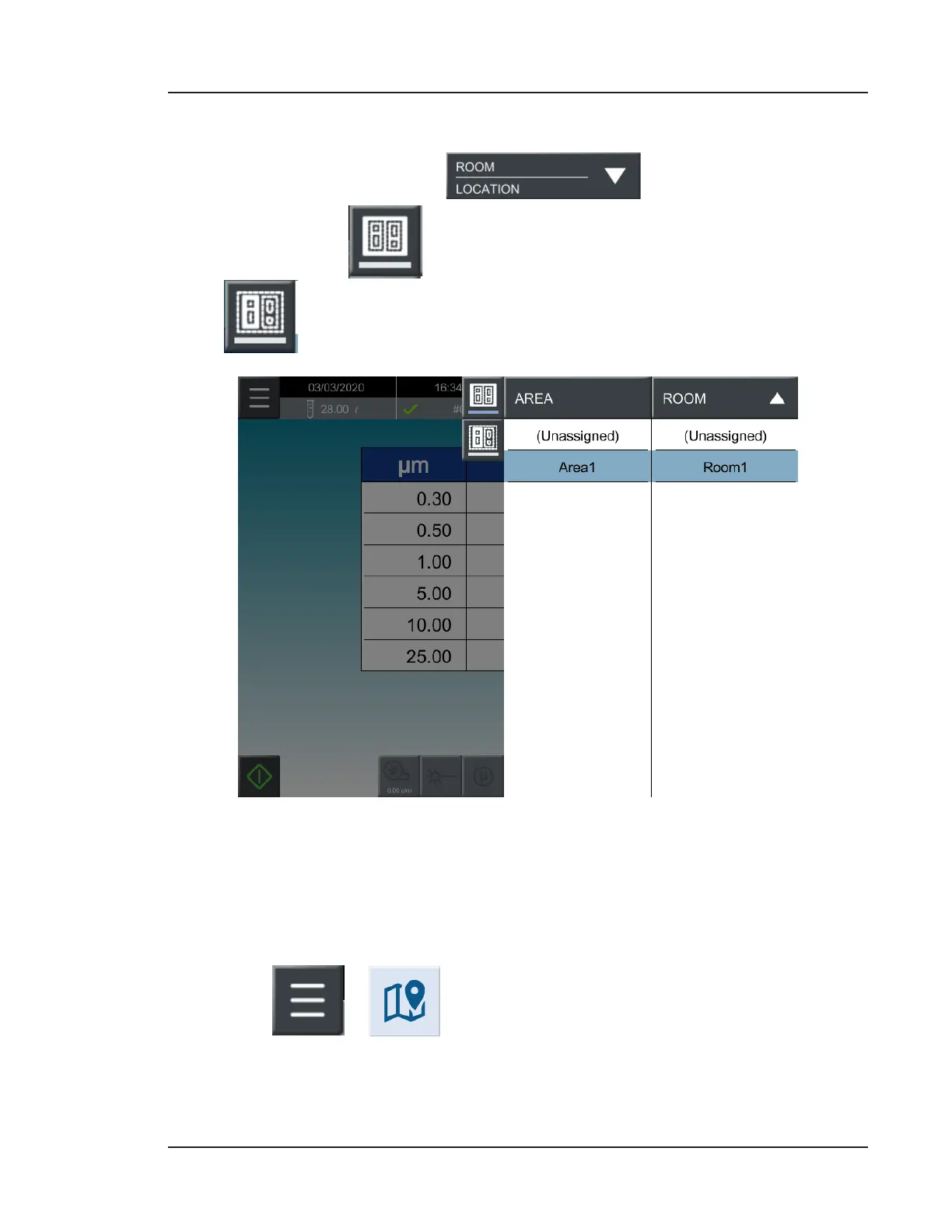
1. On the HOME screen, select .
2. The top button, , displays the Area and Room listing. The bottom button,
, displays the Room and Location listing.
Figure 8-6. Area and Room assignment list
3. Double tap the Room or Location selection to complete. The HOME screen will
now display your choice of Room and Location to associate with sampling data.
Deletion and Recovery
1. Go to
> (LOCATIONS).


 To Next Page