10-3Lasair® Pro Aerosol Particle Counter Operations Manual
Chapter 10 : Display, Data and Reports
Image Name Description
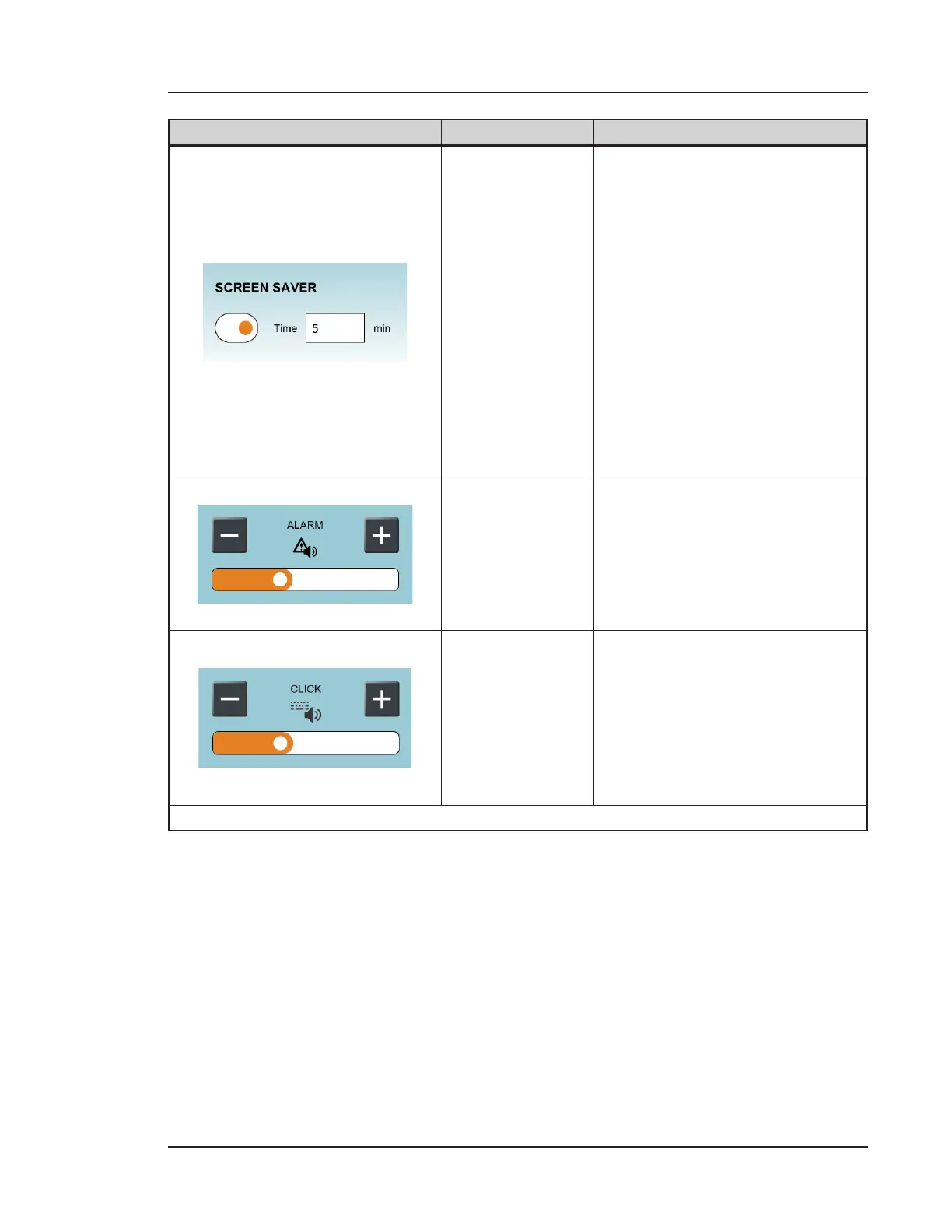
Screen Saver
Enables the screen saver feature.
Press the Time (min) field to
access the keyboard for entering
the number of minutes (1 - 60)
of inactivity required before the
screen saver is activated.
• The screen saver option
saves the device power by
turning o the backlight,
while the device
continues working.
• Touch any area of the
screen to reactivate.
Volume: Alarm
Use the minus and plus buttons
to decrease and increase the
volume of the alarm signal.
For Lasair Pro units with the
optional Alarm Siren, the volume
bar is from 0 - 3 levels.
Volume: Click
Use the minus and plus buttons
to decrease and increase the
volume of the beep generated
with each click.
As you decrease or increase the
volume, an orange bar (0 - 3)
indicates the amount of volume.
Table 10-1. DISPLAY tab, DISPLAY



 To Next Page