10-19Lasair® Pro Aerosol Particle Counter Operations Manual
Chapter 10 : Display, Data and Reports
Buttons
Image Name Description
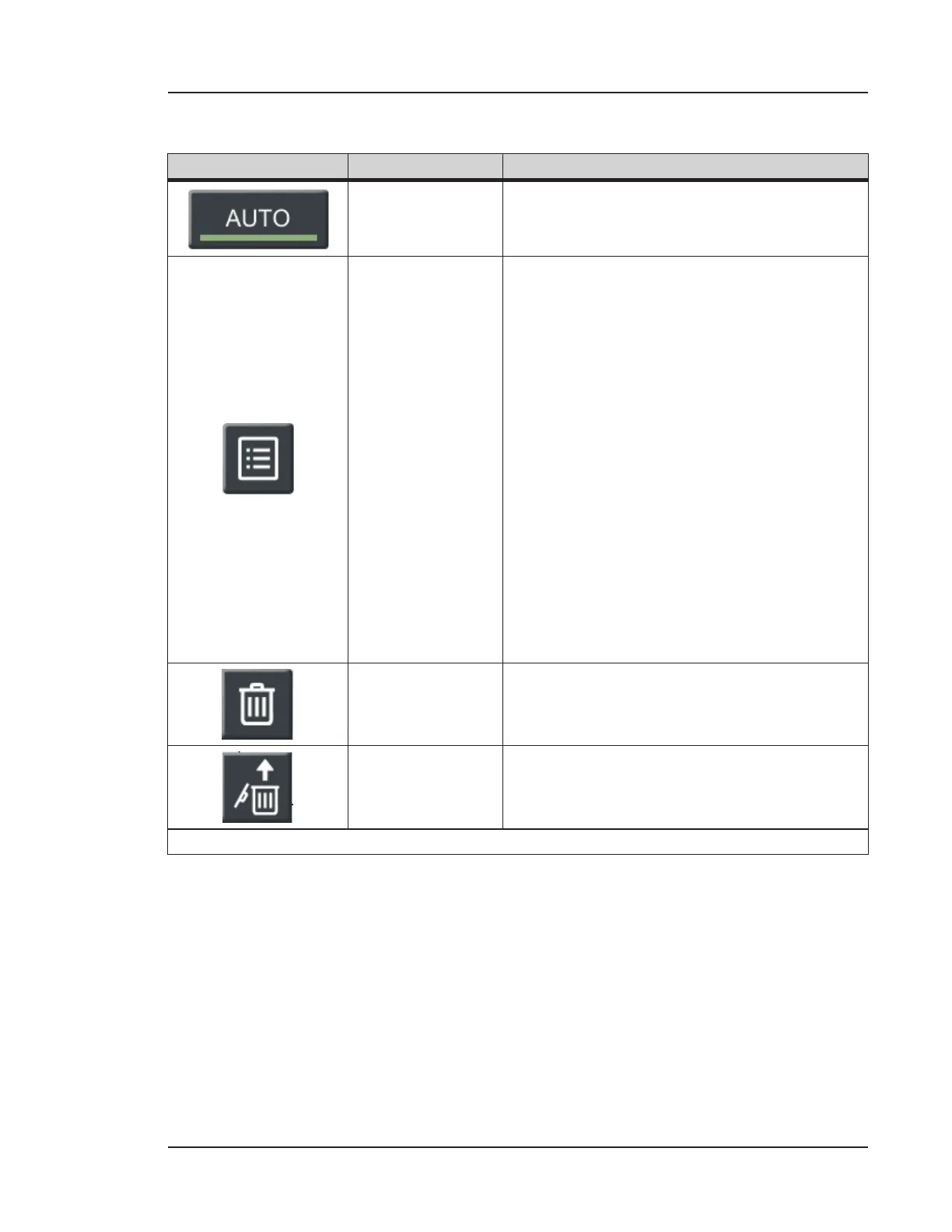
Auto Scaling
Automatically adjusts scaling to show all data
values.
Legend
Press and hold to display information for
each channel’s graph. There are two legends,
one for each channel. Each legend has the
following information:
• Solid box: Line color and style for
actual line count
• x (next to solid box): Most recent
value
• Dashed box: Line color and style for
moving average value
• x (next to dashed box): Moving
average value
• Line: Alarm value that appears as a
horizontal line across the graph
• N m: Particle size channel associated
with above information
Delete All
Historical Data
Deletes all sampling data from the Lasair Pro.
A confirmation appears before deletion.
Restore
Historical Data
Restores previously deleted historical
(sampling) data.
Table 10-5. TABLE and GRAPH buttons


 To Next Page