12-13Lasair® Pro Aerosol Particle Counter Operations Manual
Chapter 12 : System Configuration
Image Name Description
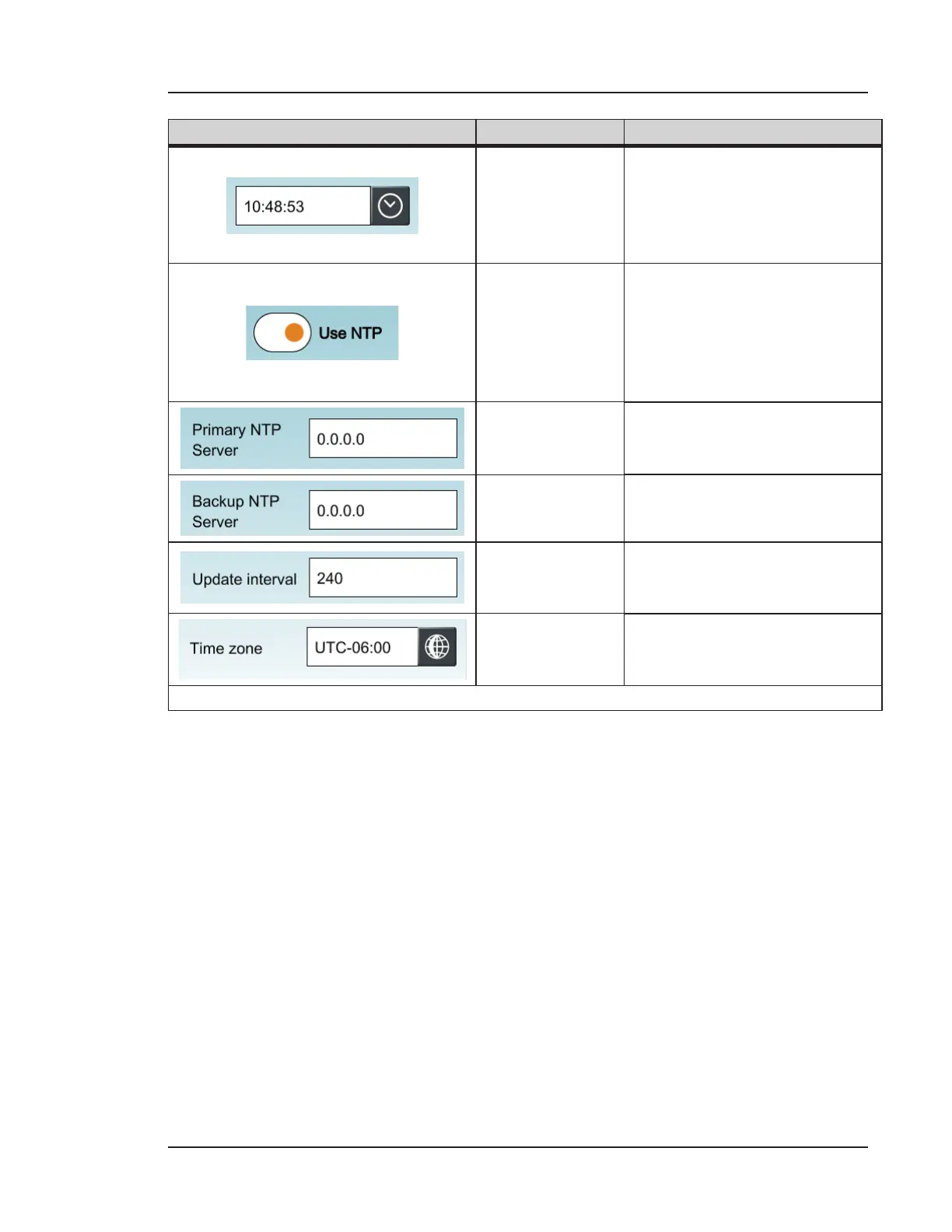
Time
Press the clock icon to set the
current time for your time
zone. The time displays in a
format of hh:mm:ss for hours,
minutes, and seconds.
Use NTP
Enables or disables Network
Time Protocol (NTP). Use if
you are synchronizing the time
display of multiple Lasair Pro
counters and other NTP-linked
devices.
Primary NTP
Server
Press to set the IP address of
the NTP server.
Backup NTP
Server
Press to set the IP address of
the backup NTP server.
Update Interval
Press to set the time interval in
seconds that the date and time
will update.
Time Zone
Press the globe to set the time
zone for your location.
Table 12-2. DATE/TIME tab, SYSTEM


 To Next Page