1-9Lasair® Pro Aerosol Particle Counter Operations Manual
Chapter 1 : Quick Guide
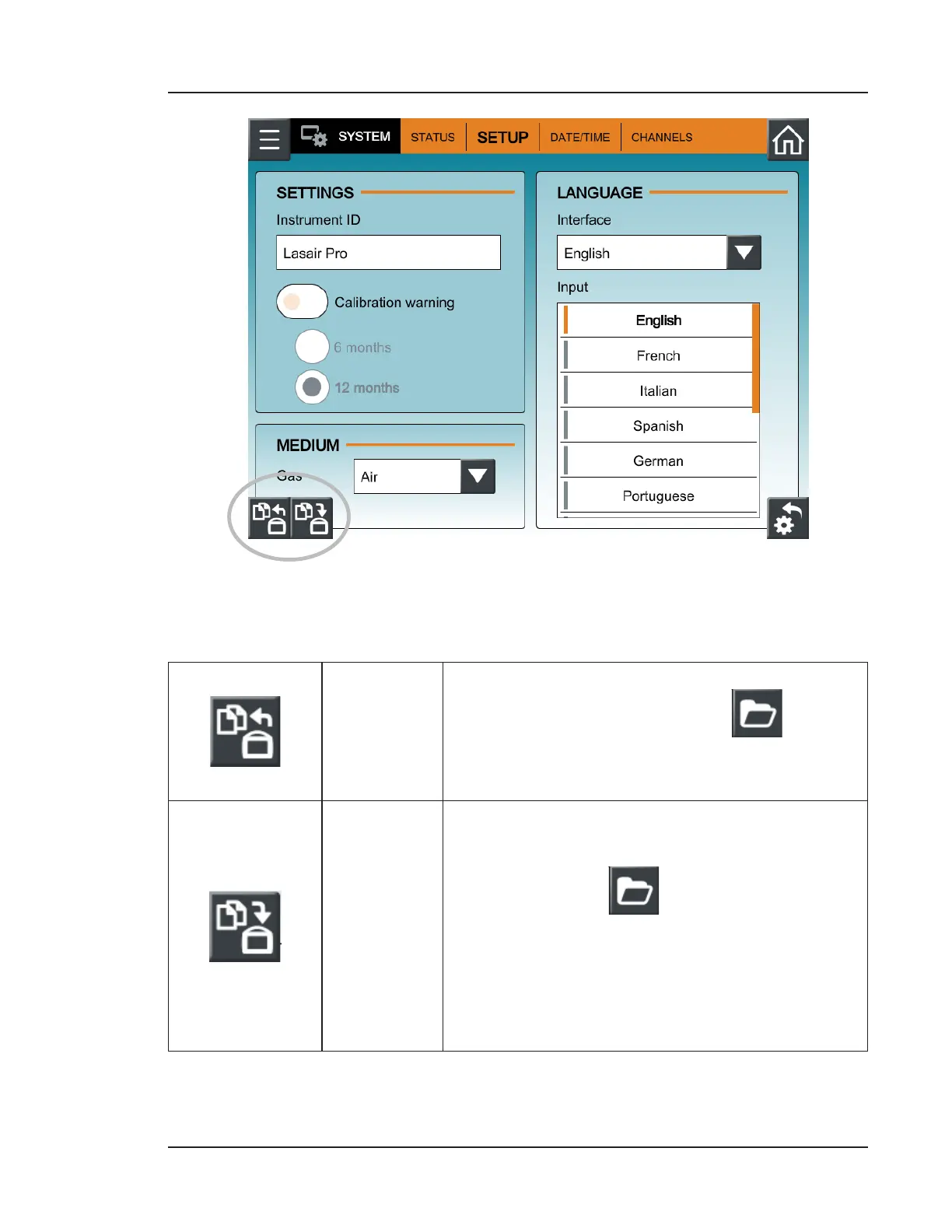
Figure 1-4. Clone Export and Import buttons, SETUP tab, SYSTEM
3. Press either of the following buttons:
Clone Export
Choose Clone Export, press inside the File Name
field to open the keyboard, or press to select
a file to overwrite. Select the options to be included
in the export file and press OK.
Clone Import
Choose Clone Import, press inside the File Name
field to open the keyboard to type the name of the
import file, or press to select a file to import.
Select the options to be imported and press OK. The
Lasair Pro will logout any users and restart with the
imported options. Note that security is automatically
disabled when importing security settings.


 To Next Page