Chapter 3 : Your System
3-10 Lasair® Pro Aerosol Particle Counter Operations Manual
Image Name Description
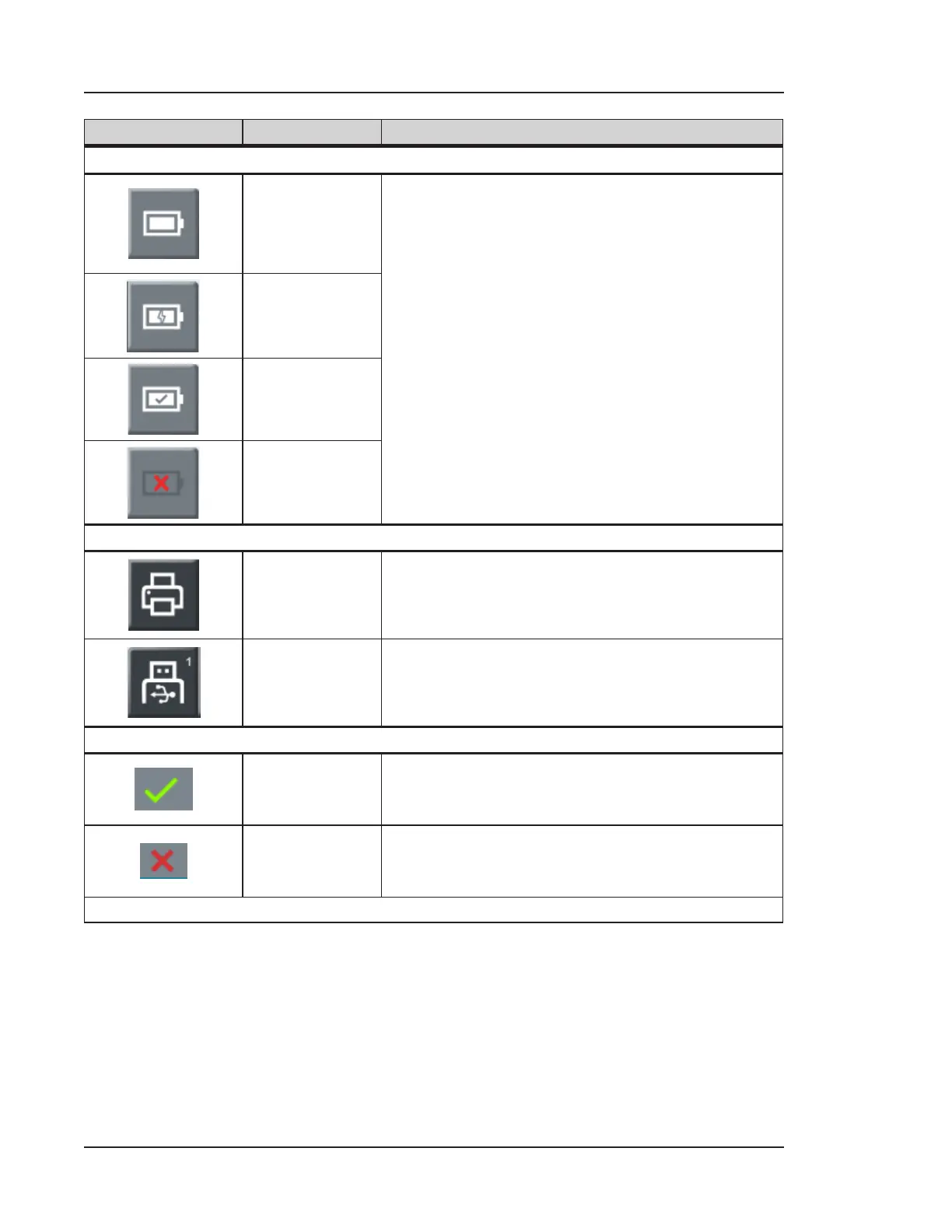
Battery
Discharging/
Not Charging
Indicates the status of the battery. When pressed,
a dialog box gives the following information:
• Number of installed batteries
• Charge level
• Remaining time (in hours)
• Status (Charging, Not Charging,
Discharging)
Charging
Fully Charged
Battery Not
Installed
External Data Save Options
Print
Prints sampling results to thermal printer. A
number in the top-right corner indicates the
number of items to print in the queue.
Save to USB
Saves sampling results to a USB key. A number in
the top-right corner indicates the number of items
to save to USB in the queue.
Sampling Status
Success
Indicator
When displayed, indicates the previous sampling
was successful.
Failure
Indicator
When displayed, indicates the previous sampling
failed.
Table 3-1. HOME screen icons and buttons


 To Next Page