Chapter 4 : Connections
4-8 Lasair® Pro Aerosol Particle Counter Operations Manual
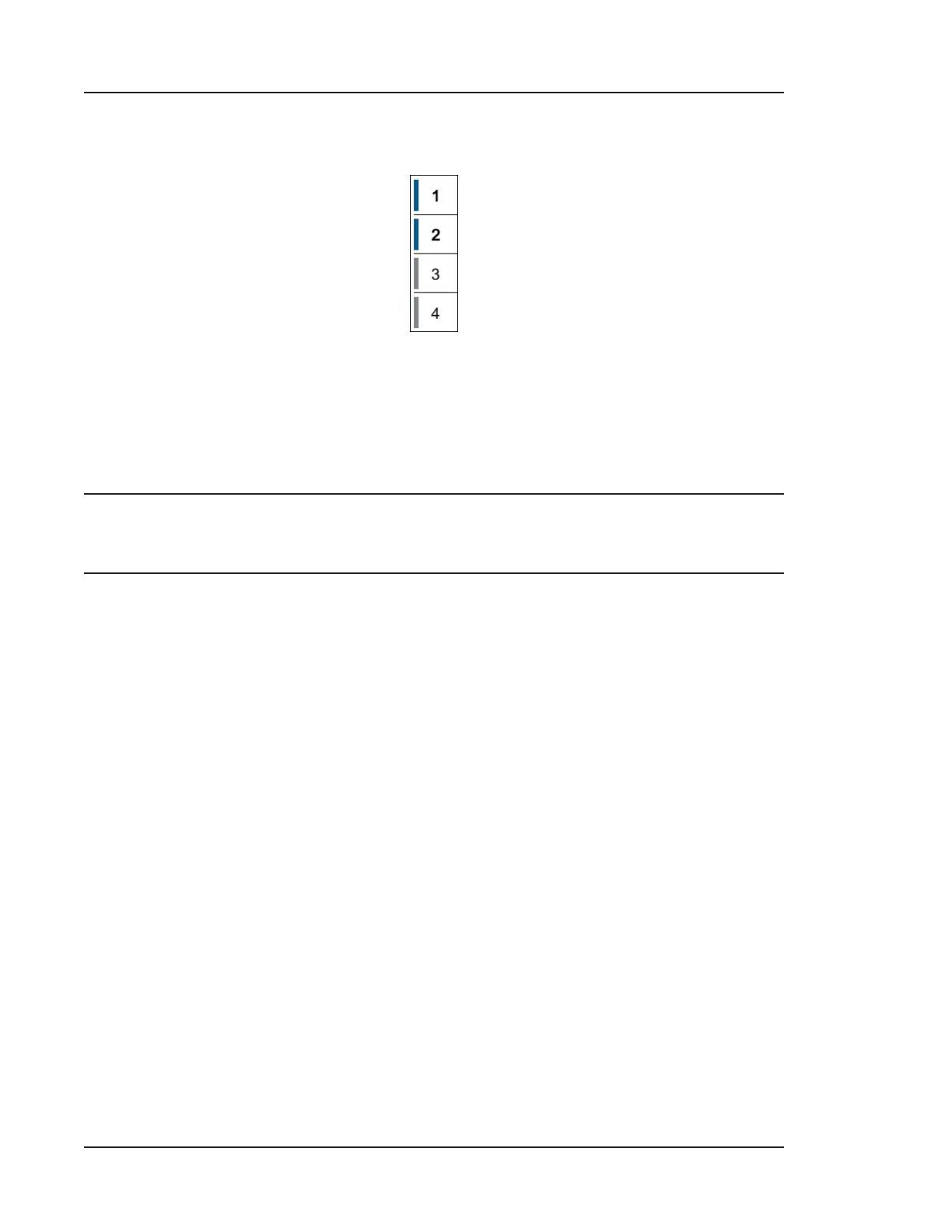
7. Enable the #1 and #2 rows by pressing inside the appropriate # fields. When
enabled, the vertical line beside the number will be blue in color:
Figure 4-3. Enabling/disabling sensors
8. Press inside the NAME field to define the sensor name. For example, “T” for
temperature.
9. Press inside the UNITS field to define the sensor units. For example, “%” for
relative humidity.
NOTE: Press and hold the ‘5’ numeric keyboard key until the “%” sign appears in the
text field.
10. Enter the range of measurement for the sensor in the MIN and MAX fields:
• Press inside the MIN field to enter the lowest value in the range. In this
example, the minimum temperature is 32.
• Press inside the MAX field to enter the highest value in the range. In this
example, the maximum temperature is 122.
11. Your environmental sensors table should look similar to Figure 4-4.


 To Next Page