4-19Lasair® Pro Aerosol Particle Counter Operations Manual
Chapter 4 : Connections
Although there are a great many numbers in the range of 0.0.0.0 to 255.255.255.255, in
almost all circumstances instruments are placed on a segregated private network that
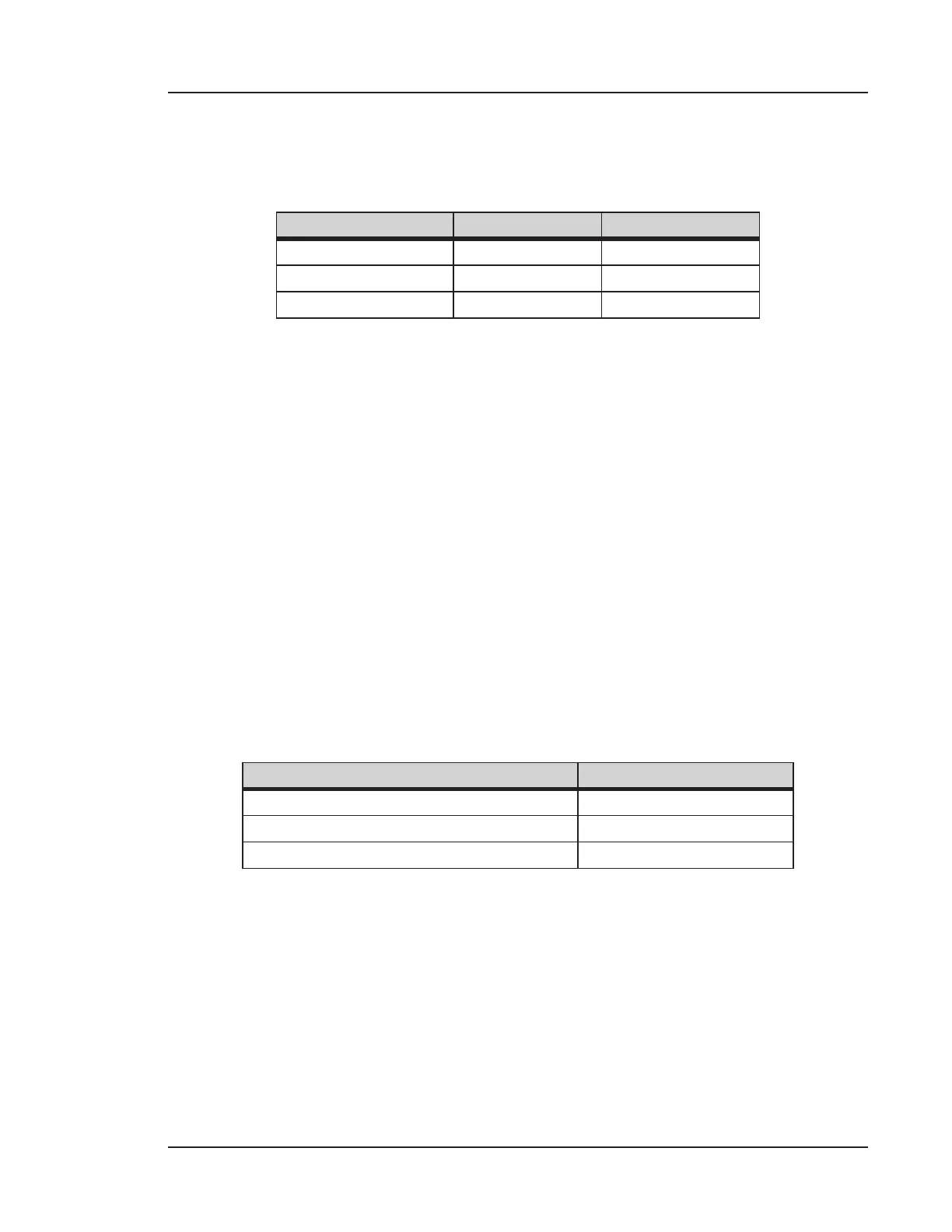
uses a greatly reduced set of numbers. The valid ranges are shown in the following table.
Address Class Start End
A (24 Bit Range) 10.0.0.0 10.255.255.255
B (20 Bit Range) 172.16.0.0 172.31.255.255
C (16 Bit Range) 192.168.0.0 192.168.255.255
The Lasair Pro can be configured with a unique IP address in the form of aaa.bbb.ccc.
ddd. Each 3-digit series is a value of 0–255.
Network Mask
The network mask is used to discern the network portion of the IP address from the
location portion, allowing the instrument to communicate outside of its local network.
From a telephone number analogy, it segregates the area code from the phone
number. It is easy to set the mask incorrectly, and when it is incorrect, it can result in
sporadic communication problems. For example, in Facility Net an instrument can be
seen as available via a Multicast probe, but trying to control the instrument causes a
communications error.
The mask is actually a 32 bit binary number consisting of some number of ones followed
by enough zeros to make 32 bits. The length of the ones depends on the network Address
Class (i.e., area code size) as well as sub-netting (i.e., something done by IT). The following
table shows the default network mask for each address class.
Address Class Default Network Mask
A (24 Bit Range) (e.g., 10.X.X.X) 255.0.0.0
B (20 Bit Range) (e.g., 172.16.X.X) 255.240.0.0
C (16 Bit Range) (e.g., 192.168.X.X) 255.255.0.0
When a Particle Measuring Systems instrument is set to default parameter or factory
defaults, the network mask is set to 255.0.0.0. This corresponds with the 10.X.X.X address
which is also set. Enter as aaa.bbb.ccc.ddd. Each 3-digit series is a value of 0–255.



 To Next Page