Chapter 5 : Sampling Options
5-12 Lasair® Pro Aerosol Particle Counter Operations Manual
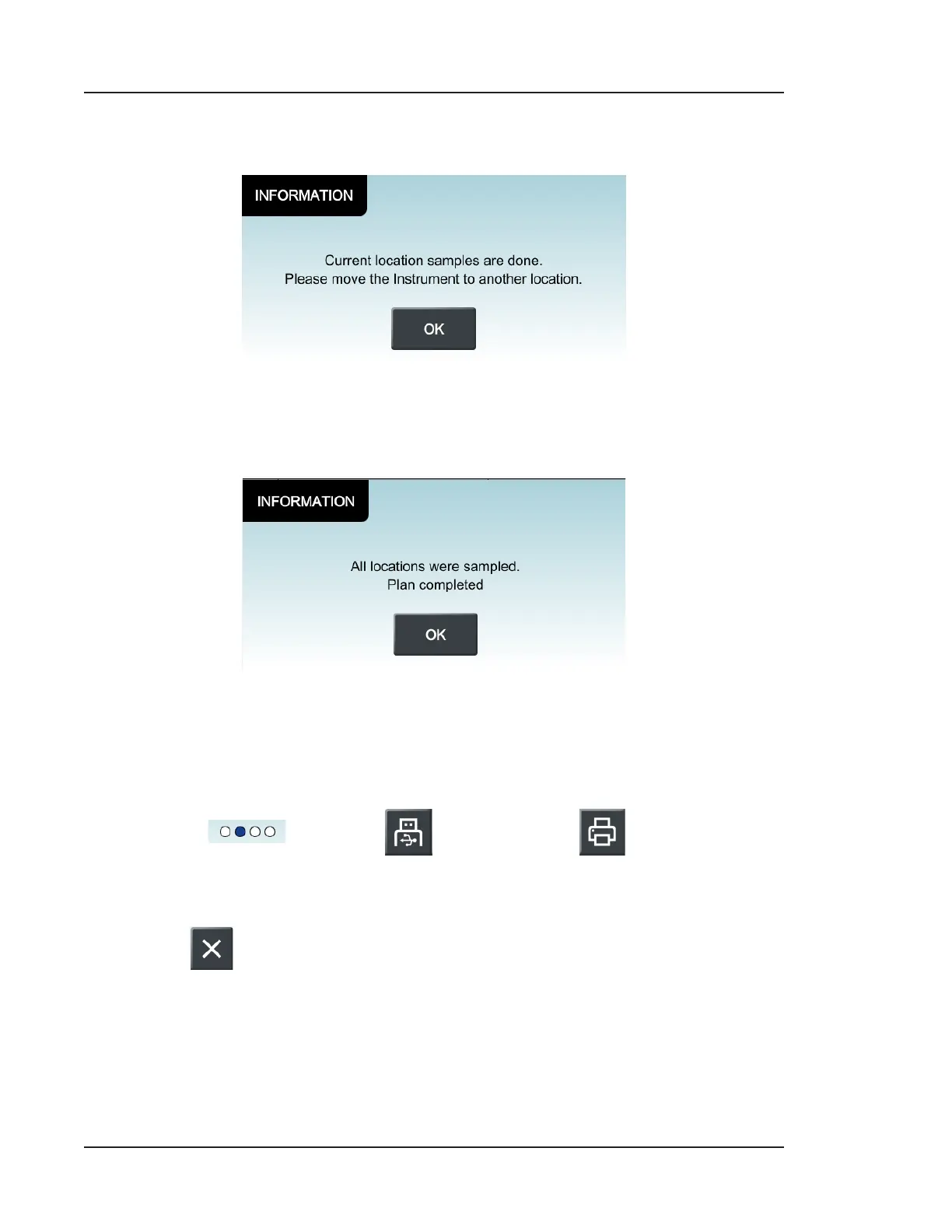
11. Aer each sample has completed, you will see the following message. Press OK to
confirm.
Figure 5-10. Sampling is complete at the selected location
12. Aer samples have been collected at all locations you will see the following
message. Press OK to confirm.
Figure 5-11. Monitoring Mode sampling completed
13. You may continue to take as many samples at each location as desired.
14. Aer completing your sampling plan, navigate to the second display of the HOME
screen ( ) and press (Print to USB) or (Print to Thermal
Printer) to generate your Cleanroom Monitoring Report. See Figure 5-13 for an
example report.
15. Press
to terminate Monitoring Mode. Aer confirmation, the HOME screen
will adjust back to the default display.



 To Next Page