AAppppeennddiicceess
A
A
p
p
p
p
e
e
n
n
d
d
i
i
x
x
A
A
–
–
D
D
A
A
W
W
P
P
r
r
o
o
t
t
o
o
c
c
o
o
l
l
L
L
i
i
s
s
t
t
s
s
T
T
r
r
a
a
n
n
s
s
p
p
o
o
r
r
t
t
/
/
U
U
t
t
i
i
l
l
i
i
t
t
y
y
F
F
u
u
n
n
c
c
t
t
i
i
o
o
n
n
M
M
a
a
p
p
T
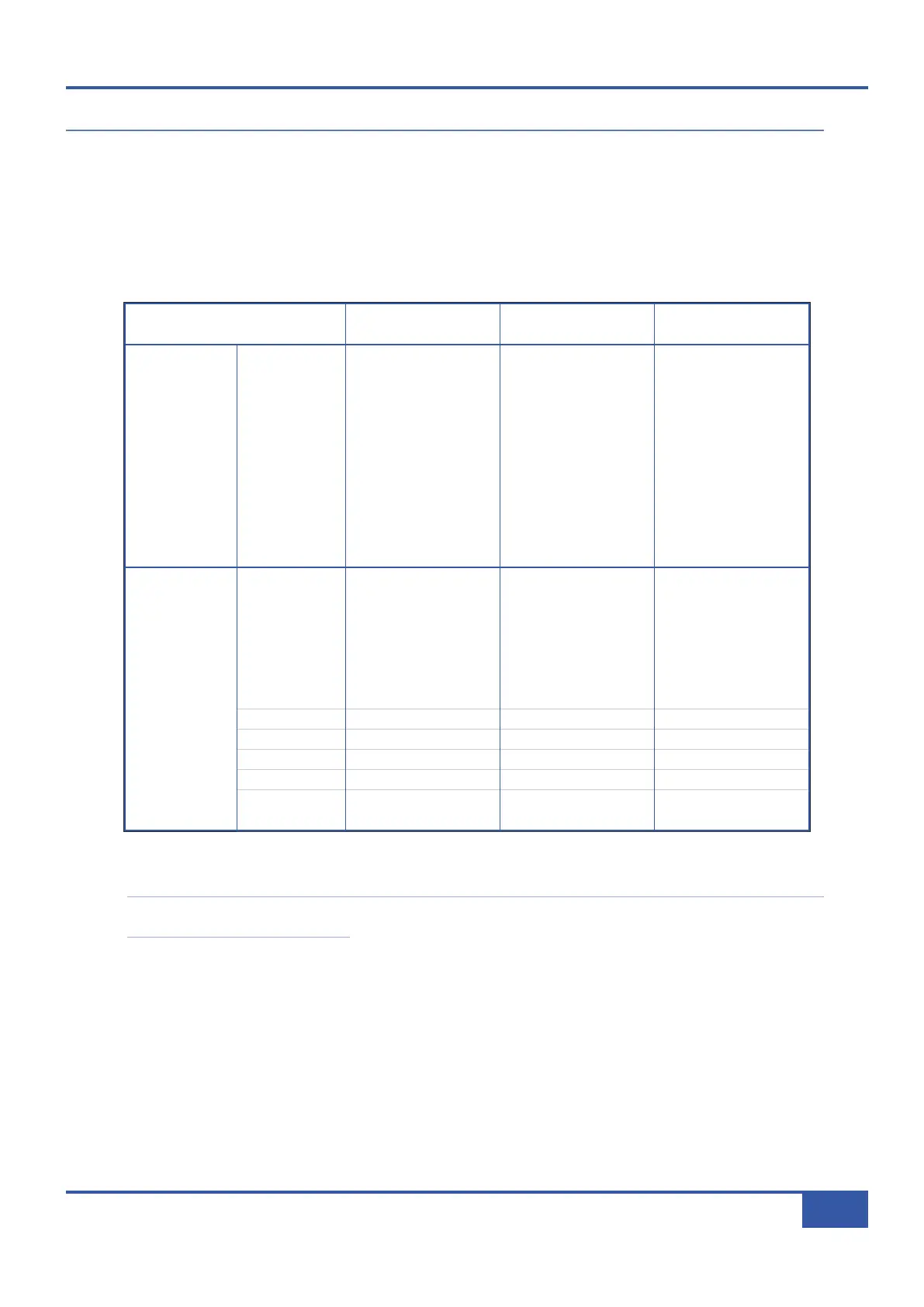
he chart below details the assignments of the transport and utility functions within Pro Tools, Logic and Nuendo/Cubase:
Note that all USB key commands listed refer to the Logic or Nuendo/Cubase default command key mappings; see your
DAW documentation for more details.
K
K
e
e
y
y
T
T
y
y
p
p
e
e
P
P
r
r
o
o
T
T
o
o
o
o
l
l
s
s
L
L
o
o
g
g
i
i
c
c
N
N
u
u
e
e
n
n
d
d
o
o
/
/
C
C
u
u
b
b
a
a
s
s
e
e
Transport
RTZ
RTZ Stop Stop USB
END
End - -
LOOP
Loop Cycle Cycle
ONLINE
On-Line - USB
PUNCH
Quick Punch Drop Punch
PREVIOUS
Prev Marker USB Previous
NEXT
Next Marker USB Next
LAST CUE
Last Marker - -
NUDGE -
Kpad - USB USB
NUDGE +
Kpad + USB USB
Utility
SHIFT
Shift/All Shift Shift
OPT/ALL
Option/All Option -
CTRL
Control Control USB
⌘⌘
/ALT
CMD/Alt/Fine Alt USB
ESC
Fkey 8/Esc USB USB
ENTER
Kpad Enter Enter USB
SAVE
Save Save Save
UNDO
Undo Undo Undo
FOOT 1
Play Foot Switch Play Foot Switch Play Foot Switch
FOOT 2
Record Foot Switch Record Foot Switch Record Foot Switch
Appendix A - DAW Commands
95
Matrix Owner’s Manual



 To Next Page