Setting a TR Snapshot
Once Total Recall has been enabled and a snapshot has been selected, ‘Setting’ the snapshot will reset all the automatically
resettable switches and faders (Group 1 on the following page).
Note that the console will still indicate those settings which require manual resetting (Groups 2 and 3) as was activated
by the initial selection of the snapshot.
There are two options for Setting a TR snapshot:
Pressing Set TR to All Chans resets all the automatic resets for the whole desk.
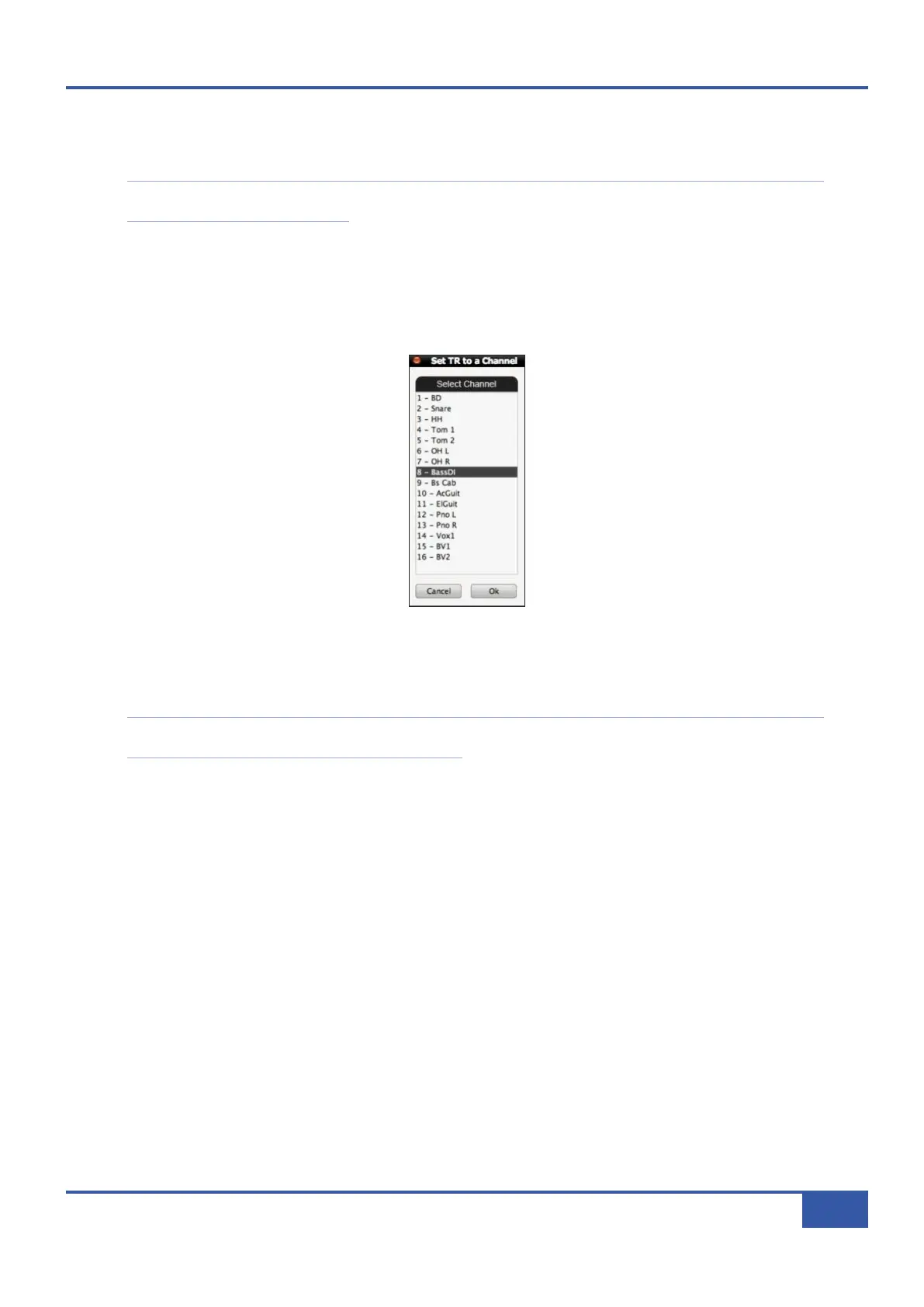
Pressing Set TR to Chan brings up the following pop-up which allows you to recall all the settings within the snapshot related
to specific channels without resetting the whole desk:
Select the channels which you want to reset, and press the OK button. All the automatic resets within those channels will now
be reset.
Note that all functions concerned with Setting the currently selected TR Snapshot can be accessed directly from the Matrix
front panel via the TR set of SSL soft keys – see Page 44.
Chapter 4 - Matrix Remote
55
Matrix Owner’s Manual



 To Next Page