STARLITE Mk5 User Manual Version 1.2
14
Quick Reference Guide
This Quick Reference Guide is intended only as a reminder of the main elements concerning the use
of a Starlite Mk5. It is not intended as a substitute for reading the whole, or parts of, the manual.
Please ensure that you have read and completely understood the manual before
attempting to operate the unit.
Safety
Please check, or reacquaint yourself with, the safety instructions contained in this manual.
Power Connections
Ensure you know what type of unit, i.e. lamp wattage and PSU type, that you are using and that the
unit is set to match the local electrical supply BEFORE CONNECTING, AND SWITCHING ON,
THE UNIT(S).
1. For all models, please check the voltage selector switch is correctly set before attempting to
switch on the unit(s)
2. For magnetic ballast models, please check the frequency of the local supply and the frequency tap
of the unit before attempting to switch on the unit(s)
Please ensure all units are Earthed (Grounded).
Data Connections
Check that you have set the correct start address for each unit and that you do not run out of DMX
channels (on each DMX string)
Please make sure that the unit is supplied with a proper DMX512 (USITT) data signal.
Most problems with DMX controlled equipment are due to bad data signal connections caused by
using the wrong type of cable/connectors and earthing (grounding) techniques.
Do not use microphone or other audio cable for DMX connections!
The Starlite Mk 5 uses a maximum of 19 DMX channels per unit (dependant on specification), which
equates to a minimum of 26 units per 512 channel DMX string.
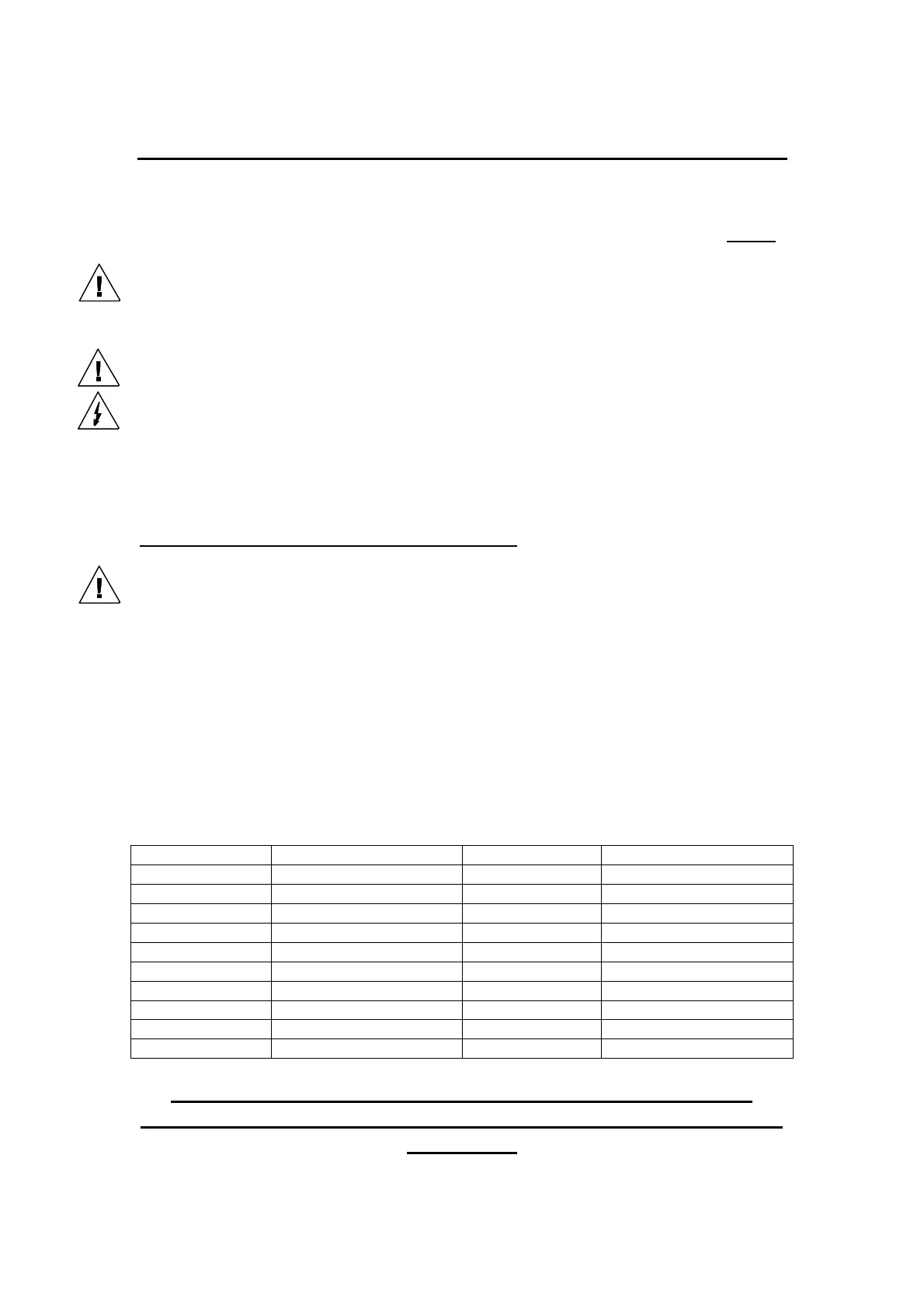
Default (factory set) “Personality”
Channel Number Function Channel Number Function
1
Pan (High Byte)
11
Gobo Rotate Wheel No.2
2
Pan (Low Byte)
12
Gobo Select Wheel No.2
3
Tilt (High Byte)
13
Focus
4
Tilt (Low Byte)
14
Iris
5
Colour Wheel
15
Prism
6
Cyan Colour Fade
16
Frost
7
Magenta Colour Fade
17
Shutter
8
Yellow Colour Fade
18
Dimmer
9
Gobo Rotate Wheel No.1
19
Speed
10
Gobo Select Wheel No.1
If you have any doubts about using/operating the Starlite Mk 5,
please refer to the appropriate section in this manual before switching
on the unit !


 To Next Page