The software will calculate the new collimation error and vertical index
error automatically. Press F3[YES] to renew the correction or press
F4[NO] to give up this adjustment.
10.10. EDM optical axis and the telescope sighting axis error
It is necessary to check this error after the adjustment of telescope reticle error.
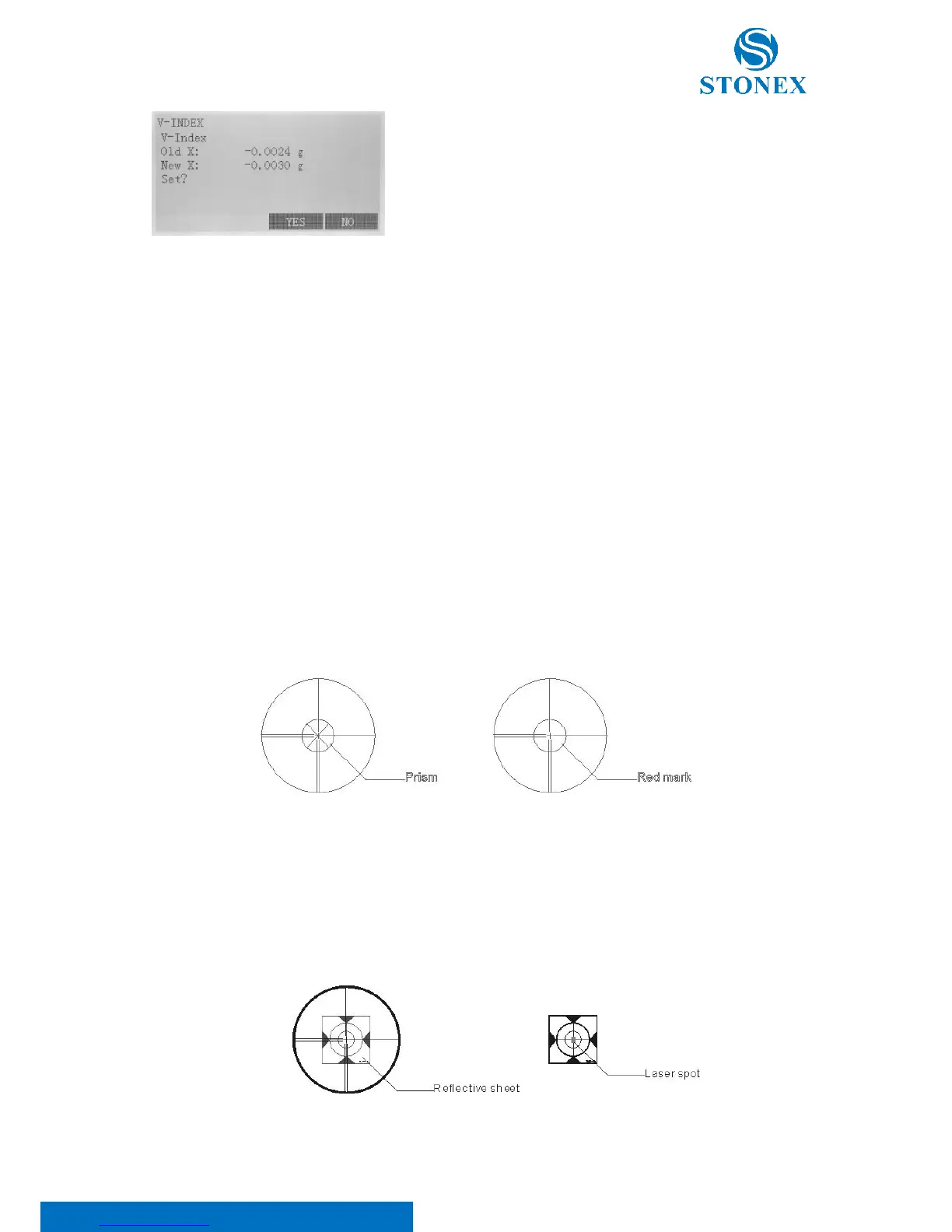
I. EDM optical axis check
1. Install the instrument at the tripod or a stable device and level it accurately, then turn on the instrument’s
power on.
2. Set a prism about 2m far away from the instrument.
3. Aim at the prism center with telescope reticle
4. Enter EDM signal testing screen, see 5.3. EDM settings.
5. Observe through eyepiece, turn the focusing knob until the read mark is clear, if the deviation between mark
and cross-hair is not over 1/5 of red mark diameter, adjustment is unnecessary.
II. Telescope sighting axis error check
1. Install the instrument at the tripod or a stable device and level it accurately, then power on the instrument.
2. Set a reflective sheet about 5m-20m far away from the instrument.
3. Aim at the sheet cross-mark with telescope reticle.



 To Next Page