Stonex R25/R25LR Total Station - User Manual 25
4.4. How to input number and alphabet
Due to the alphanumerical keypad you can enter characters directly.
• Numeric fields: can only contain numerical values .By pressing a button of the numeric keypad the
number will be displayed.
• Alphanumeric fields: can contain numbers and letters. By pressing a button of the alphanumeric
keypad the input opens. By pressing several times you can toggle through the characters. For example:
7->A->B->C->7->A…
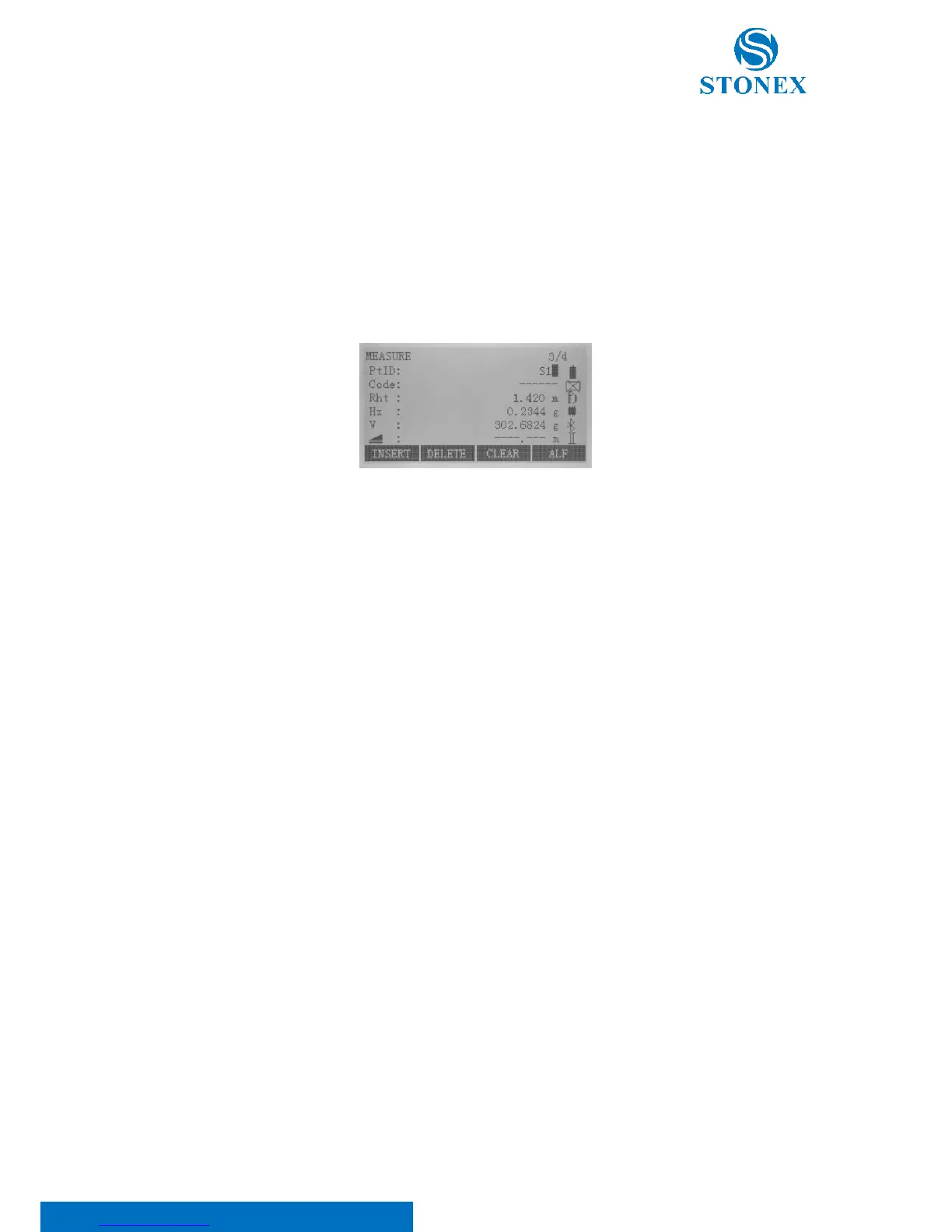
[INSERT]: If a character was skipped (e.g. 13 instead of 123), you can insert it later. Place cursor on “1”, insert an
empty character on the right of “1” pressing F1[INSERT] key. Input the new character “2” and confirm input.
[DELETE]: Place cursor on character to be deleted. Delete this character pressing F2 key.
[CLEAR]: Place cursor on any position among character fields. Clear characters pressing F3 key.
[ALF] / [NUM]: By pressing F4 key you can switch between numbers and letters .Here at entry status pressing F4 is
equivalent to pressing {SHIFT} key.



 To Next Page