Stonex R25/R25LR Total Station - User Manual 10
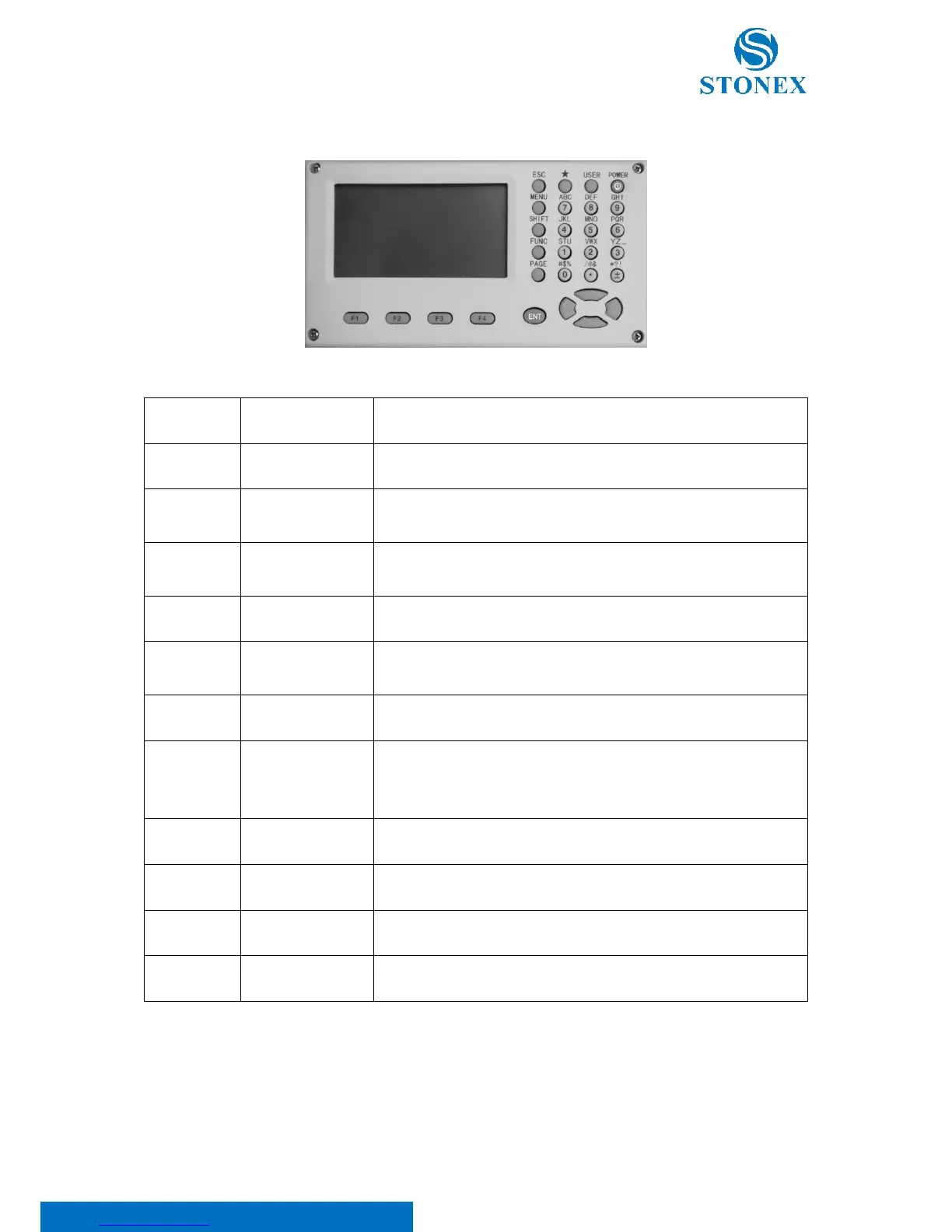
2.2. Keyboard
Select the functions matching the softkeys
Enter letters numerical values or other characters
Shift key for
character entry
• Shift between number and alphabet when inputting
• Shift targets model when measuring
Essential configurations (including illumination etc) can be set here
Each function from the FUNC menu can be set as the {USER} key (see
5.4. Function key).
Scroll to next page when a dialogue consists of several pages.
Access comprehensive menu display including measuring programs,
specific settings, the data manager, adjustments, communications
parameters, system information and data transfer.
Confirm an entry or selection
Quit a screen or edit mode without saving changes.
Perform sorts of fast function settings defined by program screen
Turn on/off the instrument



 To Next Page