Stonex R25/R25LR Total Station - User Manual 28
5. Instrument settings
5.1. Basic settings
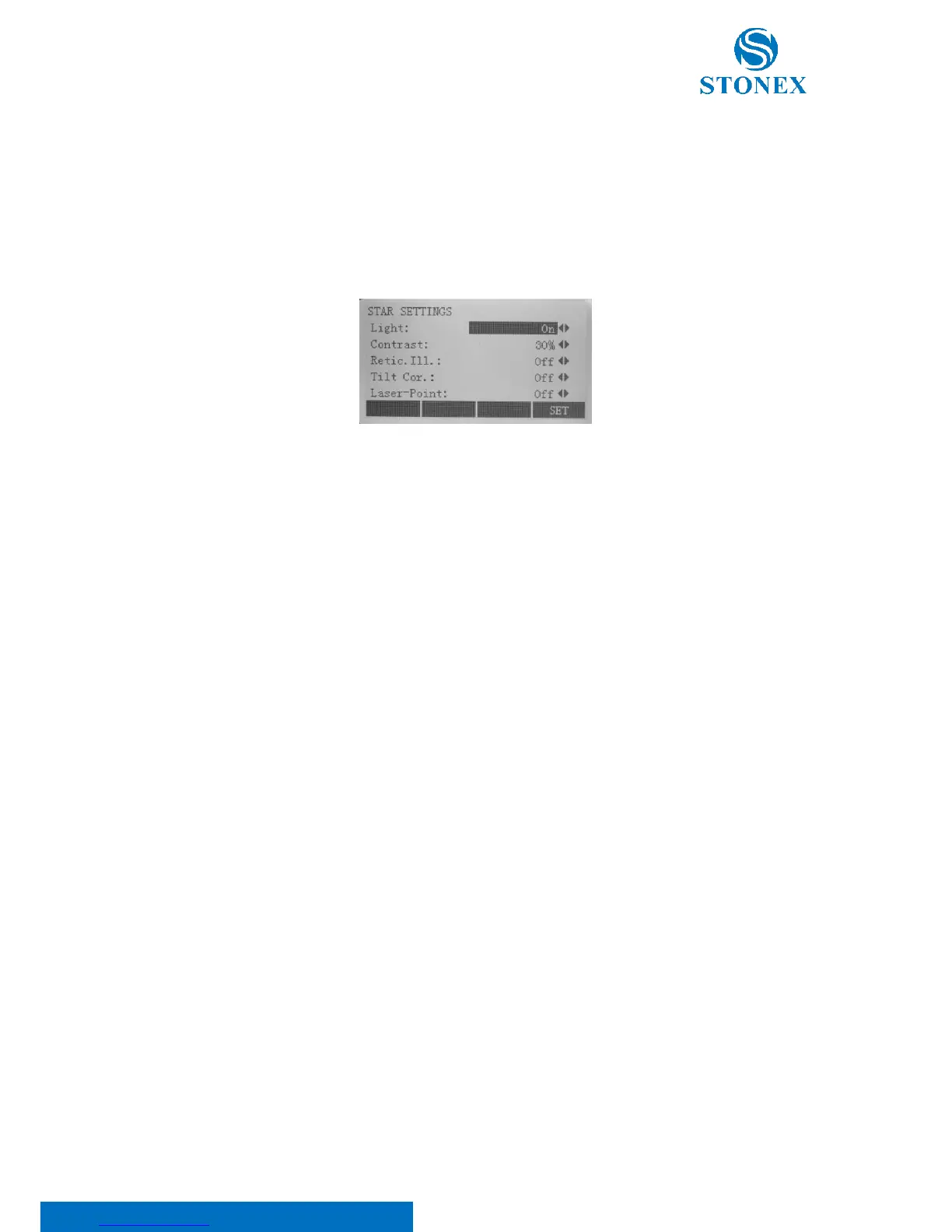
Press key [★] on panel to access star settings mode and do some basic essential settings. Change settings if
necessary: use ▲/▼ keys to select items and utilize ◄/► keys to set the options. Before leaving the page, press
F4[SET] to set the changed options.
Light: it turns on or off the backlight of the screen.
Contrast: it adjusts the LCD display contrast. There are ten levels (10%-100%) which can be set.
Retic. Ill.: it turns on or off the reticle illumination
Tilt Cor.: it adjusts the tilt correction, choosing between three options:
• 1-axis: the tilt correction is activated on the x direction
• 2-axis: the tilt correction is activated on both x and y axes direction;
• Off: no tilt correction is activated.
Laser-Point: it turns on or off the laser beam for pointing target.



 To Next Page