Stonex R25/R25LR Total Station - User Manual 42
• CR: Carriage return.
Stopbits: fixed setting 1;
COMType: choose between RS232 and Bluetooth.
Press F4[SET] to save and return to the menu.
NOTE:
• All the options are changeable only if RS232 is set a COMType;
• The Bluetooth can be used if the 9600 option is set as Baudrate.
5.6. Start-up sequence
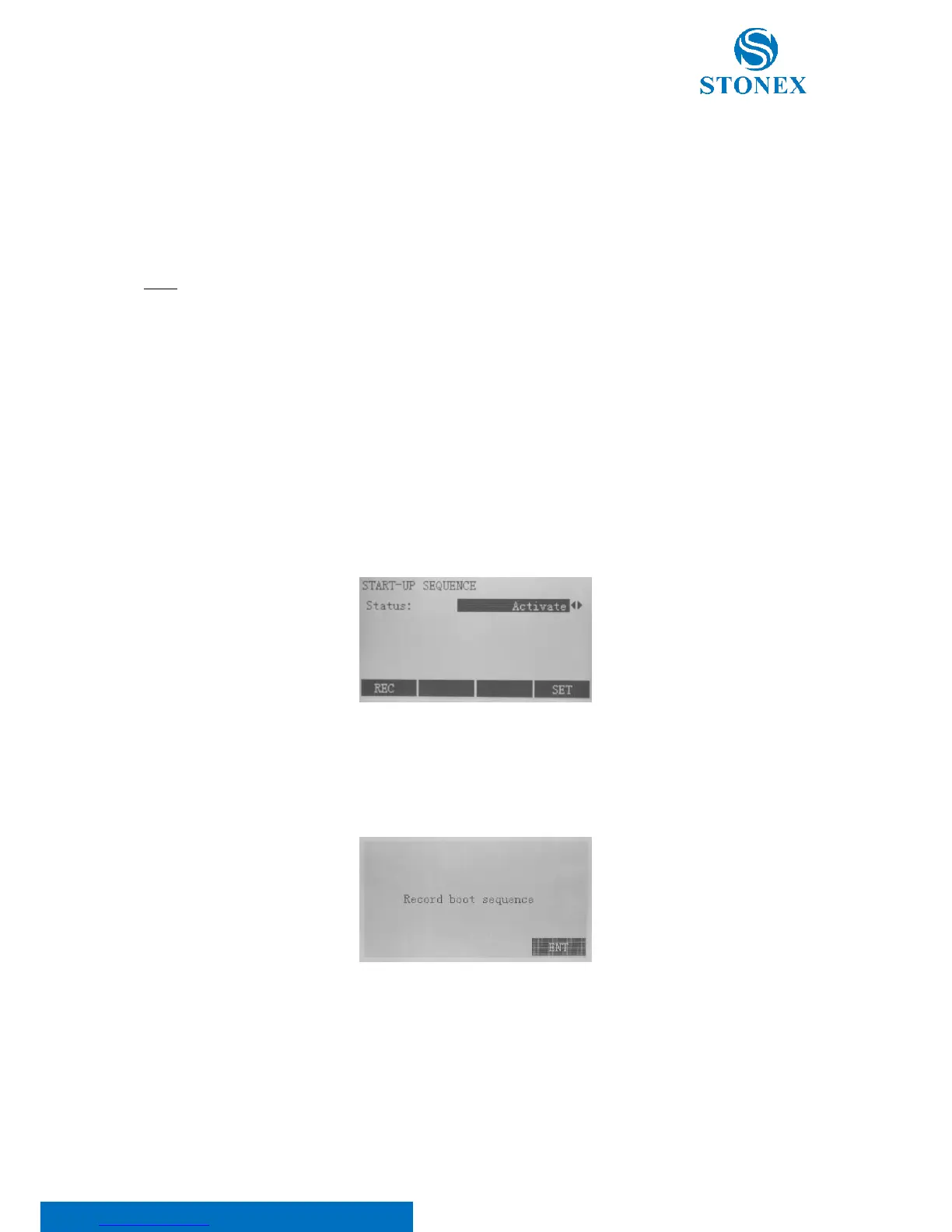
In the second menu page, select F4[START] to set the start-up screen. The following two options are settable:
• End: after switching on the instrument, the measure mode appears on the display;
• Activate: it allows to choose a status to be displayed after the instrument starting.
Choose one of the two options and press F4[SET] to store the current setting: it will return to the menu.
In the case you have selected the “Activate” option, re-enter the start-up sequence through F4[START] and press
F1[REC]. Confirm the record boot sequence pressing F4[ENT] and the Measure screen is displayed.
A maximum of 16 of the next key presses are stored. The sequence is ended with [ESC].
If the start sequence is modified, the stored key presses will be executed automatically when the instrument is
switched on.



 To Next Page