Stonex R25/R25LR Total Station - User Manual 33
5.3. EDM settings
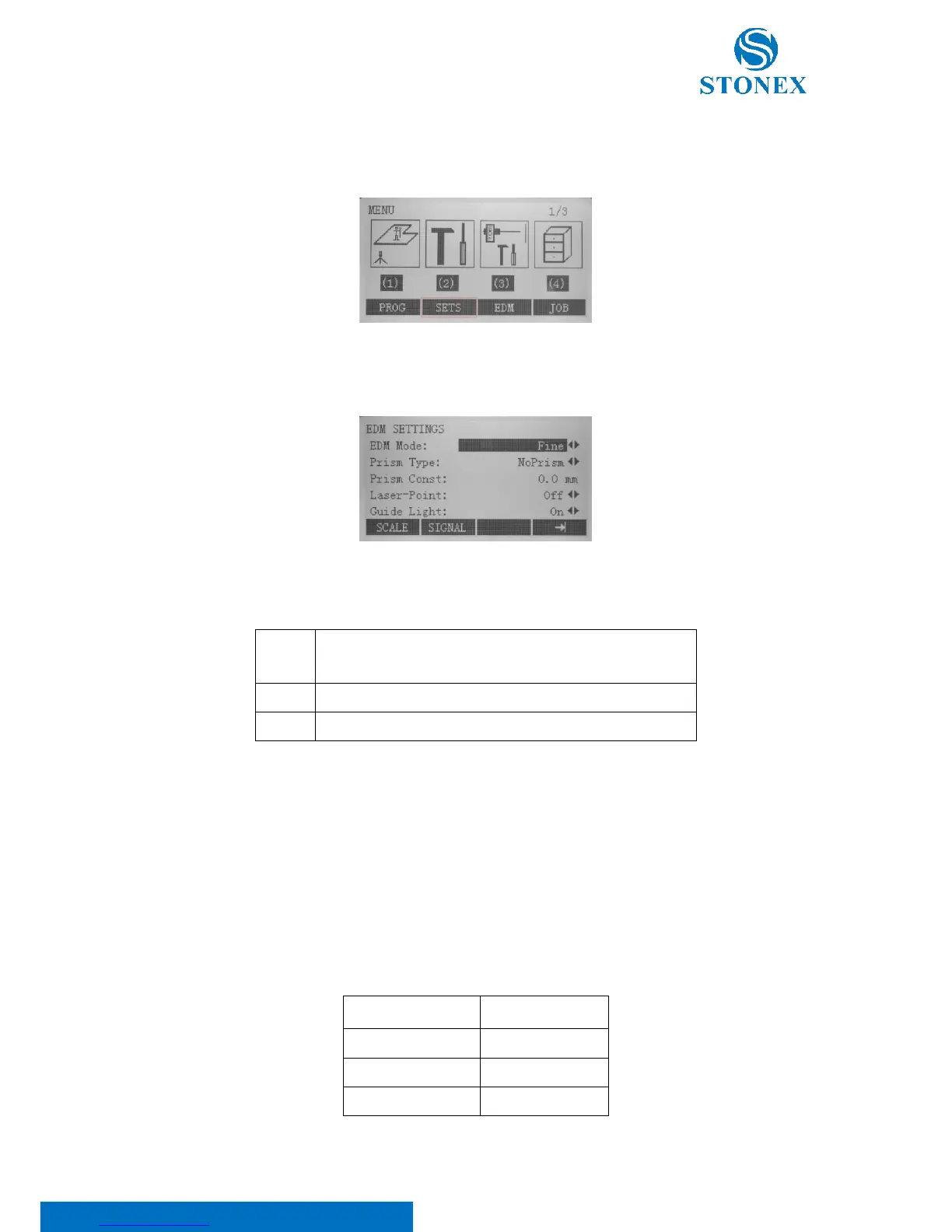
Press {MENU} key on panel to enter the menu mode.
Select [EDM] item, where the electronic distancemeter options can be defined. Press F2[SET] to save and return into
the menu.
EDM Mode: It possesses three sorts of modes (Quick, Track and Fine) for availability. Worth noting that along with
selected measuring mode the selections of prism types are different.
Quick measuring mode with higher measuring speed and
reduced accuracy
Continuous distance measuring
Fine measuring mode for high precision measurements
Prism Type: With this option, it is possible to define the prism constant. Different options are available, depending
on the following target types selected in the function menu (see 5.4. Function key):
• NoPrism: choose between “NoPrism” and “User Define” options (if no targets are used, select
“NoPrism”);
• Sheet: choose between “Sheet” and “User Define” options (if no targets are used, select “Sheet”);
• Prism: choose between one of the default prism types (see table below) or select “User Define” to set
manually the prism constant



 To Next Page