Stonex R25/R25LR Total Station - User Manual 46
7. Pre-setting application
These are programs that precede the application programs and are used to set up and organize data collection.
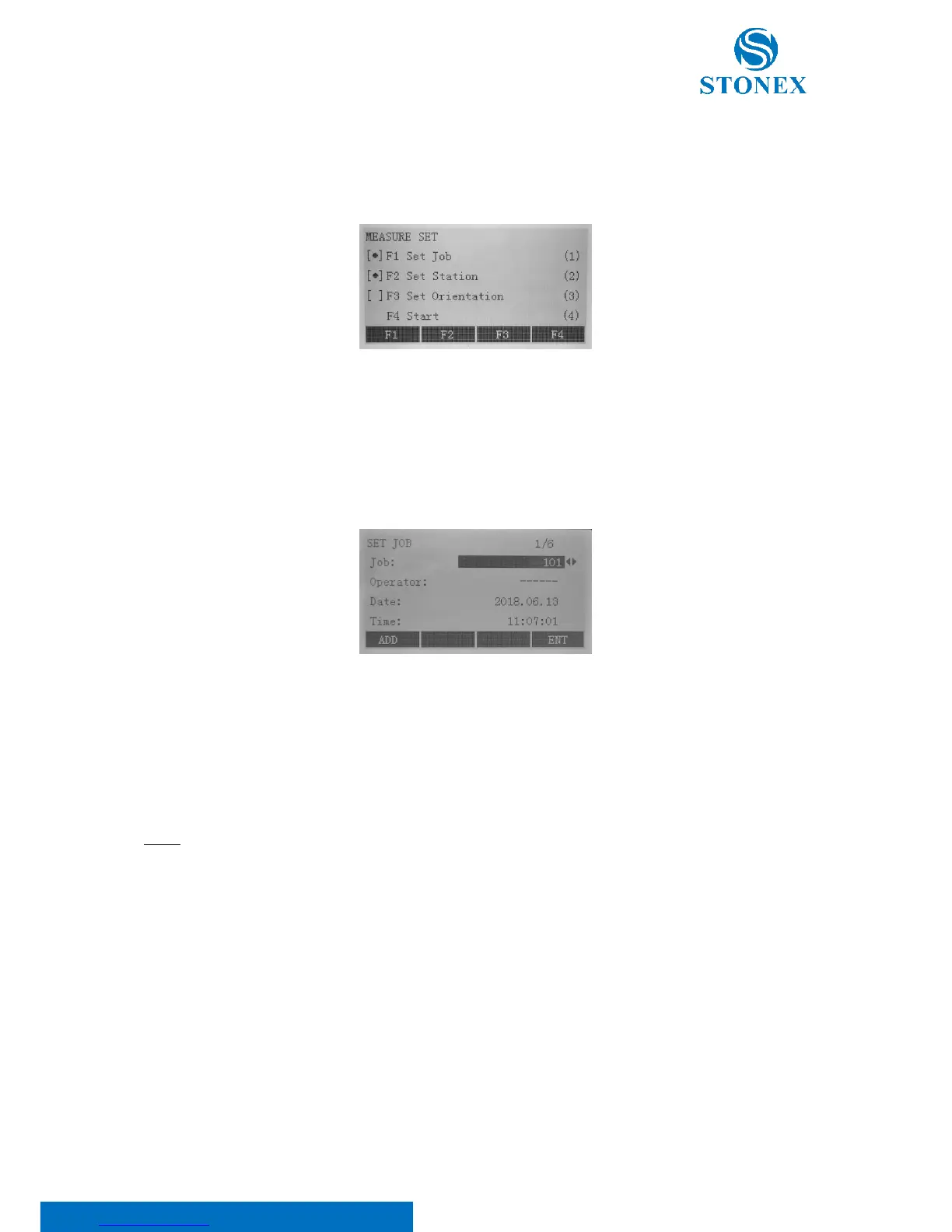
They are displayed after selecting an application. The user can select the start programs individually.
On the left of the options, [•] means that the settings are made; [ ] settings are not made.
7.1. Setting job
All data is saved in JOBS like directories. Jobs contain measurement data of different types (e.g. fixed points,
measurements, codes, stations, …) and are individually manageable and can be readout, edited or deleted separately.
Press F1 to set the job, then:
• Use ◄/► keys to select an existing job
• Select F1[ADD] to create a new job: enter the job name, the operator and notes.
Press F4[ENT] to save and go back to start-up programs menu.
NOTE: All recorded data is stored in this job. Besides, if no job has been defined and an application have been
started or if [ALL] key has been triggered, the system would automatically create a new job and name it as “DEFAULT”.
7.2. Setting station
Each coordinate computation relates to the set station. At least plan coordinates (E, N) are required for the station;
the station height can be entered if required. The coordinates can be entered either manually or read from the
internal memory.



 To Next Page