Stonex R25/R25LR Total Station - User Manual 99
9. Data management
9.1. File management
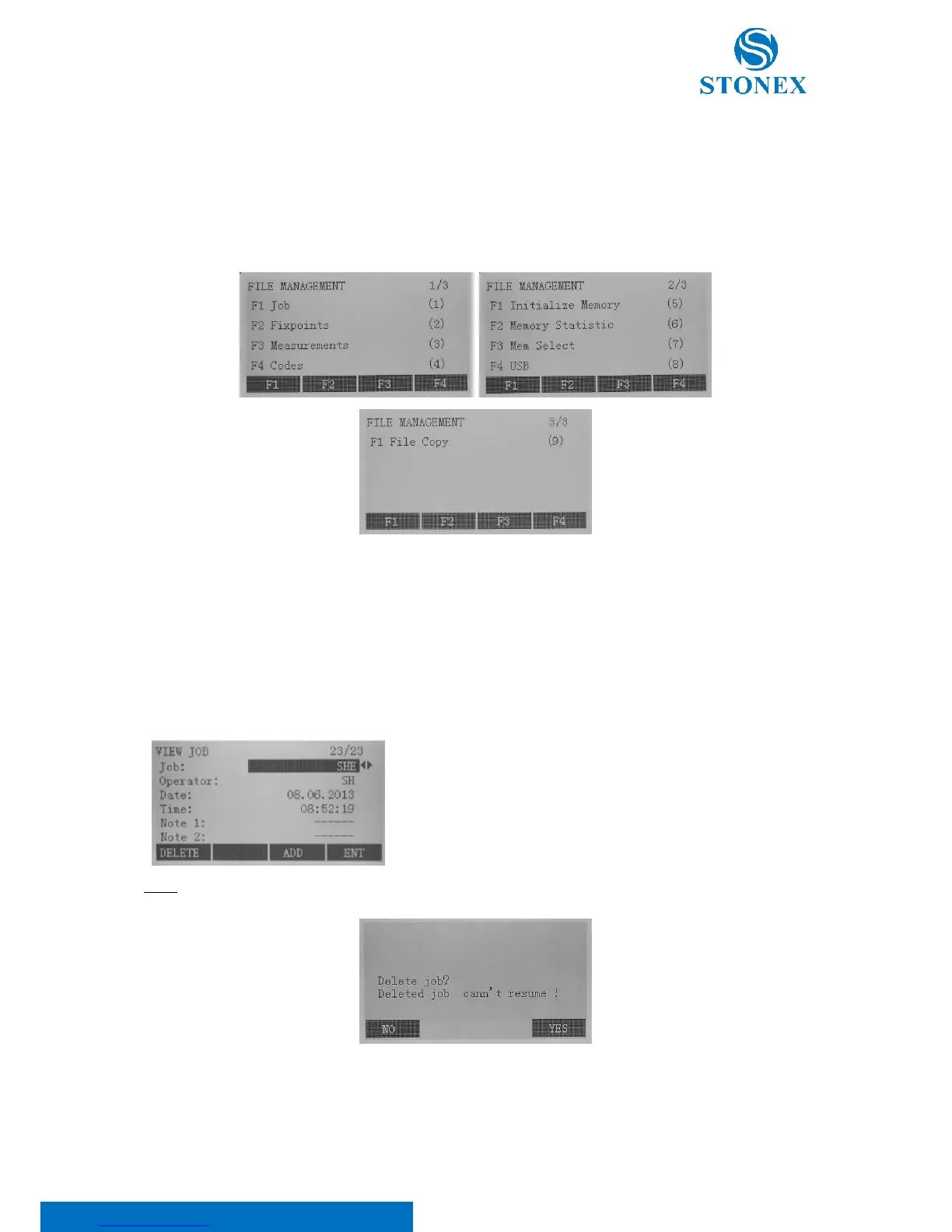
Press the {MENU} key and F4[JOB] to enter the File Management menu, which contains all functions for entering,
editing and checking data in the field.
9.1.1. Job management
Jobs are a summary of data of different types, e.g. fixed points, measurements, codes, results, etc. Press F1 in the
file management menu to view jobs.
The job definition consists of inputting the job name and user. Additionally, the system generates time and date at
the moment of creation.
In the view job mode use the ◄/► keys to select a job, then press:
• F1[DELETE] to delete it;
• F3[ADD] to start a new job;
• F4[ENT] to set it.



 To Next Page