Stonex R25/R25LR Total Station - User Manual 44
6.1.2. Set the horizontal angle to a required value
Take your instrument sight the 1st target.
Press F4[ ↓ ] to scroll the softkeys on the display. Press [HSET] key and edit the required value. Set it using F4[SET]
key.
The range and format of the input value are:
• gon: 0~399.9999;
• degree: 0 ~359.5959;
• mil: 0~6399.990.
6.2 Distance measurement
Please set the following items before distance measurement:
• Measurement condition (See 5.2. Settings);
• EDM (See 5.3. EDM settings).
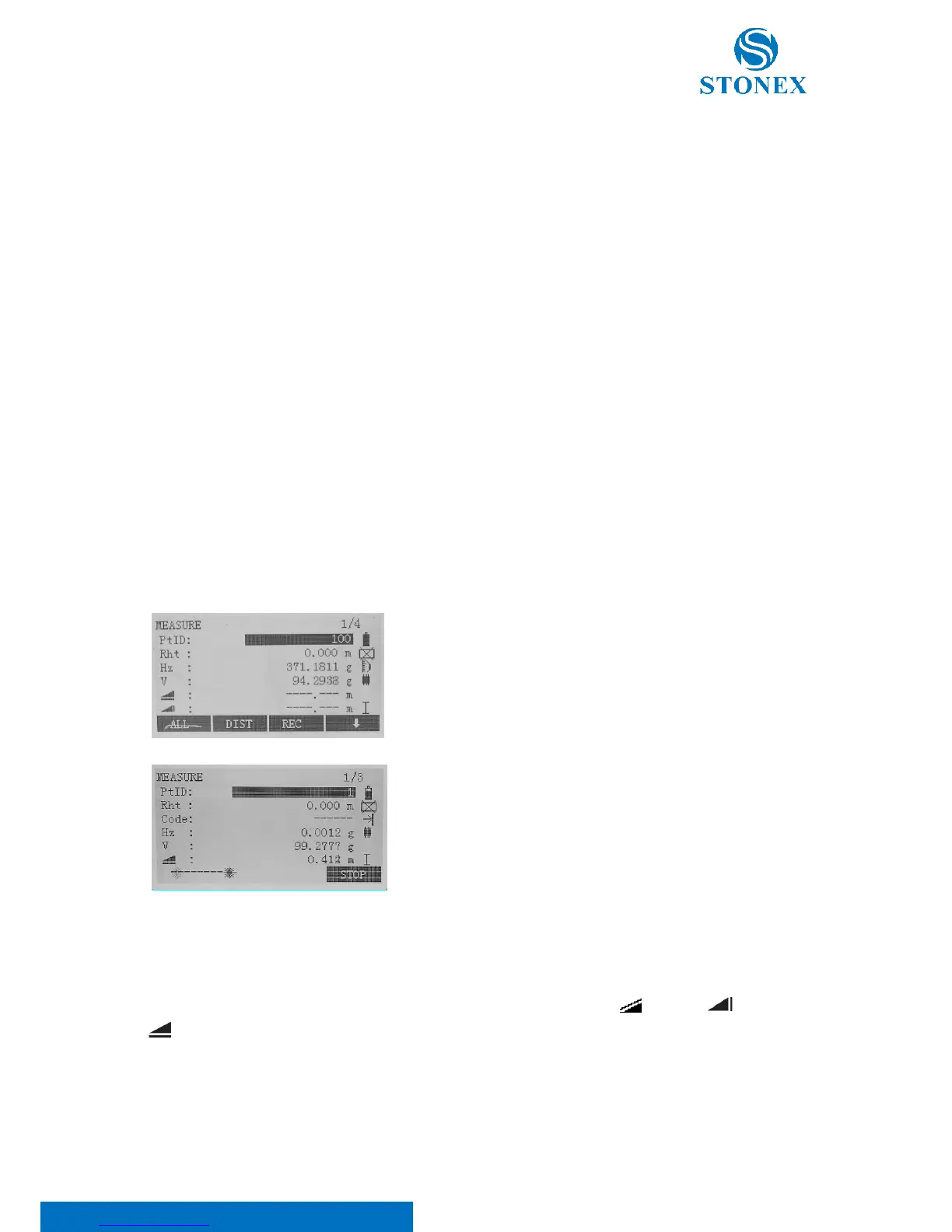
Aim at the target and press F1[ALL] or F2[DIST] to start measuring
distance.
The symbol “*” moves continually when measuring distance.
Press F4[STOP] to finish measurement.
The “SD”, ”HD”, and “VD” will display
Press {PAGE} key and the display mode of basic measurement will change: slope ( ), vertical ( ), horizontal
( ) distances or coordinates (North, Easth, Height) are shown.
Press {PAGE} key to change display status if it is in distance mode.



 To Next Page