Stonex R25/R25LR Total Station - User Manual 19
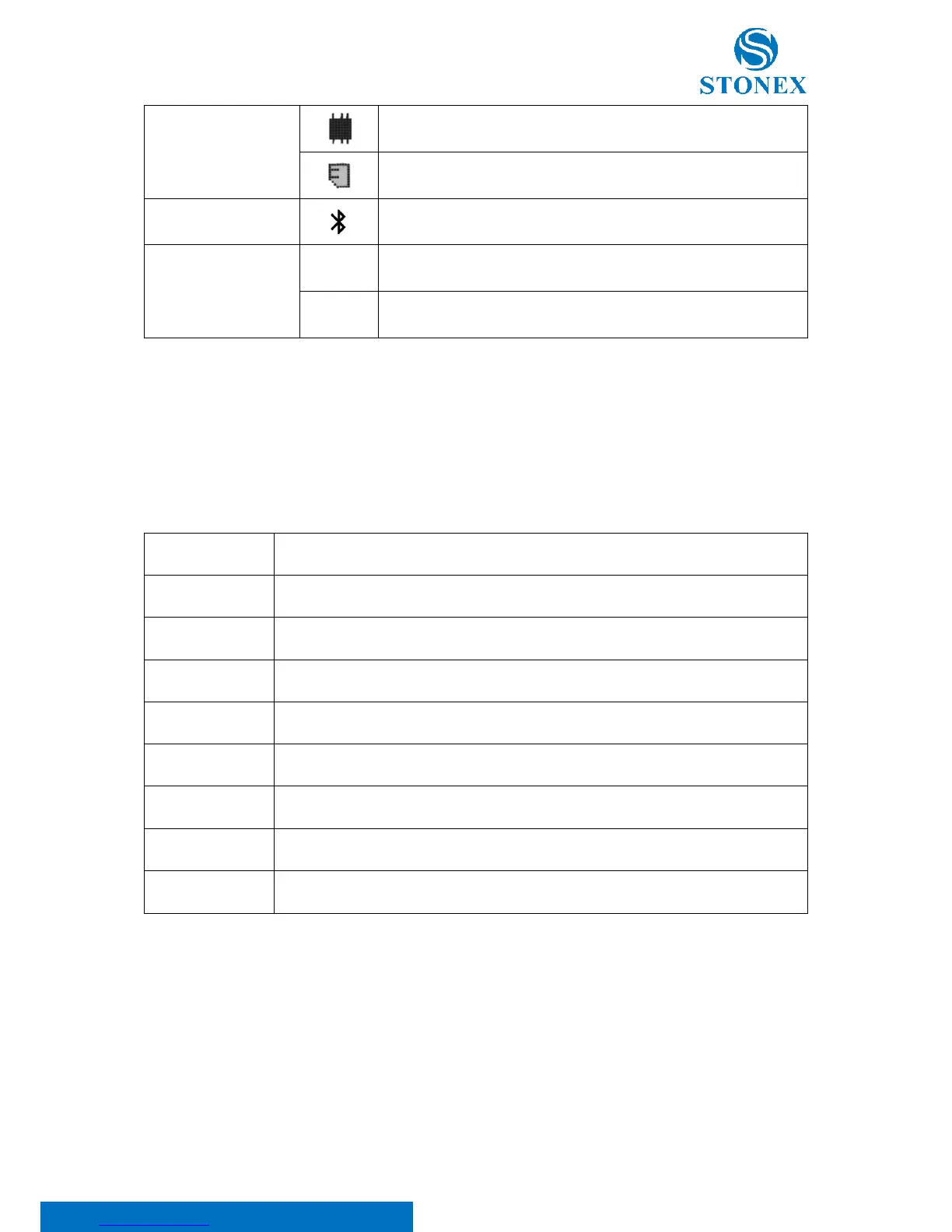
The internal card is the current storage media
The external SD card is the current storage media
The telescope eyepiece is positioned on face left
The telescope eyepiece is positioned on face right
Softkeys
A selection of commands and functions is listed at the bottom of the screen. They can be activated with the
corresponding function keys; press the key F4[ ↓ ] to scroll. The available scope of each function depends on the
applications currently active.
Start distance and angle measurements and saves measured values.
Start distance and angle measurements without saving measured values.
Select the tilt correction
4.2. Menu diagram
Press the {MENU} key to enter the main menu. F1-F4 can be used to confirm menu selection. Scroll to next page
with the {PAGE} key.



 To Next Page