Stonex R25/R25LR Total Station - User Manual 98
Press F1[PREV] to return to “ROAD DATA VIEW” menu, F2[CLEAR] to delete all results of transect measure in current
job or F4[DELETE] to delete current displayed records. Deleted data can’t resume.
8.11.4. Data Transfer
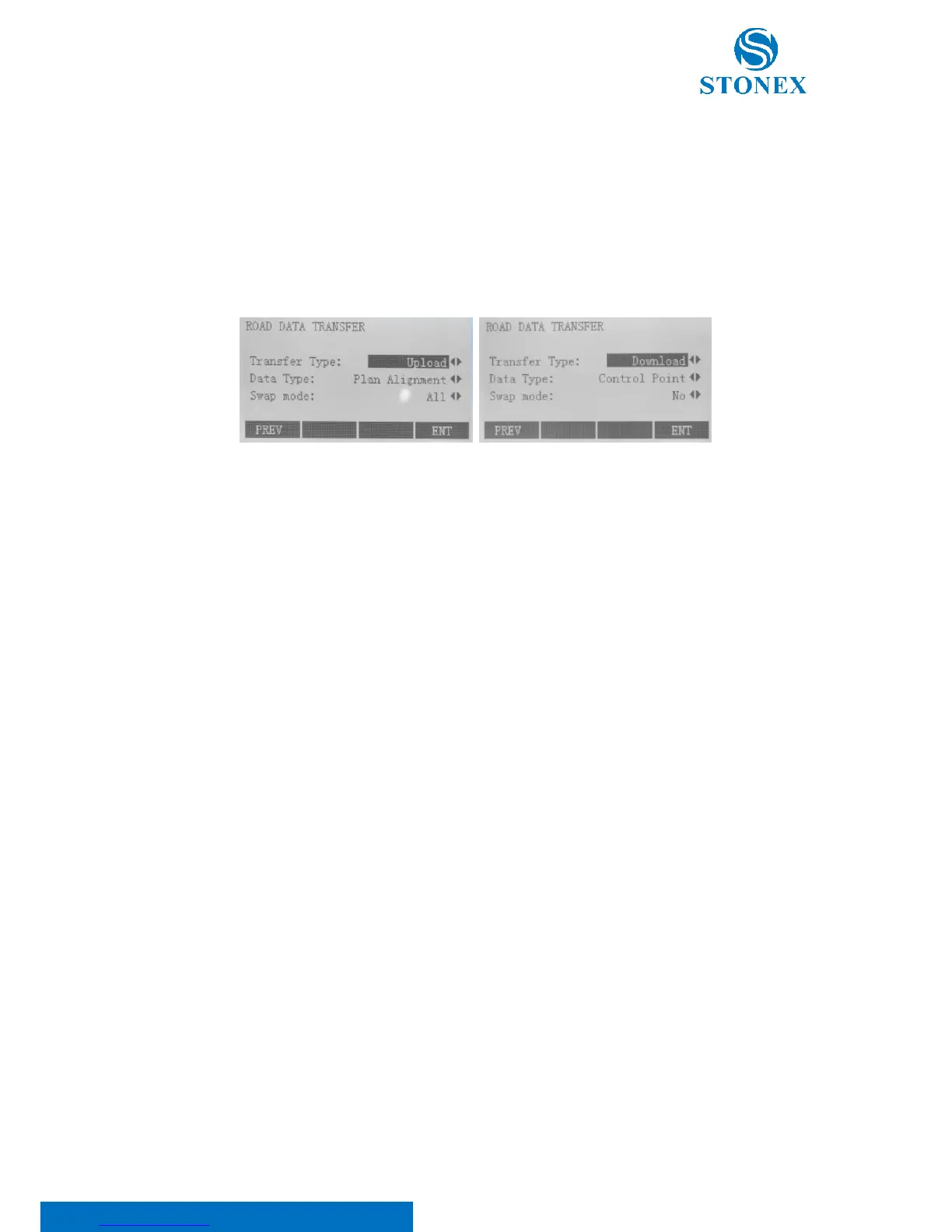
Under Road Menu, choose softkey F4 or number key 4, and then display “Data Transfer” dialog. This function is to
realize known data uploading (Control point and Plane alignment) and results downloading of stake out and
measuring.
Transfer type contains two options:
• Upload: it helps to upload data to total station via PC. And this operation is only appropriate for
known data (Control point and Plane alignment);
• Download: it helps to send data to PC via total station, and this operation is appropriate for all types
of data.
Data type contains four options: Control point, Plane alignment, Cross-sectional and Stake out Results. Only
“Control point” and “Plan alignment” are selectable when “Upload” is the transfer type.
Swap mode only includes two choices:
• All: it will delete the same types of all existed data in current job. It is only selectable with “Upload”
transfer type
• No: it won’t delete the same types of existed data. It is only selectable with “Download” transfer type.
Press F4[ENT] to save the new settings or F1[PREV] to go back to the Road menu.



 To Next Page