Stonex R25/R25LR Total Station - User Manual 97
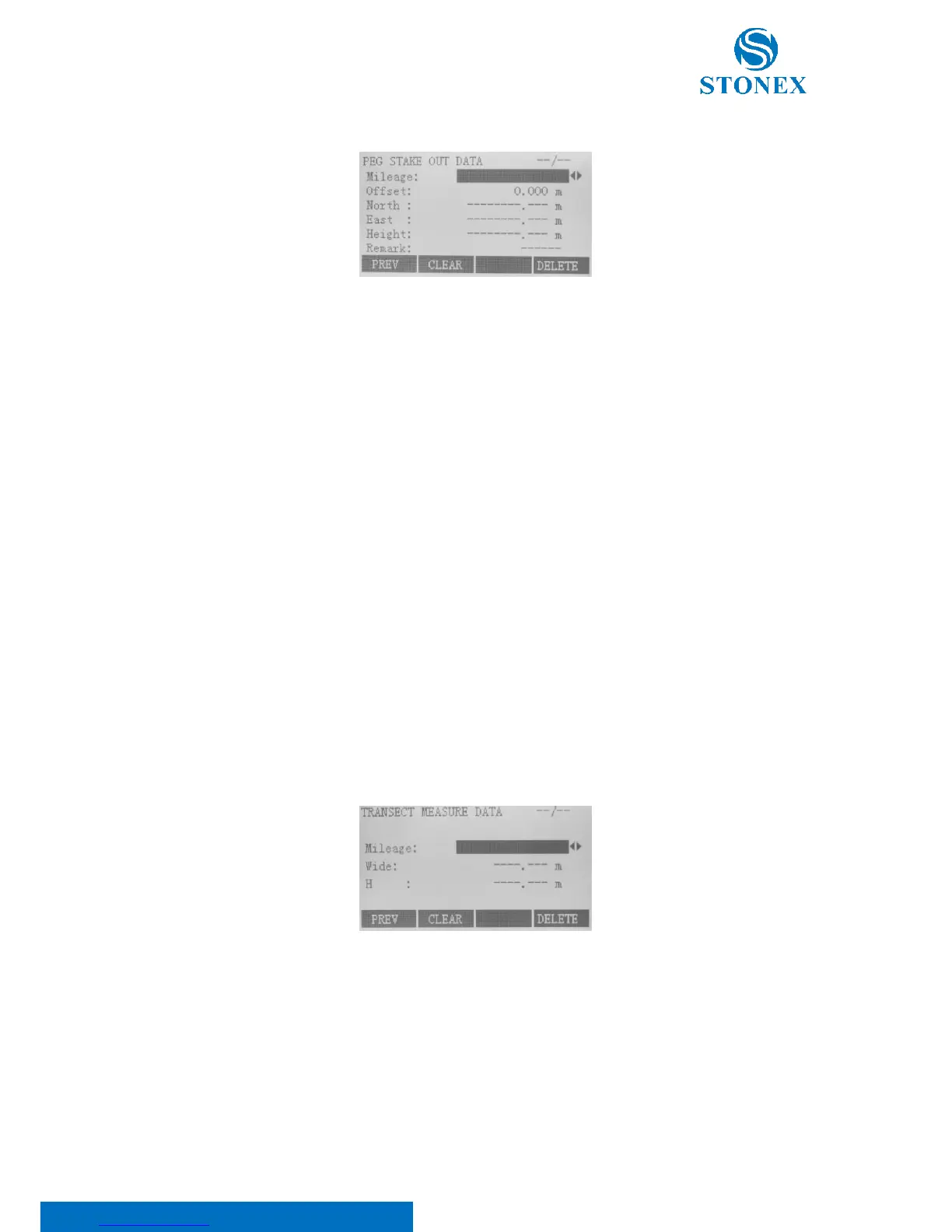
On “Road data view” menu, press F1 key to access “Peg data view” menu.
Here:
Mileage is mileage of specified stake out points;
Offset is the offset distance that specified stake out point deviates from centerline, namely, “Offset” on “Peg
Stake Out” display;
North is the ordinate of actual measured point;
East is the abscissa of actual measured point;
Height is the elevation of actual measured point;
Remark is a simple description of actual measured point.
Press F1[PREV] to return “Road Data View” dialog, F2[CLEAR] to delete all results of peg stake out in current job or
F4[DELETE] to delete current displayed records. Deleted data can’t resume.
Transect data view
On “Road data view” menu, press F2 key to access “Transect data view” menu.
Here:
Mileage is the mileage corresponding to the transect;
Wide is the offset distance that cross-sectional point deviates from centerline;
H is the actual elevation of this measured point.



 To Next Page