Stonex R25/R25LR Total Station - User Manual 35
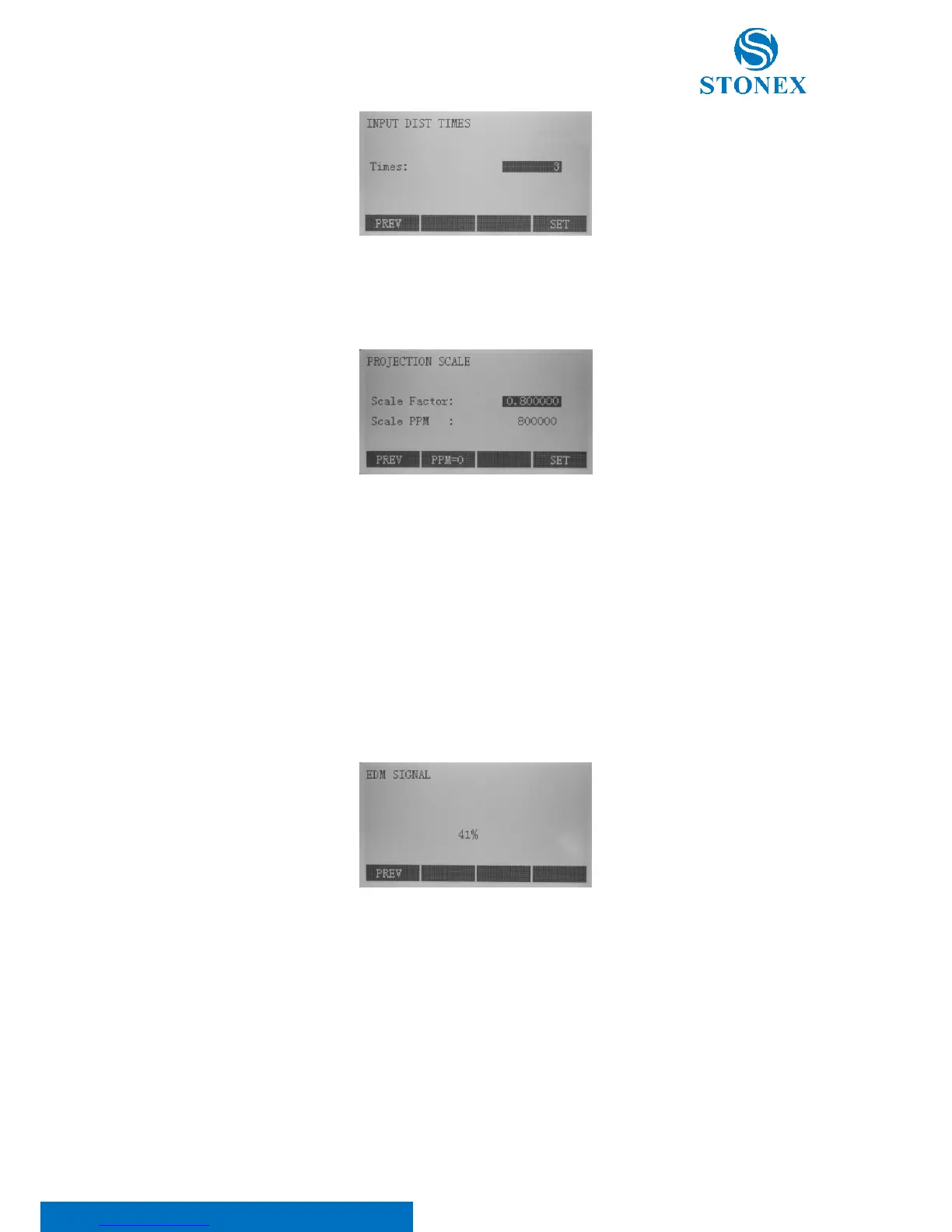
[SCALE]: in the EDM setting menu press F4[ ↓ ] to scroll the black bar at the bottom of the display and then press
F1[SCALE] to enter the projection scale menu:
Scale Factor: Measured values and coordinates are corrected with the PPM parameter. Limit value: 0.50 to
1.999999;
Scale PPM: Input of individual scaling parameters;
[PPM=0]: Press F2 to set default parameters (Scale Factor=1; Scale PPM=0).
[SIGNAL]: in the EDM setting menu press F4[ ↓ ] to scroll the black bar at the bottom of the display and then press
F2[SIGNAL]. The EDM signal intensity (reflection intensity) is displayed in steps of 1%. It permits optimal aiming at
distant barely visible targets.



 To Next Page