Stonex R25/R25LR Total Station - User Manual 59
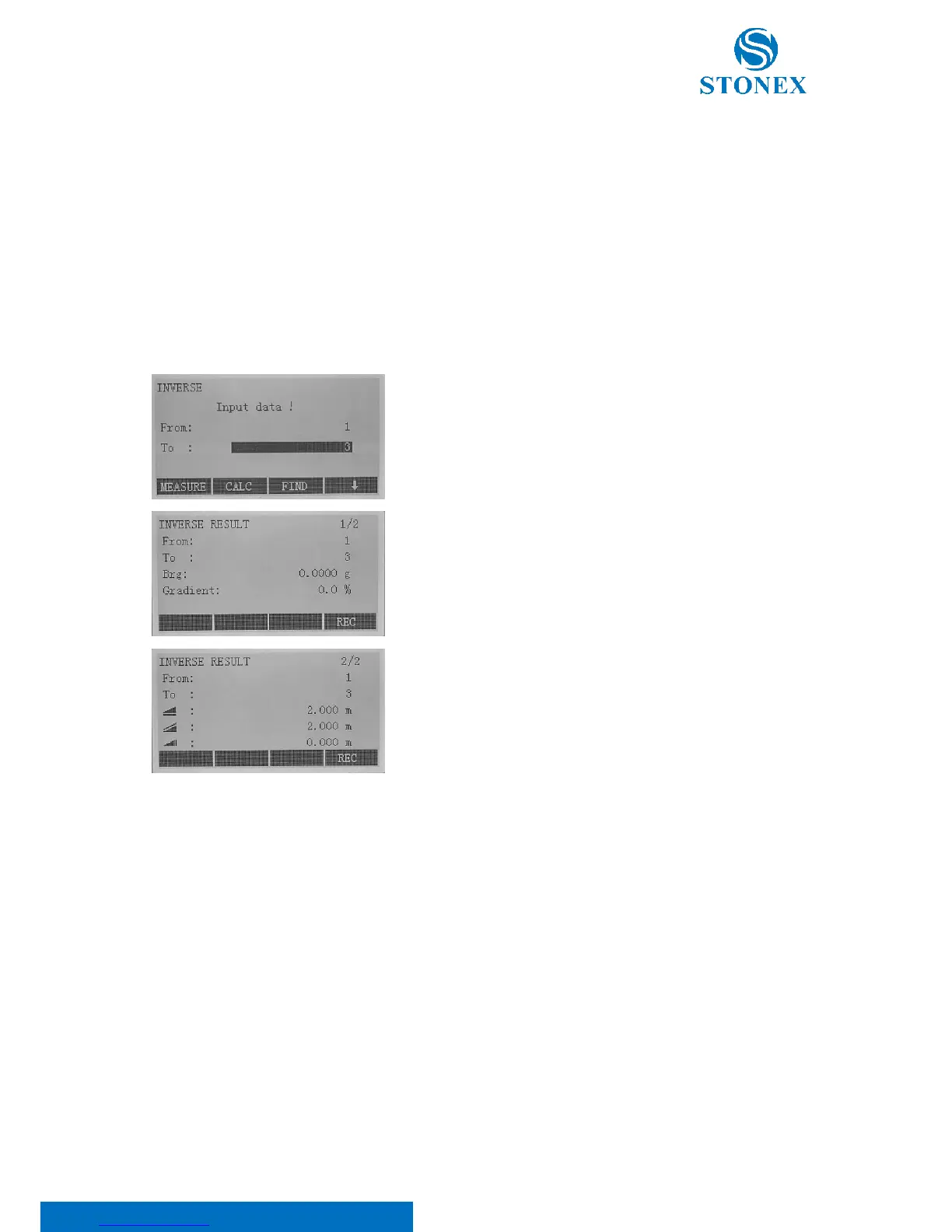
o Select an existing point form the memory: edit the point ID and press F3[FIND] or press F4[ ↓ ] to
scroll the softkeys and select F1[LIST] to enter the search point menu;
o Input a new point: press F4[ ↓ ] to scroll the softkeys and select F2[ENH] to enter the coordinate
input mode.
• Brg: input the direction (angle with respect to the orientation)
• HD: input the horizontal distance between two points
• Offset: input the lateral deviation
• Line: input the horizontal distance from the baseline start point



 To Next Page