Stonex R25/R25LR Total Station - User Manual 87
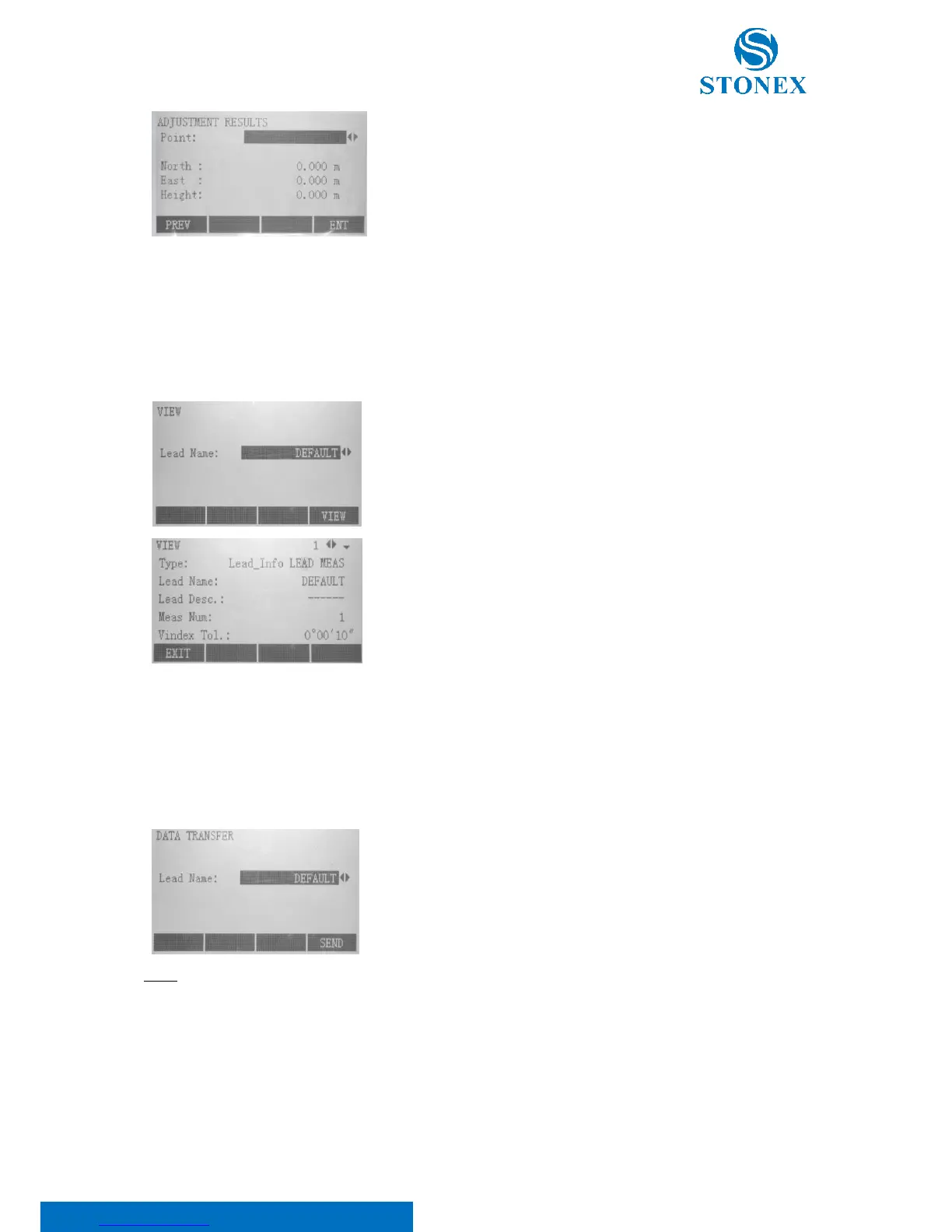
Press F2[MORE] to check “calculation results”, especially coordinates of
each lead point after computing.
With the {FUNC} key scroll between observed points.
8.10.5. Data view
Press {PAGE} button to turn to second page of Lead Measure program, and then select [F1] key to enter “Data View”,
where you can know about information according to the lead you choose.
Select the Lead Name using the ◄/► keys and press F4[VIEW].
Scroll all the measures using the ◄/► keys and see all the details about
the measure through the {PAGE} key.
8.10.6. Data transfer
It allows to send Lead Measure data to PC through RS232 port. Press {PAGE} button to switch to the second page
of Lead Measure program, and then select [F2] key to enter “Data Transfer”.
Connect the cable to your computer and select, using the ◄/► keys, the
Lead Measure to be output.
Press the F4[SEND] key to start transferring data.
NOTE:
• To use this data transfer option, it is necessary to have installed a proper software on your computer,
able to receive data from a RS232 port;
• Be sure that the communication port settings are set in the same way as on your computer;



 To Next Page