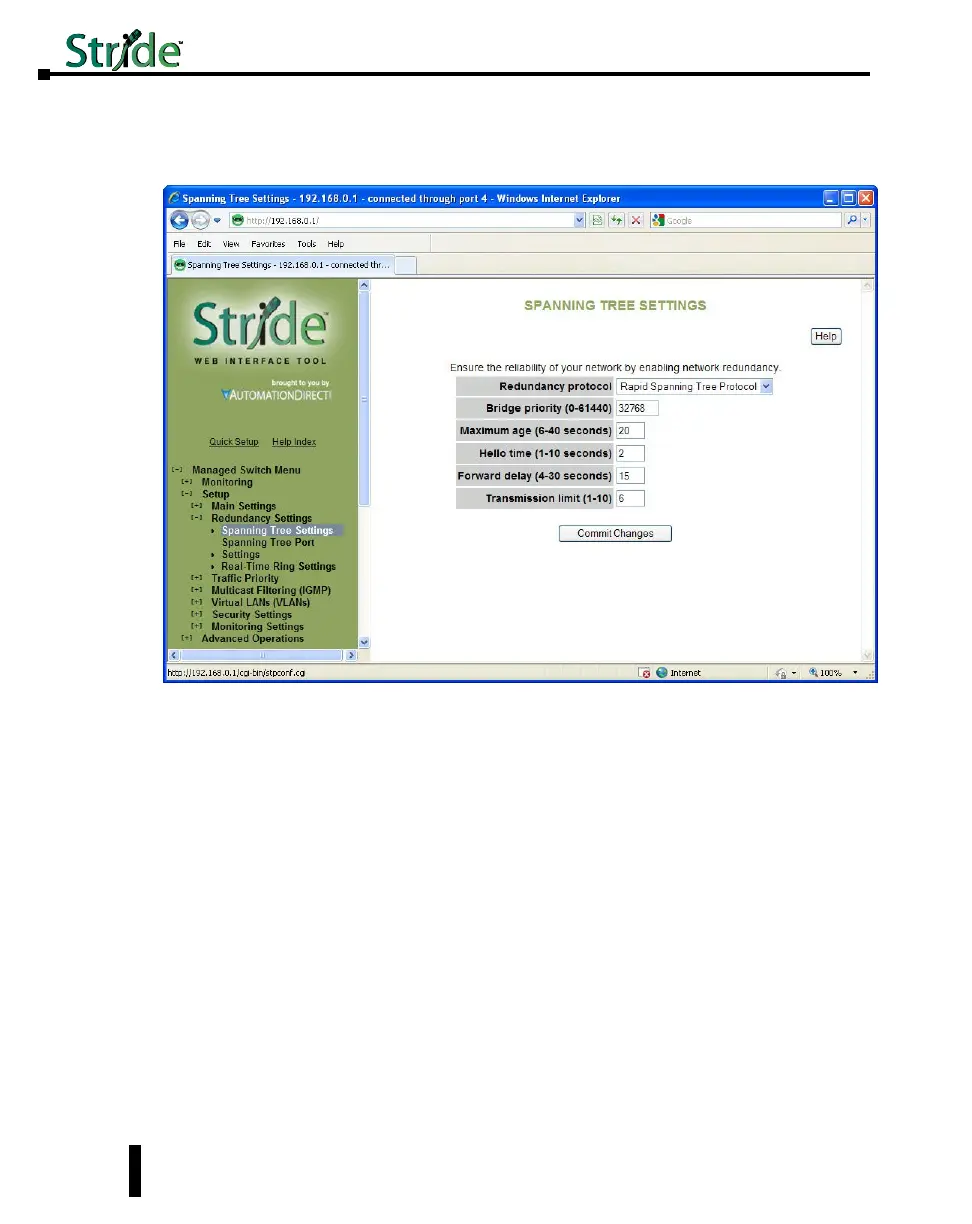
Spanning Tree Settings
The Spanning Tree Settings enable you to choose the redundancy protocol and set
parameters related to that protocol.
Redundancy Protocol: Choose the protocol by selecting STP (Spanning Tree Protocol),
RSTP (Rapid Spanning Tree Protocol) or MSTP (Multiple Spanning Tree Protocol). A
selection of None will disable this advanced feature. Choosing STP, RSTP or MSTP will
allow the wiring of redundant networks (such as rings) for automatic failover. RSTP is
compatible with STP so in most cases you should choose RSTP. Only choose STP if you
want to force the switch to only use this protocol. STP/RSTP/MSTP use BPDUs (Bridge
Protocol Data Units) to keep bridges informed of the network status.
MSTP is compatible with RSTP and STP but adds the ability to route VLANs over distinct
spanning trees within an MSTP region. In order to configure spanning trees, you must create
spanning tree instances using the STP configuration page and assign VLANS to them using
the VLAN configuration page.
MSTP falls back to RSTP behavior outside of an MSTP region. A region is identified by the
unique combination of Region Name, Configuration Revision and VLAN to MSTI mapping
for each switch in that region. If those values match for linked switches running MSTP,
those switches consider themselves to be in the same region.
4-18
Chapter 4 - Managed Switch Software Setup
Stride Industrial Ethernet Switches User Manual 2nd Ed. Rev. A



 To Next Page