Stride Industrial Ethernet Switches User Manual 2nd Ed. Rev. B
Chapter 5 - Managed Switch Software Advanced Operations
Restore Factory Defaults
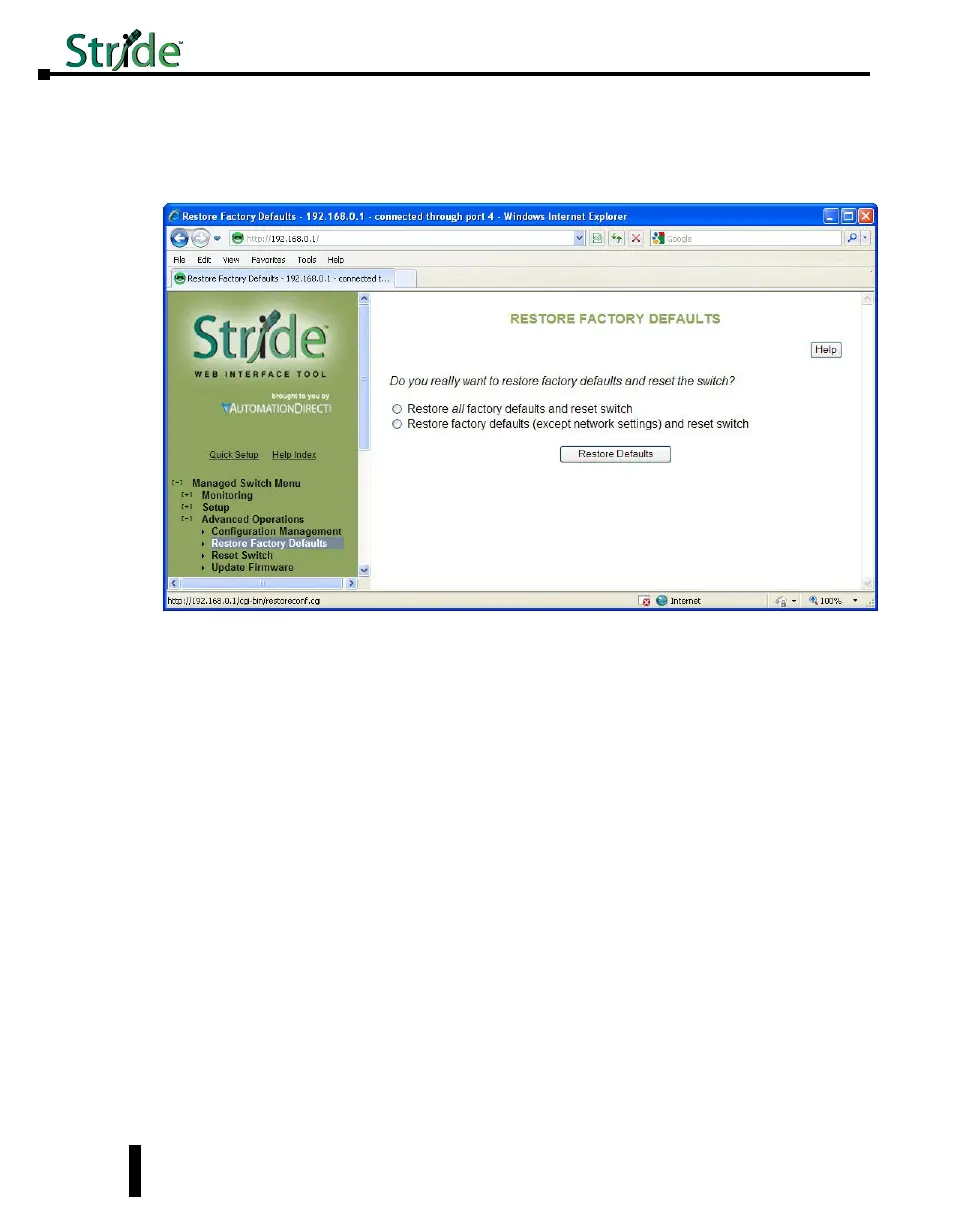
This option sets the switch back to factory default settings. The switch will automatically
restart (reset) to put the default settings into effect.
You can optionally choose to maintain the IP address configuration of the switch in order to
more easily reconnect to the switch for configuration after resetting the defaults.
5-4


 To Next Page