Stride Industrial Ethernet Switches User Manual 2nd Ed. Rev. B
Appendix A - Troubleshooting
Installing Switch Firmware
Installing switch firmware from the browser interface requires 3 steps:
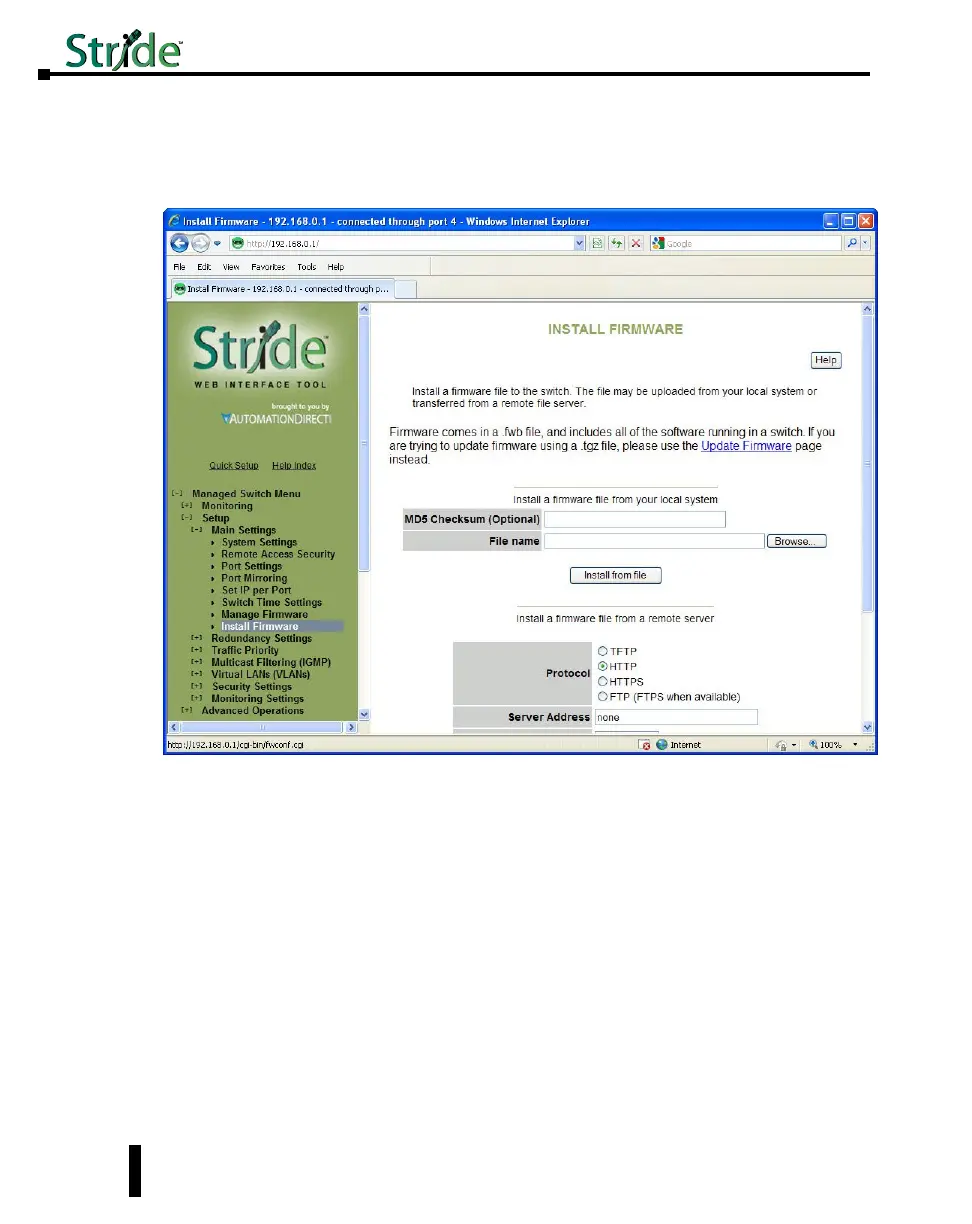
1. Install the firmware .fwb file from the Main Settings – Install Firmware page
Browse to the file either on your local system or from a remote server. The MD5 Checksum
is an error detection value that your IT department may calculate and give you, especially
when they install firmware from a remote server. It is not required. The purpose of the
Checksum is to verify the file you are using to upgrade exactly matches the version sent.
Click the Install from File or Install from Server button
2. After the firmware file has been installed, go to the Main Settings - Manage Firmware page:
A-8



 To Next Page