Stride Industrial Ethernet Switches User Manual 2nd Ed. Rev. B
Appendix D - CLI Commands
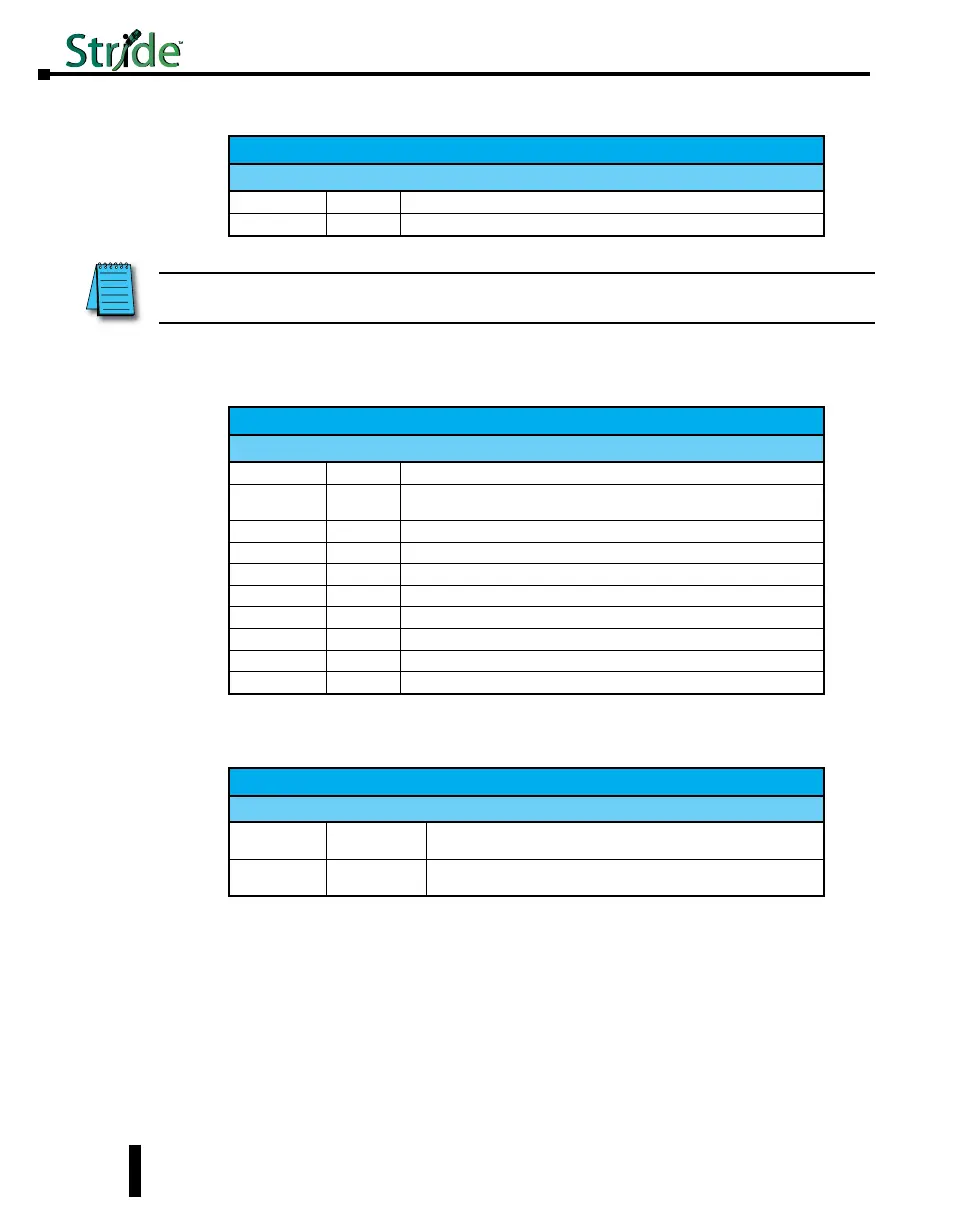
Timezone Configuration:
Timezone Configuration
Parameter Default Allowable Values / Description
list
(see below) (see below)
value
none A time zone from list
MSTI Configuration:
MSTI Configuration
Parameter Default Allowable Values / Description
list
n/a Lists all MSTIs and their priorities
plist
n/a
Followed by mstid, used to show all ports in the specified MSTI with their
costs and priorities
add
n/a Followed by name mstid [priority]
remove
n/a any valid MSTI, or all to remove all MSTIs
priority
32768 Followed by mstid [priority]
pprio
varies Followed by mstid portno [pprio], used for per-MSTI port priorities
pcost
varies Followed by mstid portno [pcost], used for per-MSTI port costs
name
n/a Followed by mstid [name]
mstid
n/a Followed by mstid [newmstid]
inherit
n/a Any valid MSTI. Used to inherit from the CIST
General Configuration:
The following commands are general commands which are not part of another subsection:
General Configuration
Parameter Default Allowable Values / Description
location
<set location of
switch>
Any text value / location of the Switch
contact
none Any text value / contact information of the network or site administrator
NOTE: To view a list of all timezones, use the command “tz list [<prefix>]” with the option to filter by
timezones beginning with the characters in <prefix>.
D-10


 To Next Page