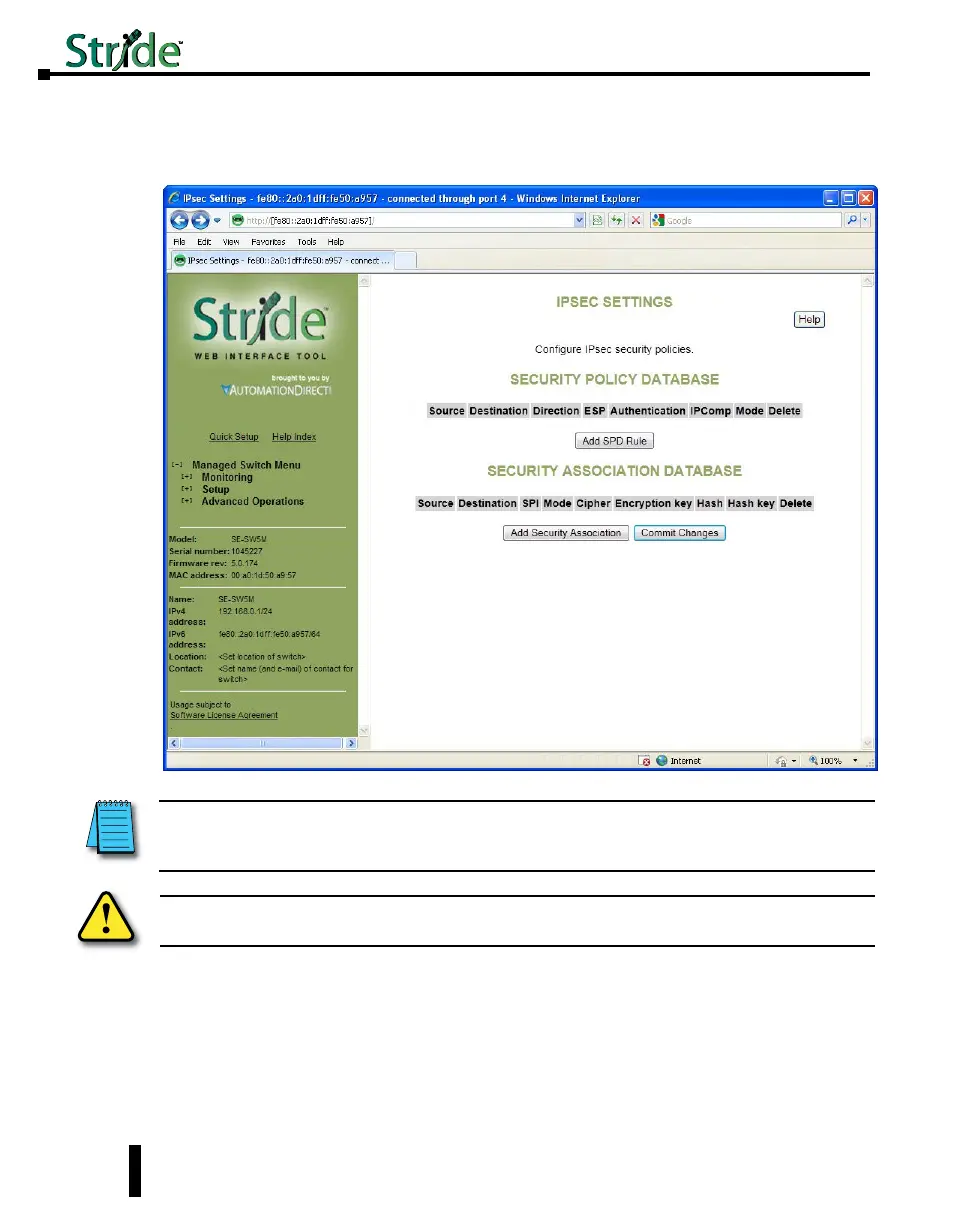
IPsec Settings
IPsec can authenticate, encrypt or compress IPv6 traffic to or from a switch. The IPsec
software in this switch only affects management traffic addressed to or sent from the switch.
Configuration is done via two databases. The SPD (Security Policy Database) sets the
required IPsec protocols for traffic going from or to configured hosts or networks. The SAD
(Security Association Database) contains the encryption, compression and hash parameters
needed to implement the policies required by the SPD for traffic between specific hosts.
Warning: Misconfiguration on this screen may block network access to the Switch’s configuration
interface.
NOTE: IPsec can only be used when the Switch’s primary access address is configured with an IPv6 address. To
connect to the switch via IPv6 with Internet Explorer, you must surround the address with http://[...]. Example: http://
[fe80:0000:0000:0000:02a0:1dff:fe50:bfca]
4-54
Chapter 4 - Managed Switch Software Setup
Stride Industrial Ethernet Switches User Manual 2nd Ed. Rev. A



 To Next Page