Connecting to the Switch for the first time
Connecting to the switch over Ethernet:
Connecting to the switch for the first time over Ethernet requires no extra tools or driver
installation and is, therefore, the recommended way to accomplish this.
The default IP address and subnet mask of the switch is 192.168.0.1 and 255.255.255.0.
This means that your PC’s network interface card (NIC) that is connected to the switch
must be set to a compatible IP address and subnet mask to access the web-based switch
configuration tool. It is recommended that you connect your PC directly to the switch for
the initial setup of the network settings. An example IP address and subnet mask to set your
PC’s network interface to is 192.168.0.100 and 255.255.255.0.
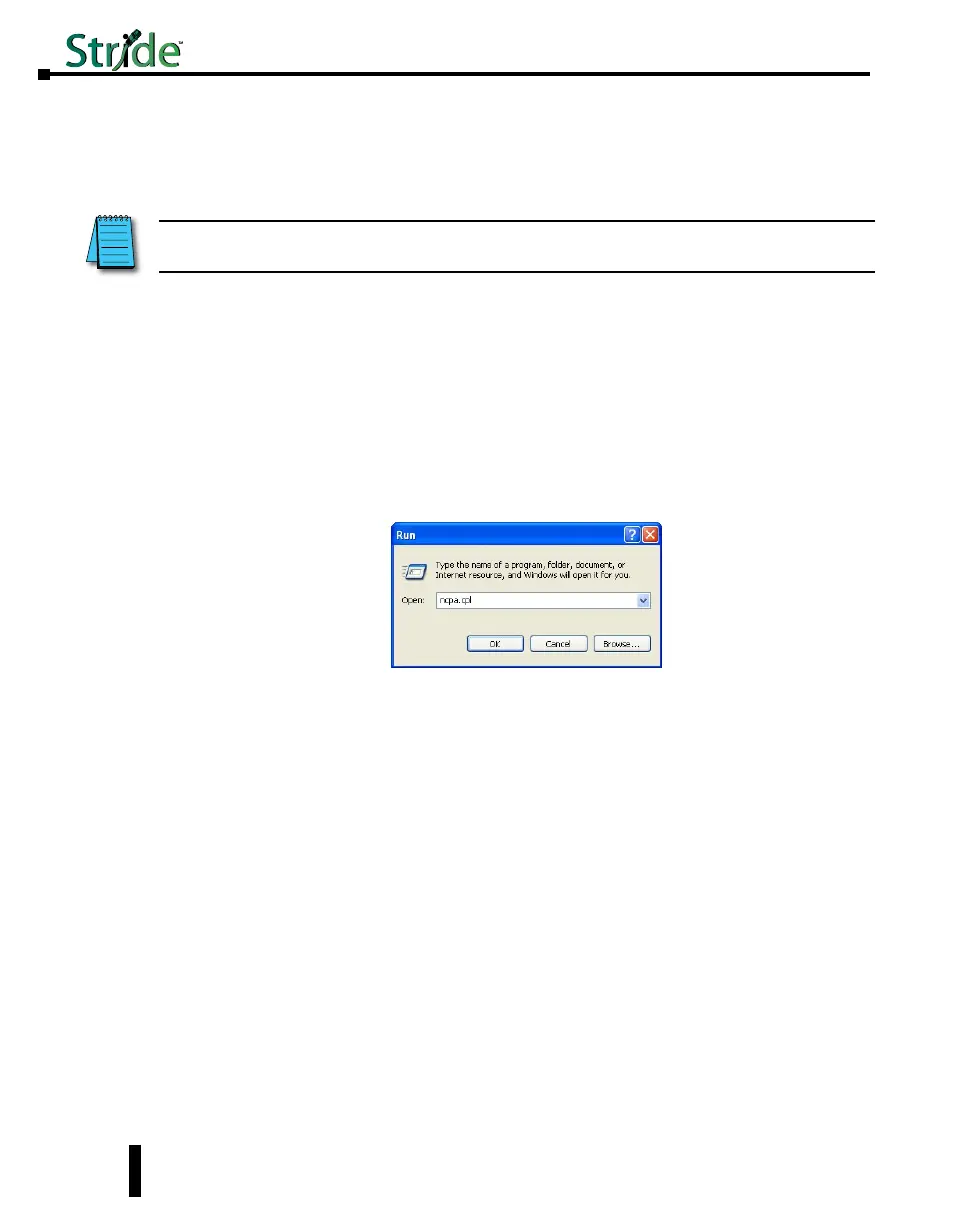
1. Go to the Start Button and click on “Run” (if you do not see a “Run” option, type Run in the
search box and hit Enter). Type in ncpa.cpl and hit OK.
NOTE: See Setting up PC for USB connection to Switch later in this chapter for the option of using USB for switch
connection.
Stride Industrial Ethernet Switches User Manual 2nd Ed. Rev. B
Chapter 2 - Managed Switch Quick Start
2-2



 To Next Page