Stride Industrial Ethernet Switches User Manual 2nd Ed. Rev. B
Chapter 5 - Managed Switch Software Advanced Operations
Update Firmware
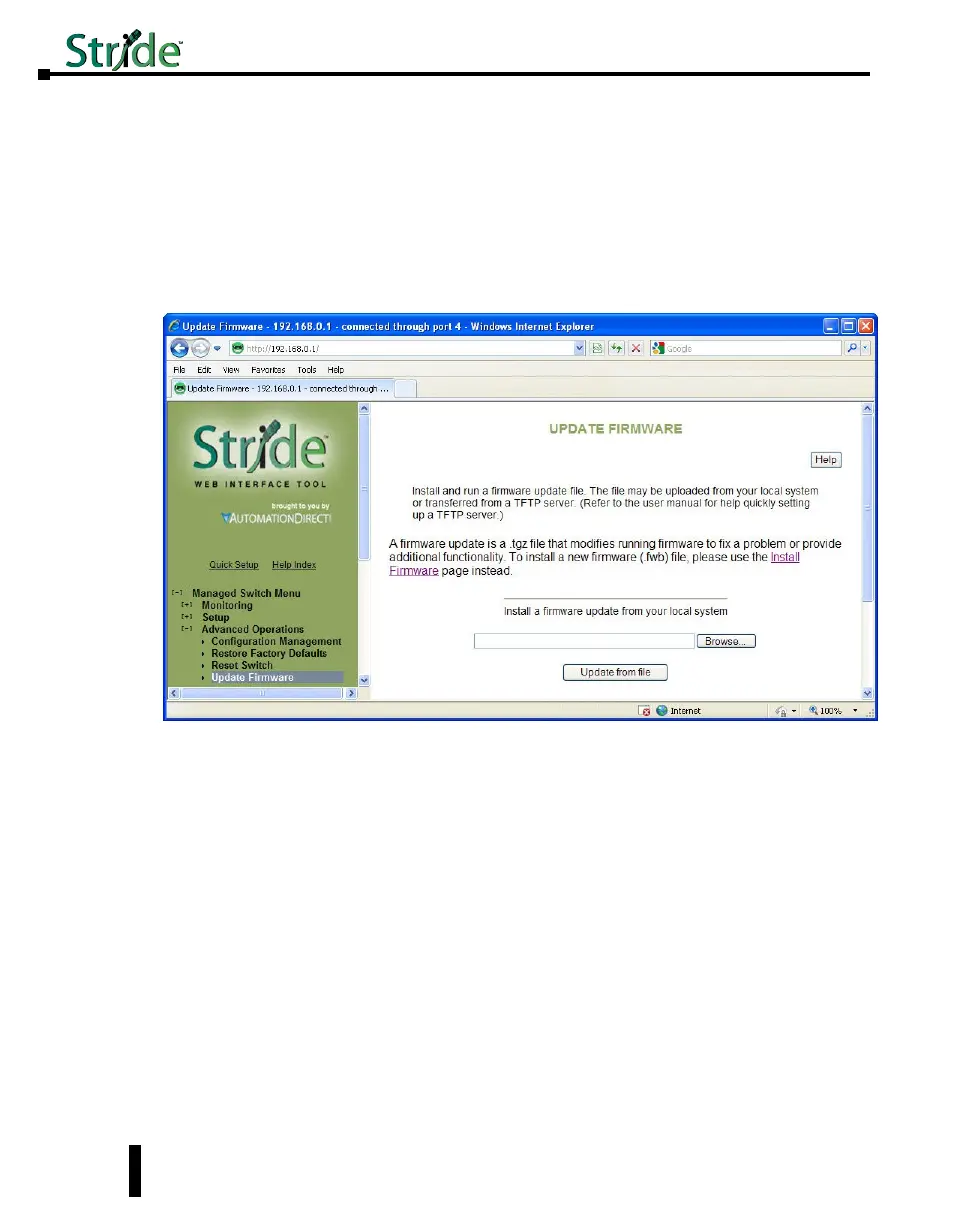
Use Manage Firware to install a complete firmware file with a *.tgz filename. The Update
Firware page is used for incremental changes to firmware versions applied by a file with a
*.fwb filename. Firmware updates are released periodically to add features and fix problems.
The recommended and easiest way to update firmware is from the web interface. It allows
you to Browse and select the firmware update package from your local computer or a
computer on your local network. Then just click the Update from File button to load and
install the latest firmware files.
This method of updating the firmware will retain all your settings. However, it is still
recommended that you save a “checkpoint” configuration as a backup.
Update Firmware using a TFTP Server:
Another option for updating firmware is via a TFTP server elsewhere on the network. Simply
specify the IP address of the remote TFTP server and the filename of the update. If necessary,
the switch will automatically reboot after installing the new firmware files. After the reboot
you may see an “Internal Server Error” message. Simply click refresh on your browser to
reestablish communications with the switch.
This method of updating the firmware will retain all your settings. However, it is still
recommended that you save a “checkpoint” configuration as a backup.
5-6



 To Next Page