Stride Industrial Ethernet Switches User Manual 2nd Ed. Rev. B
Appendix D - CLI Commands
Valid settings: ‘enabled’ (will automatically set other speeds to ‘disabled’)
The syntax for the port speed command is as follows:
port <port #> speed …
(negotiation enabled)
speed 10H enabled
speed 10F disabled
…
Which act like check boxes on a web form.
Or, with negotiation disabled, the syntax is:
speed 10H enabled
speed 100F enabled
…
Which act like radio buttons on a web form.
Speed FC enabled/disabled is available in both modes.
For combo ports, the SFP speed may be set as follows:
port <port#> sftp <speed>
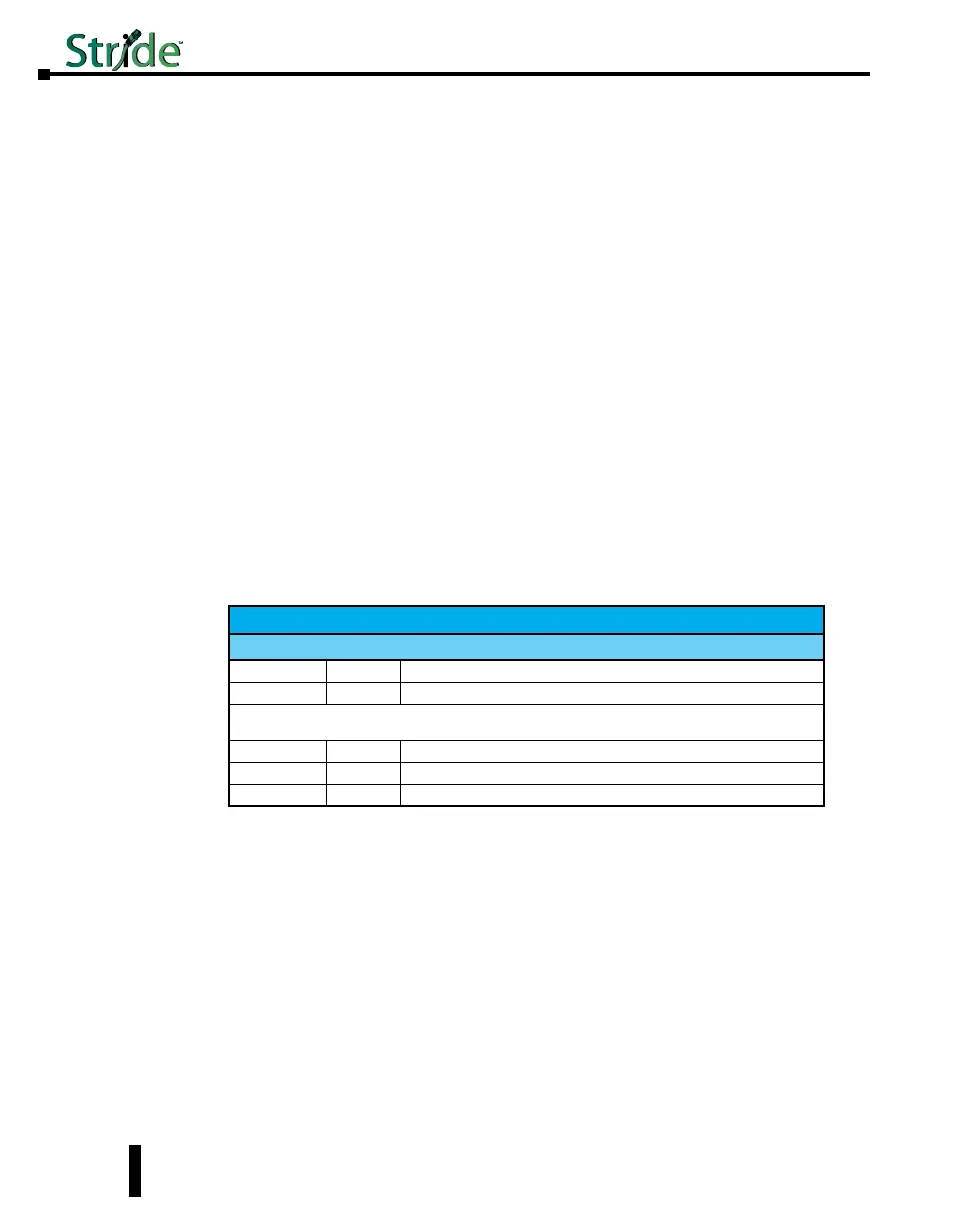
Ring Configuration:
Ring Configuration
Parameter Default Allowable Values / Description
list
n/a View the list of configured rings
master
auto auto’, ‘this’ / configure how the Switch determines the ring master
The settings below require a ring number, usage:
ring <parameter> <ring #> [<new value>]
enable
0 ‘0’, ‘1’ / view or change whether the ring is enabled
name
n/a Any text value / View or change the specified ring name
ports
n/a (see below) / View or change this ring’s primary and backup ports
To set the primary and backup ports for a specified ring, the syntax is:
ring ports <ring#> <primary port #> <secondary port #>
D-6



 To Next Page