Stride Industrial Ethernet Switches User Manual 2nd Ed. Rev. B
Chapter 3 - Managed Switch Software Monitoring
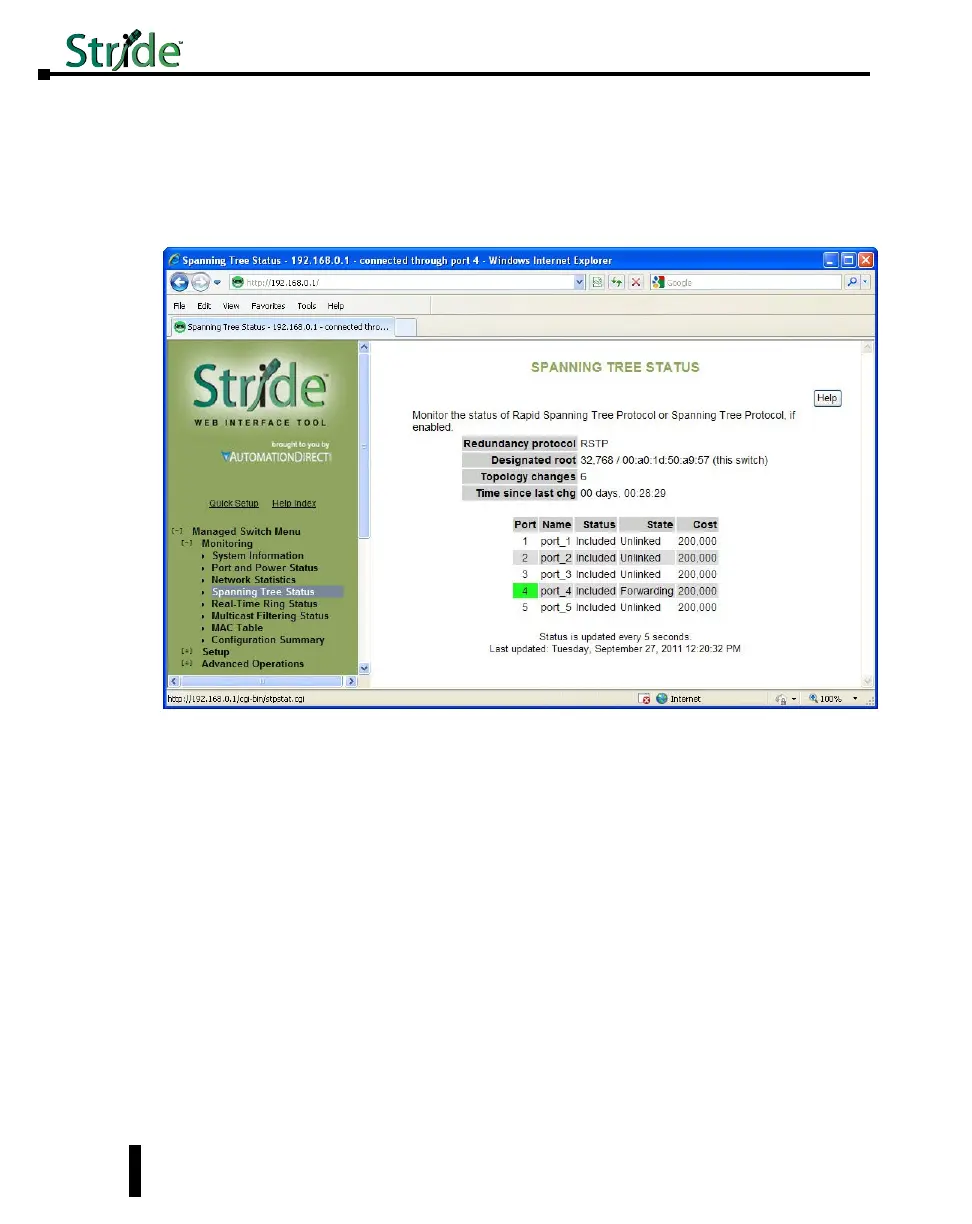
Spanning Tree Status
This section shows the current status of the Spanning Tree redundancy feature of the switch.
For more information on the particular details of the Spanning Tree features of the switch,
refer to the “Spanning Tree Settings” section under the “Redundancy Settings” section of this
document.
On this page, the color highlighting the port number indicates the speed:
Yellow = 10 Mbps
Green = 100 Mbps
Red = 1000 Mbps
Redundancy protocol: This is the protocol that the switch has been configured for. The
selections available are Spanning Tree Protocol, Rapid Spanning Tree Protocol or None.
Designated root: This field specifies which device is the Root switch and what the Bridge ID
of that switch is along with the MAC ID.
Topology changes: This counter tracks the number of times that the topology has changed
on the network layout. There are a number of things that can cause the topology to change.
If the link is lost on a port that is forwarding and the switch has to change its path, this will
cause a topology change. If a Topology Change Notice is received by the switch from some
other switch, the counter will also increment.
Time since last chg: Informs how long it has been since the last topology change occurred.
Port: The number of the port. This corresponds to the labels on the switch.
3-8



 To Next Page