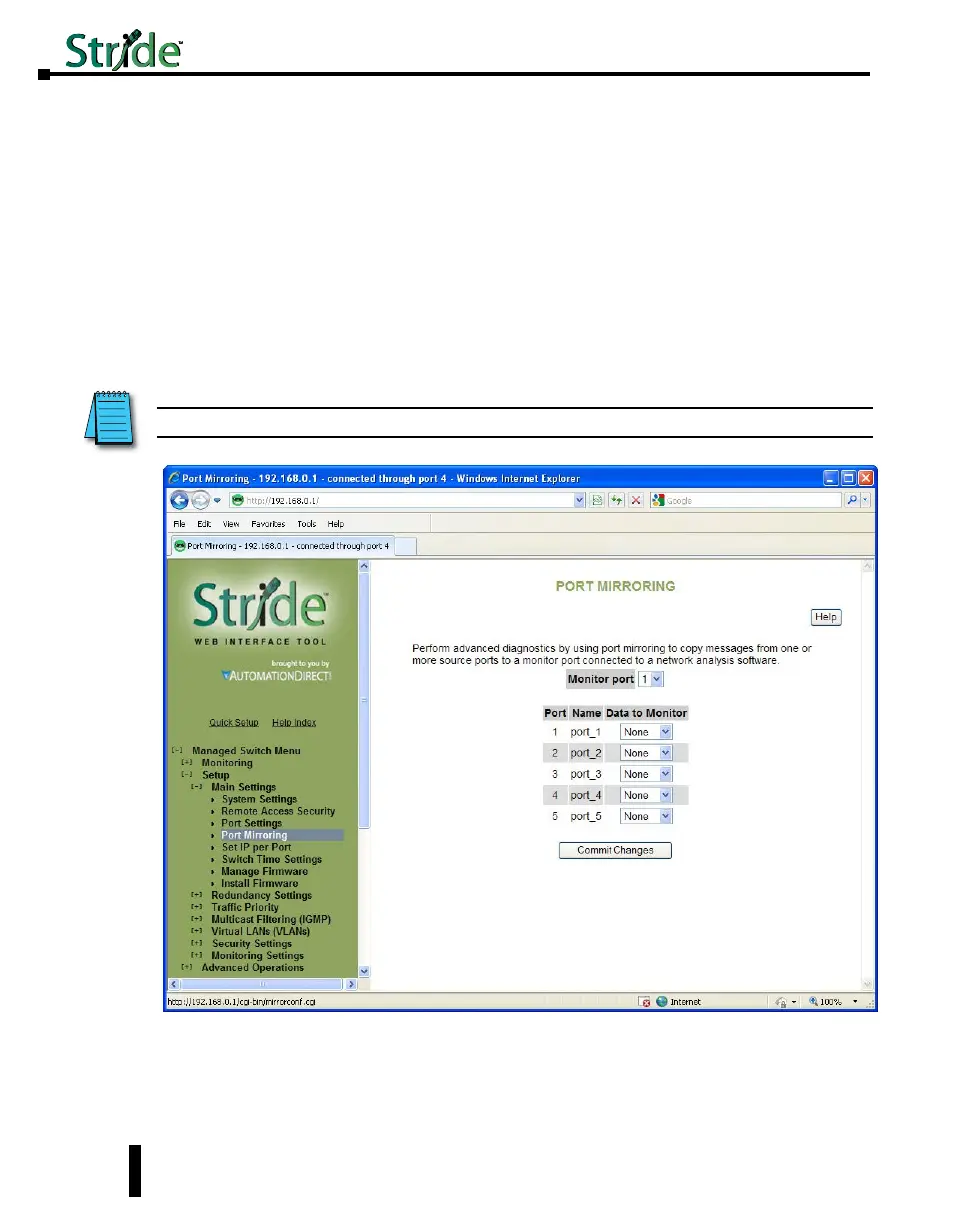
Port Mirroring
In an unmanaged switch, each port is filtered to only send and receive Ethernet packets to
devices physically connected to that port. This makes it impossible to view the messages
occurring between two other devices from a third device (such as a PC running a tool like
“Wireshark”).
The mirroring option is ideal for performing diagnostics by allowing traffic that is being sent
to and received from one or more source ports to be replicated out the monitor port.
Choose a monitor port.
Choose the source ports to be mirrored (monitored). For each source port choose the data
to monitor: choose to monitor messages being sent (select Egress), messages being received
(select Ingress) or messages being sent and received (select Both).
NOTE: The Ingress Only option is not supported on SE-SW5M-xxx and SE-SW8M-xxx models.
To view the traffic, connect a PC running network monitoring software (such as Wireshark)
to the Monitor port.
4-8
Chapter 4 - Managed Switch Software Setup
Stride Industrial Ethernet Switches User Manual 2nd Ed. Rev. A



 To Next Page