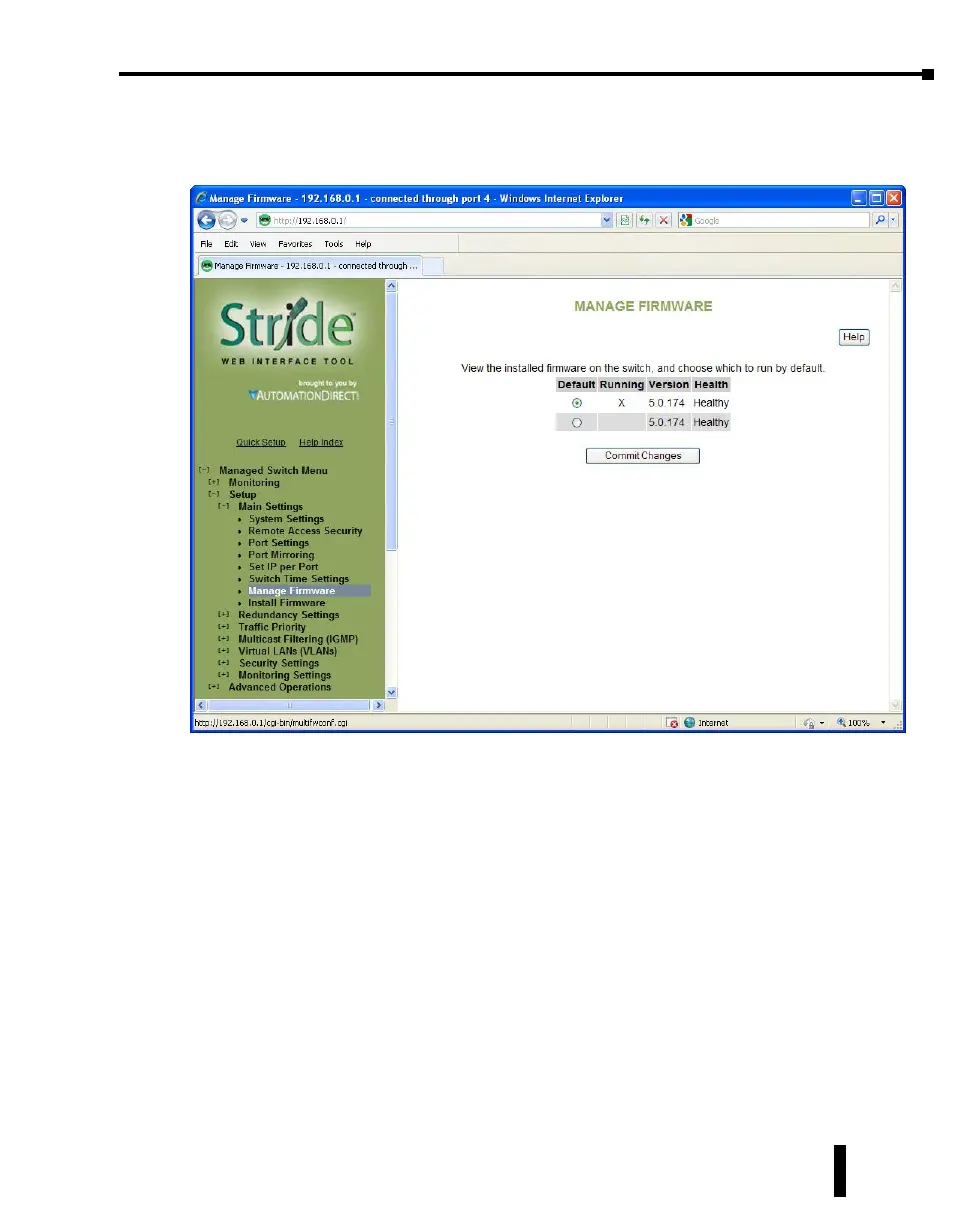
Manage Firmware
The Manage firmware page displays the current status of each of the two firmware images on
a switch, and allows for changing which one will run the next time the switch is reset.
Default: Shows the current default firmware image to run when the switch is reset. May be
changed to run a different firmware on the next reset.
Running: Shows the current running firmware image. This may be different from the
current default firmware image if the switch failed to boot recently.
Version: Displays the firmware version number for each installed firmware. If the version
cannot be determined, this will report “Unknown”.
Health: Shows the health of each firmware image. The health can be one of the following:
• Healthy: The firmware is running or is expected to be in good enough shape to run.
• Broken: The firmware is known to be in a state that would prevent it from booting. The Default
column will not allow this image to be selected for booting.
• Unknown: The firmware may be bootable, but the switch cannot be certain. This will happen if
the switch is running the non-default firmware. This can happen if the default firmware somehow
became corrupt, or if the switch lost power part way through booting.
If the firmware that is currently running is not the default, and the switch is reset without
explicitly saving the default (“Commit Changes”), the current firmware will be run again. To
4-11
Chapter 4 - Managed Switch Software Setup
Stride Industrial Ethernet Switches User Manual 2nd Ed. Rev. A



 To Next Page