Stride Industrial Ethernet Switches User Manual 2nd Ed. Rev. B
Chapter 3 - Managed Switch Software Monitoring
Configuration Summary
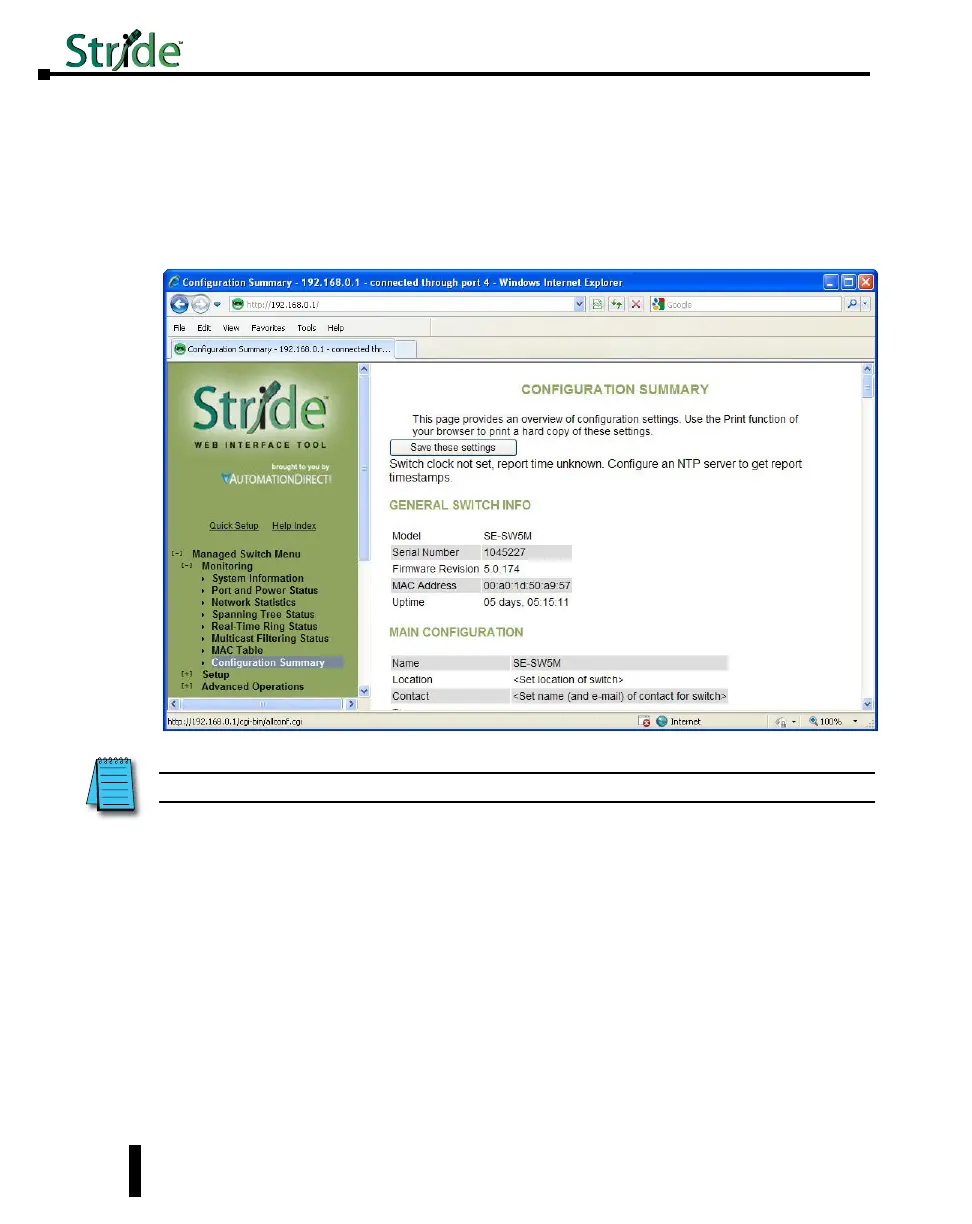
The Configuration Summary Page provides a complete overview of the configuration settings
of the switch. The summary is generated in a print-friendly format. If an NTP (Network
Time Protocol) server is configured, the report will also report a timestamp. To save these
settings to a configuration file, click the “Save these settings” button to be redirected to the
Configuration Management screen.
NOTE: This page is for viewing settings only. To change settings, please go to the individual configuration screens.
3-14



 To Next Page