Stride Industrial Ethernet Switches User Manual 2nd Ed. Rev. B
Chapter 2 - Managed Switch Quick Start
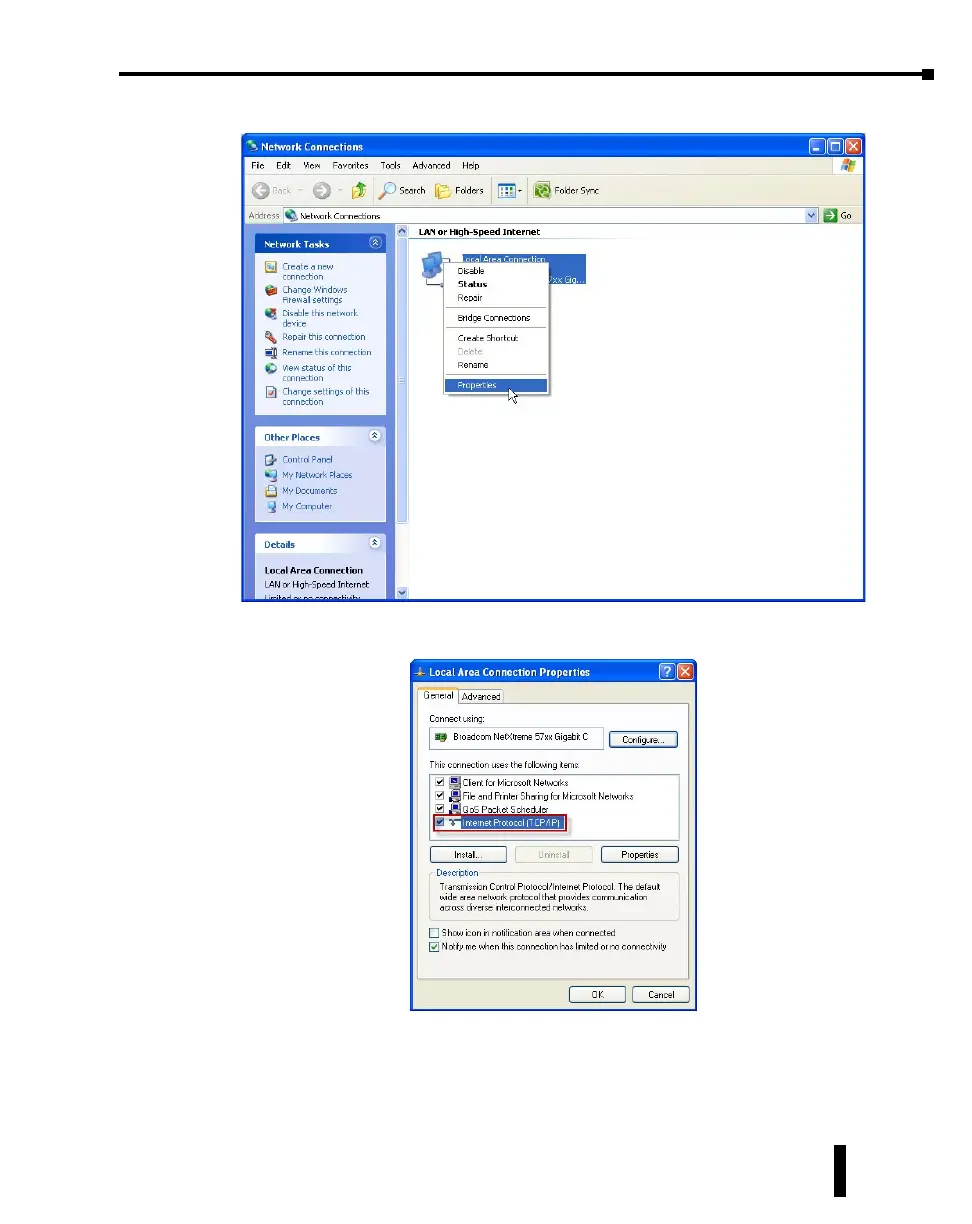
2. Right click on the Network Interface that is connected to your switch and choose Properties.
3. Scroll down and highlight the “Internet Protocol Version 4 (TCP/IPv4)” selection and click on the
Properties button.
4. Write down the current settings so that you may put them back in after configuring the Network
settings of the switch to a compatible setup for your environment.
2-3



 To Next Page