Stride Industrial Ethernet Switches User Manual 2nd Ed. Rev. B
Chapter 2 - Managed Switch Quick Start
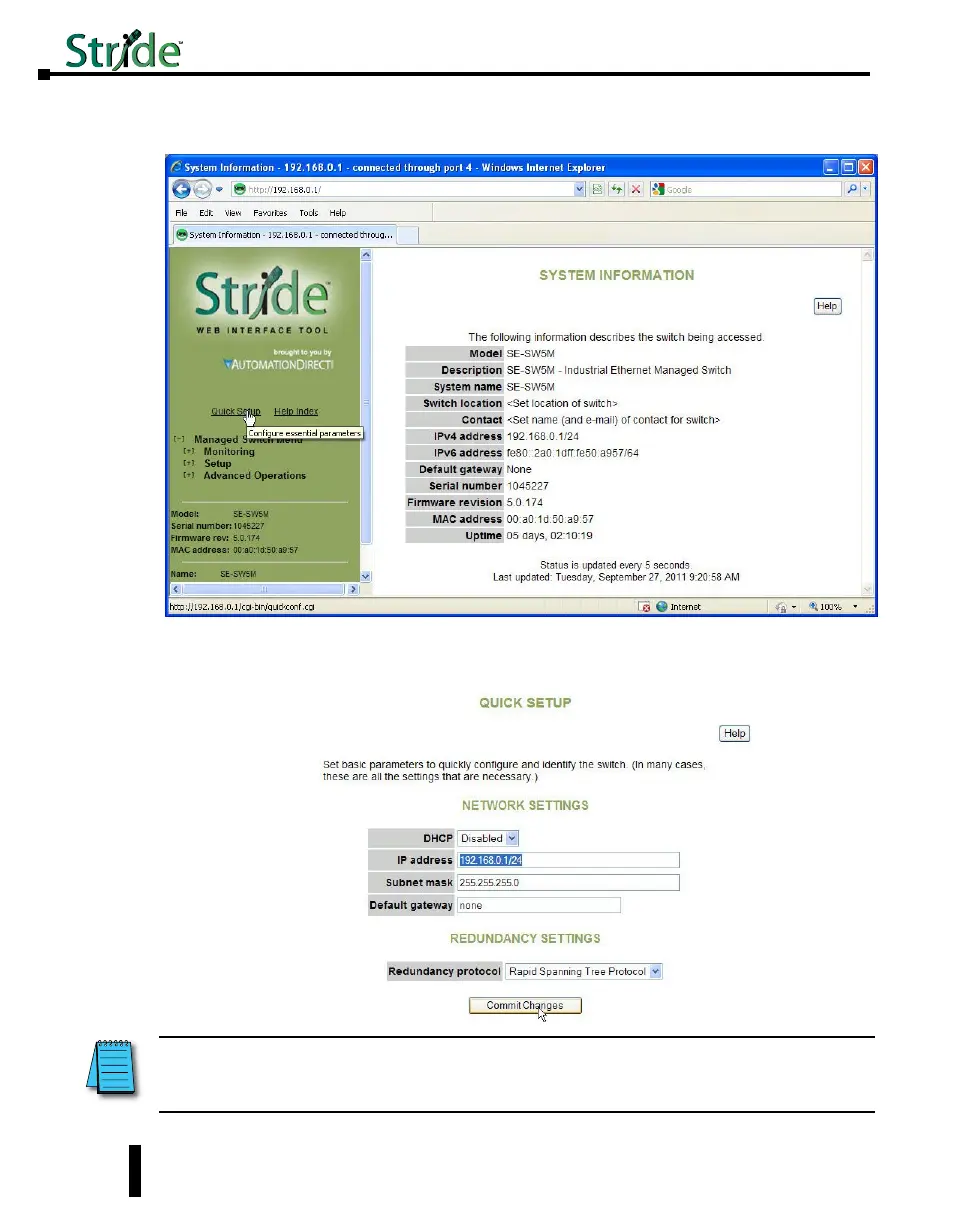
9. Click on the “Quick Setup” link on the upper left hand side of the window to access the Network
Settings.
10. Enter in the desired IP address and subnet mask that is compatible with the network that the
switch will go on or enable DHCP if that is the method you choose to assign the network
settings. Click on the “Commit Changes” button to enable the new settings.
NOTE: Neither the Network Address nor the Broadcast Address for you subnet are valid host addresses. For our
example that has a Subnet Mask or 255.255.255.0 and the first three octets are 192.168.0, neither the pc nor the switch
are permitted to be assigned 192.168.0.0 or 192.168.0.255 as an IP address.
2-6



 To Next Page