SunFounder ESP32 Starter Kit
4.10.4 Programming
1. Select a sprite
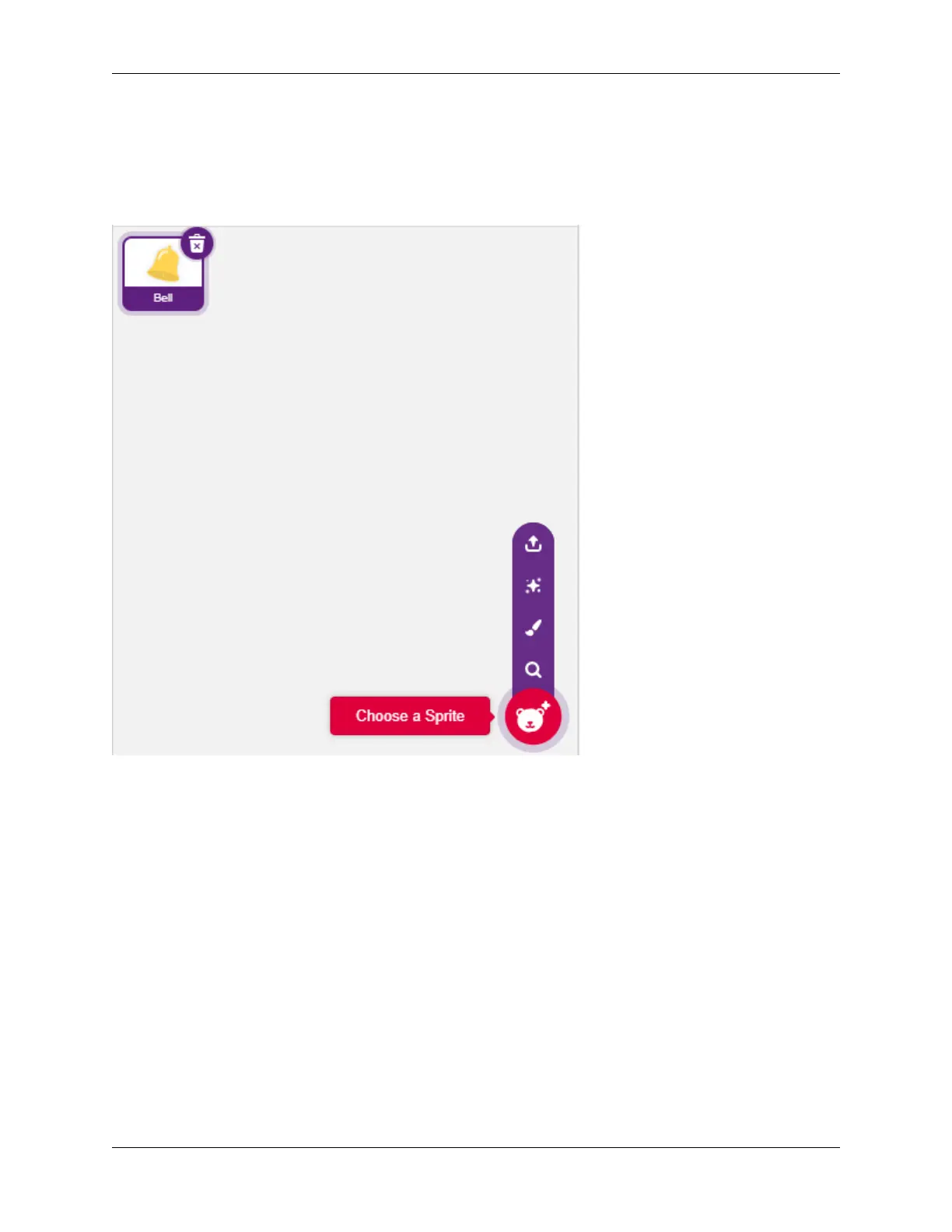
Delete the default sprite, click the Choose a Sprite button in the lower right corner of the sprite area, enter bell in the
search box, and then click to add it.
2. Read the value of pin35
Create two variables before and current. When green flag is clicked, read the value of pin35 and store it in variable
before as a reference value. In [forever], read the value of pin35 again, store it in the variable current.
516 Chapter 4. Play with Scratch



 To Next Page