103
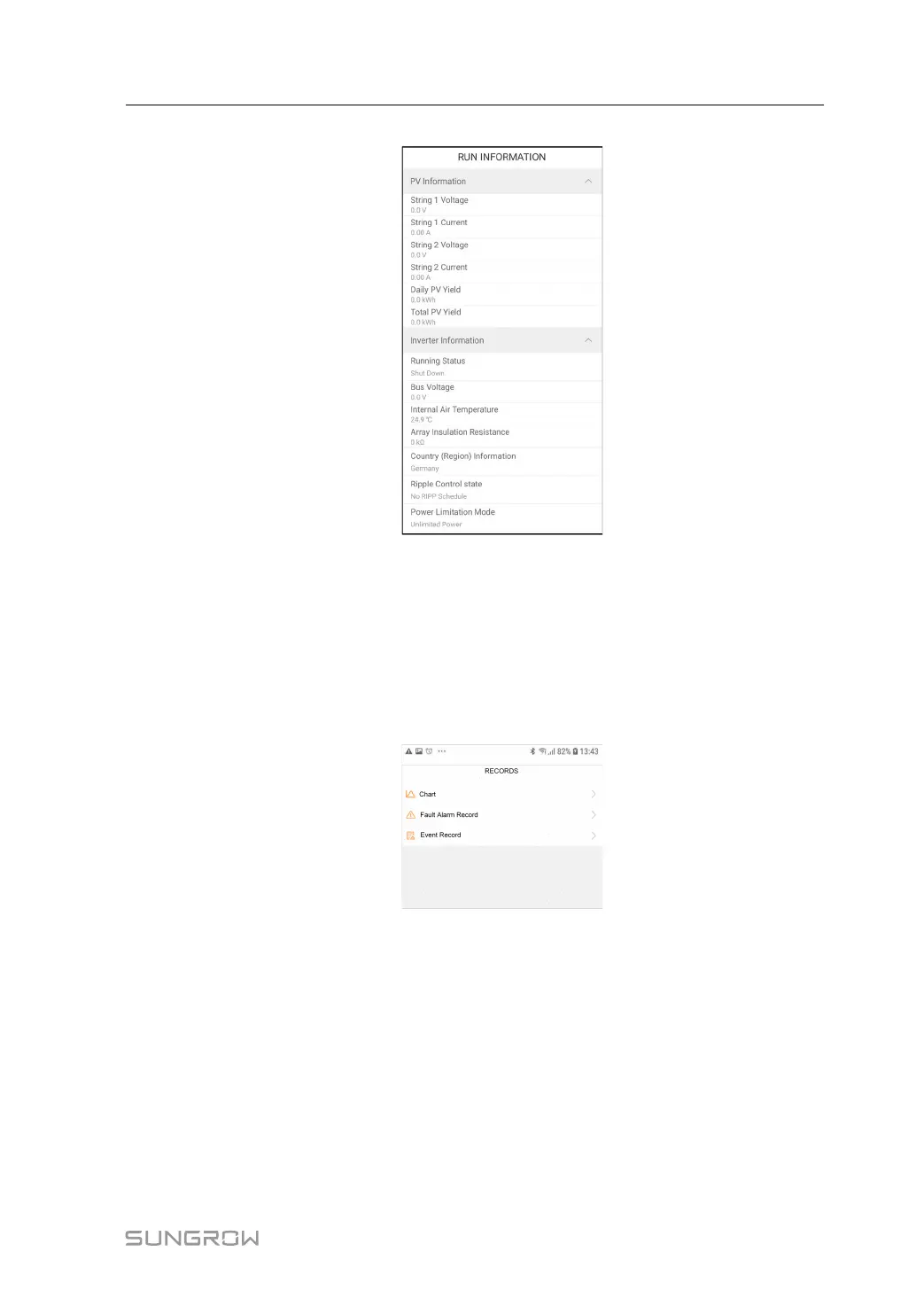
figure 8-10 Run Information
The run information includes the PV information, inverter information, input, output, grid in-
formation, load information, and battery information.
8.9 Records
Tap Records on the navigation bar to enter the screen, as shown in the following figure.
figure 8-11 Records
On Records screen, users can view chart and check fault alarm record.
8.9.1 Chart
Tap Chart to enter the screen showing daily power generation, as shown in the following
figure.
User Manual 8 iSolarCloud App



 To Next Page